AI Automation Work: How It Changes Everyday Jobs
Most workdays include tasks that feel useful and others that simply eat time. Updating spreadsheets, sorting messages, copying customer details, preparing routine reports, and chasing approvals can fill hours without creating much real value.
AI automation work changes that balance. It combines intelligent software with automated workflows so routine jobs can happen faster and with less manual effort. The goal isn’t to remove people from every process. It’s to let technology handle repetitive steps while people focus on decisions, relationships, creativity, and problems that require judgment.
Table of Contents
- What AI Automation Work Really Means
- How an Automated Workflow Operates
- Where AI Automation Is Already Working
- Tasks That Are Best Suited for Automation
- What Still Needs a Human
- How AI Automation Changes Jobs
- Common Problems and Practical Risks
- Starting Without Making Work More Complicated
- The Real Value of AI Automation Work
What AI Automation Work Really Means
Traditional automation follows fixed instructions. If a form contains a certain answer, the system sends it to a specific department. If an invoice reaches its due date, the software sends a reminder. The rules are clear and predictable.
AI-powered automation can deal with information that isn’t quite as tidy. It may read an email, identify what the sender wants, extract important details, and decide where the message should go. It can summarize a long document or recognize patterns across hundreds of customer requests.
That difference matters.
Imagine a property management company receiving dozens of messages every morning. Some tenants report broken lights, others ask about rent payments, and a few have urgent water leaks. A basic automation might sort messages by exact keywords. A smarter workflow can understand the general meaning, mark likely emergencies, and prepare the relevant details for a staff member.
The employee still makes the important call. The system simply clears away the early sorting work.
AI automation work is usually most effective when it supports an existing process rather than trying to control the whole operation. A well-designed system handles narrow, repeatable actions and knows when to pass the task to a person.
How an Automated Workflow Operates
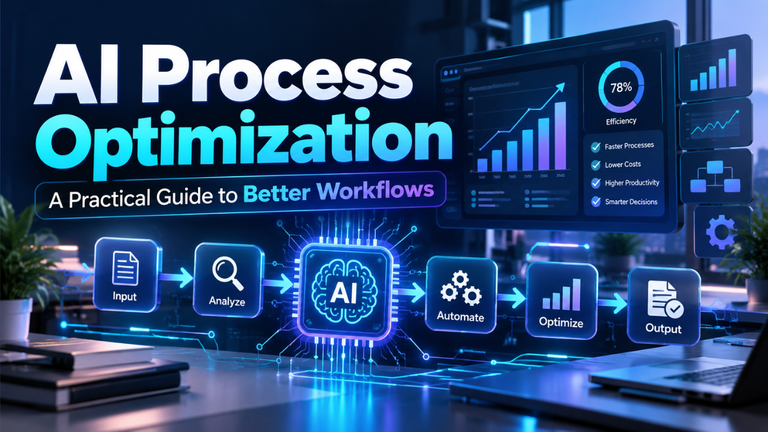
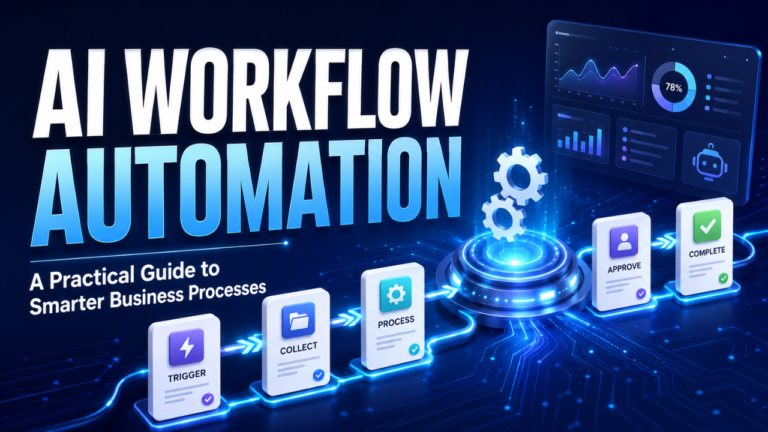
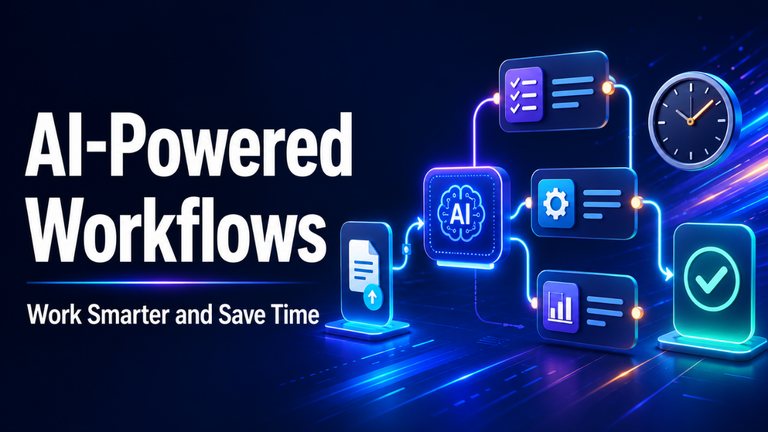
Most automated workflows have three basic parts: a trigger, a decision, and an action.
The trigger starts the process. It could be a new email, an online order, an uploaded document, a missed payment, or a scheduled time. The system then reviews the available information and decides what should happen next.
Finally, it performs an action. That might mean updating a record, creating a task, drafting a reply, sending an alert, or moving information into another business tool.
Consider a small online shop. A customer submits a return request explaining that a shirt arrived in the wrong size. The workflow reads the message, finds the order number, checks the return period, categorizes the issue, and prepares return instructions. If the order falls outside the normal policy, it sends the case to an employee instead.
From the customer’s point of view, the response arrives quickly. Behind the scenes, several small jobs have happened without someone switching between four different screens.
That’s where the practical value becomes clear. The biggest time savings often come from connecting small steps, not from automating one spectacular task.
Where AI Automation Is Already Working
Customer service is one of the most visible examples. Automated systems can categorize support tickets, suggest answers, summarize previous conversations, and direct complicated cases to the right team. This reduces waiting time, especially when a business receives the same basic questions every day.
Sales teams use automation to organize leads, update customer records, draft follow-up messages, and highlight prospects who may be ready for a conversation. A salesperson can spend less time cleaning data and more time actually speaking with potential buyers.
In finance departments, automated workflows help extract figures from invoices, compare purchase orders, identify unusual charges, and prepare payment records. Human review remains important, but employees no longer need to type every figure manually.
Recruitment offers another useful example. A system can schedule interviews, answer routine applicant questions, and summarize submitted information. However, choosing who deserves an opportunity shouldn’t be left entirely to software. Hiring decisions carry personal and ethical consequences that require human accountability.
Marketing, logistics, healthcare administration, education, and property management also use similar systems. The exact tools vary, but the purpose stays consistent: reduce repetitive handling and make useful information easier to reach.
Tasks That Are Best Suited for Automation
Not every boring task should automatically be automated. Some processes are too rare, too unstable, or too dependent on context to justify the setup.
The strongest candidates usually happen frequently and follow a recognizable pattern. They also consume enough time to make improvement worthwhile. Data entry, document classification, meeting summaries, routine status reports, appointment reminders, and basic customer questions often fit this description.
A simple test helps: if an employee can clearly explain the task as a series of steps, part of it may be suitable for automation.
Let’s say a manager prepares the same weekly report every Friday. She downloads figures from two systems, places them into a spreadsheet, calculates changes, and writes a short summary. Software could collect the numbers, run the calculations, and create a first draft. The manager would then check the results and explain anything unusual.
That last step is important. Good automation doesn’t merely save clicks. It gives the employee more time to understand what the figures actually mean.
Tasks involving large amounts of similar information are also strong candidates. A person may struggle to review 5,000 customer comments, while a system can group them by subject and identify repeated concerns. The final interpretation still benefits from someone who understands the business and its customers.
What Still Needs a Human
Here’s the thing: speed and judgment aren’t the same.
Automated systems can process information quickly, but they don’t fully understand responsibility, workplace history, personal sensitivity, or the hidden consequences of a decision. They may produce a confident answer based on incomplete or misleading information.
People remain essential when work involves trust, negotiation, empathy, ethics, strategy, or unusual circumstances. Telling an employee that their role is changing, calming an angry customer, resolving a conflict, or deciding whether to approve a sensitive financial request requires more than pattern recognition.
Human review also matters when mistakes could cause serious harm. Medical, legal, financial, and safety-related workflows need clear approval points. Automation may collect facts or flag possible problems, but a qualified person should remain accountable for the final decision.
Even ordinary tasks can contain exceptions. A loyal customer asking for a late refund may deserve flexibility. A delayed payment might involve personal hardship rather than carelessness. Rigid automation can miss those details.
The best systems make it easy for people to step in. They shouldn’t hide uncertainty or force every case through the same path.
How AI Automation Changes Jobs
Let’s be honest: automation can create understandable anxiety. When software begins completing tasks that once required hours of human work, employees naturally wonder what happens next.
In many workplaces, jobs won’t disappear overnight. They’ll change gradually. Administrative roles may involve less copying and more checking. Customer service teams may answer fewer basic questions but handle more complicated cases. Analysts may spend less time collecting data and more time interpreting it.
That shift can be positive, but only if businesses manage it responsibly.
Giving employees a new tool without training often creates frustration. People need to understand what the system does, where it can fail, and how their responsibilities are changing. They should also have a voice in the design because they usually know the real process better than senior managers or outside vendors.
There’s also a valuable change in the skills that matter. Clear communication, critical thinking, process design, and quality control become more important. Employees who can spot weak outputs, improve workflows, and connect technology with real business needs will remain highly useful.
Automation doesn’t remove the need for expertise. In many cases, it makes expertise easier to see.
Common Problems and Practical Risks
Poor-quality data is one of the biggest weaknesses. If customer records contain errors, missing details, or outdated information, an automated system may simply process those problems faster.
Privacy deserves equal attention. A workflow may handle emails, payment details, employee records, or confidential documents. Businesses need to know where that information goes, who can access it, and how long it’s stored.
Another risk is blind trust. A polished summary or professional-looking reply can still be wrong. Employees may stop checking outputs once the system appears reliable, which allows small mistakes to spread quietly.
Bias can also enter automated decisions through historical data or poorly chosen rules. If past hiring, lending, or customer-service decisions were unfair, a system trained on those patterns may repeat the same behavior at a larger scale.
Then there’s over-automation. Sometimes a company adds so many tools, alerts, and approval steps that employees spend more time managing the automation than doing the original work. Technology should reduce friction. If it creates another layer of confusion, the workflow needs to be simplified.
Starting Without Making Work More Complicated
A sensible starting point is one small, irritating process. Choose something employees perform regularly, understand well, and can easily check.
Map the current steps before selecting a tool. Who begins the task? What information is required? Where do delays happen? Which decisions need judgment? This often reveals that the real problem isn’t a lack of technology. It may be an unclear rule, duplicated approval, or badly organized data.
Once the process is clear, automate only the predictable portion. Keep a person involved for exceptions and final checks. Measure whether the change actually saves time, reduces errors, or improves response speed.
For example, a local repair company could begin by automating appointment confirmations and reminders. That’s safer and easier to evaluate than immediately building a system that diagnoses problems, estimates prices, and communicates with every customer without supervision.
After a successful trial, the company can expand carefully. Small improvements tend to produce better results than one giant transformation built on assumptions.
The Real Value of AI Automation Work
AI automation work is most useful when it removes routine effort without removing human responsibility. It can organize information, connect systems, prepare drafts, and complete predictable actions at impressive speed. People then have more space for thoughtful decisions and meaningful conversations.
The smartest approach isn’t to automate everything. It’s to identify the work machines can handle reliably, protect the work that needs human judgment, and build a clear handoff between the two. When that balance is right, automation feels less like a replacement and more like a capable assistant that quietly keeps the day moving.