AI Workflow Automation: A Practical Guide to Smarter Business Processes
Most businesses don’t struggle because their teams lack talent. They struggle because good people spend too much time copying data, sorting emails, updating records, and chasing routine approvals.
That’s where AI workflow automation becomes useful. It combines traditional automation with intelligent decision-making, helping systems understand information and choose the next appropriate action. Instead of following one rigid path, a workflow can classify requests, summarise documents, flag unusual activity, or send a task to the right person.
The real value isn’t replacing an entire team. It’s removing the small, repetitive jobs that interrupt focused work. When used well, automation gives people more time to solve problems, speak with customers, and make thoughtful decisions.
Table of Contents
- What AI Workflow Automation Actually Means
- Why Traditional Automation Isn’t Always Enough
- How an Automated Workflow Moves from Start to Finish
- Where AI Workflow Automation Delivers the Biggest Impact
- Keeping People Involved in Important Decisions
- How to Choose Your First Workflow
- Common Automation Mistakes to Avoid
- Measuring Whether the Workflow Is Working
- The Practical Takeaway
What AI Workflow Automation Actually Means
AI workflow automation is the use of intelligent software to complete, manage, or support a series of connected business tasks. It can receive information, understand its meaning, make a limited decision, and trigger an appropriate response.
Traditional workflows usually rely on fixed rules. For example, when a customer submits a contact form, the system creates a record and sends a confirmation email. The same steps happen every time.
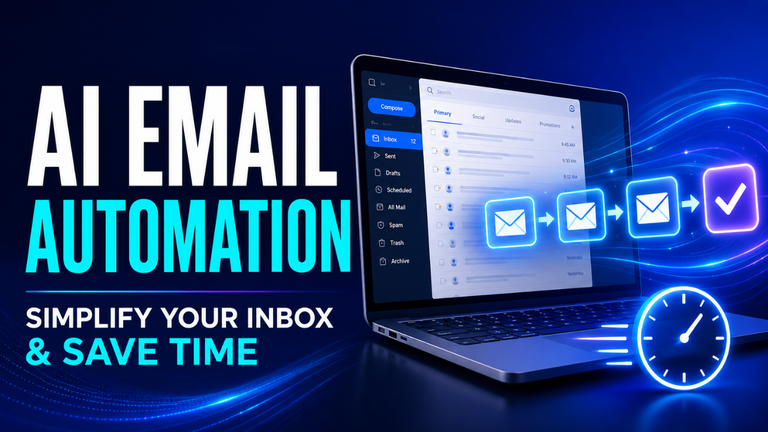
An intelligent workflow can go further. It may read the customer’s message, identify whether it’s a complaint or sales enquiry, estimate its urgency, and assign it to the correct department. A simple request might receive an immediate answer, while a sensitive issue gets passed to a human.
Think of a busy online shop receiving hundreds of customer messages every morning. Without automation, someone must open each message and decide where it belongs. With a well-designed workflow, the system handles the first round of sorting in seconds.
That doesn’t make human judgment unnecessary. It simply means employees begin with an organised queue instead of a crowded inbox.
Why Traditional Automation Isn’t Always Enough
Basic automation works brilliantly when information is predictable. If a payment arrives, mark an invoice as paid. If stock falls below a set number, send an alert. These are clear situations with clear rules.
The trouble begins when the input is messy.
Customers often use different words to describe the exact same issue. Invoices arrive in different formats. Leads provide incomplete information. Internal requests may be urgent even when nobody selects the “urgent” option.
A rigid system often fails because it expects every input to look the same. Intelligent automation can interpret text, recognise patterns, extract details from documents, and deal with some variation.
Let’s be honest, though: it isn’t magic. A badly planned workflow remains a badly planned workflow, even if it includes advanced technology. If the approval process already has unnecessary steps, automating it may only make an inefficient process move faster.
The smartest approach is to simplify the process first. Then automate the parts where speed, consistency, or better organisation will genuinely help.
How an Automated Workflow Moves from Start to Finish
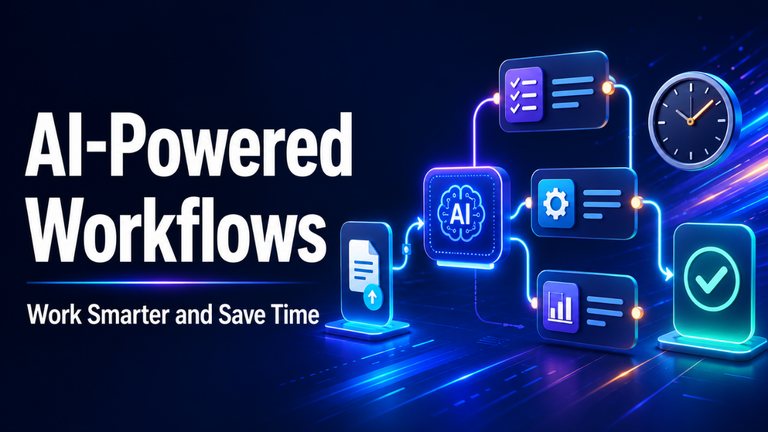
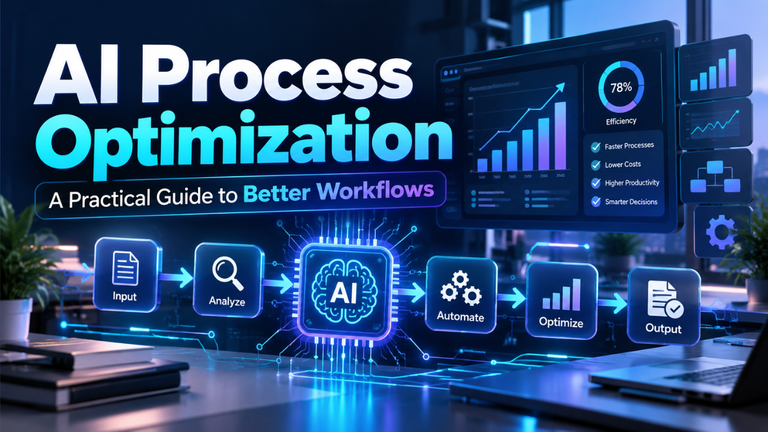
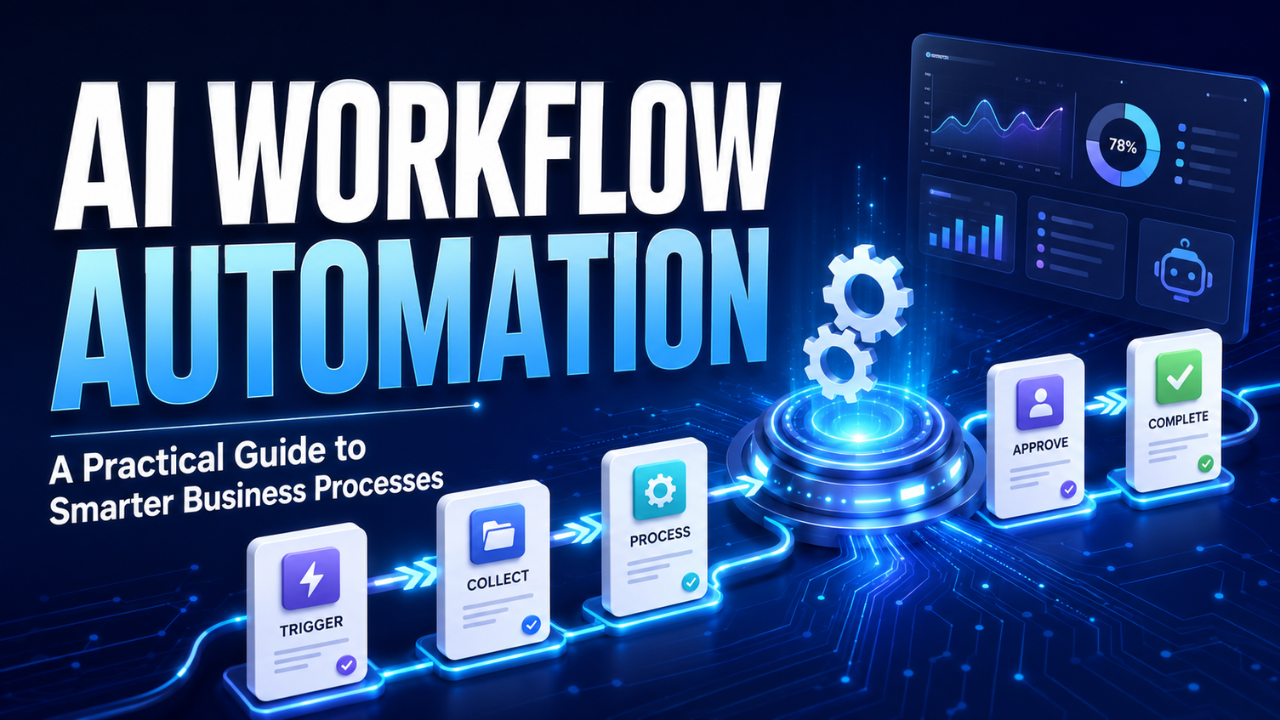
Most automated workflows follow a basic pattern: something happens, the system evaluates it, and an action follows.
The starting event is often called a trigger. It could be a submitted form, received email, new order, uploaded document, scheduled time, or change in a database.
Next comes interpretation. The system may extract a customer’s name from an email, categorise a support ticket, summarise a report, or check whether an invoice contains all required information.
The workflow then makes a limited decision based on rules, predictions, or both. A low-value expense might move directly to processing, while a larger one goes to a manager for approval. A common customer question could receive a prepared response, while a complaint involving payment is escalated.
Finally, the system performs an action. It may update a CRM, create a task, send a notification, generate a draft, schedule a follow-up, or request human review.
A useful workflow also records what happened. This creates an audit trail and makes errors easier to investigate. Without clear records, teams may know that something went wrong but have no idea where the problem began.
Where AI Workflow Automation Delivers the Biggest Impact
Not every business activity deserves automation. The best opportunities are usually repetitive, time-consuming, and based on recognisable patterns.
Customer Support
Support teams often answer similar questions about deliveries, refunds, account access, and product features. Automation can identify the subject of each request, suggest a suitable reply, and direct complex cases to an employee.
Imagine a customer writing, “My parcel was meant to arrive yesterday, but tracking hasn’t changed.” The workflow could identify it as a delivery issue, retrieve the order status, prepare a response, and place it in the correct support queue.
The employee still controls the final message when needed, but much of the searching and sorting has already been completed.
Sales and Lead Management
Sales teams lose opportunities when enquiries sit unanswered or reach the wrong person. An automated workflow can review a new lead, enrich the record, identify its likely value, and assign it according to location, company size, or service interest.
It can also prepare a personalised follow-up draft. That’s helpful, but the message should still sound like it came from someone who understands the customer. Fully automated outreach often becomes generic very quickly.
The goal should be faster, more informed communication—not simply sending more messages.
Finance and Administration
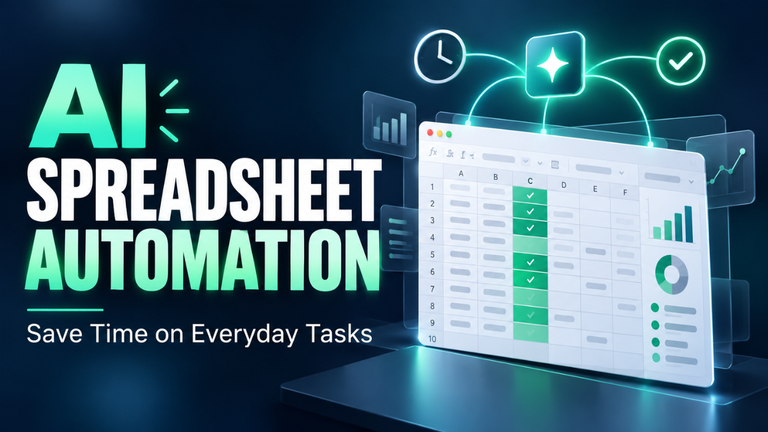
Administrative work contains plenty of repetitive document handling. A workflow can extract details from invoices, compare them with purchase orders, highlight missing information, and send valid documents for approval.
Consider a small agency processing 80 invoices each month. An employee may spend hours entering supplier names, dates, reference numbers, and totals. Automation can capture those details, leaving the employee to review exceptions instead of typing every line manually.
The same idea applies to employee onboarding, expense requests, meeting notes, routine reports, and internal service requests.
Keeping People Involved in Important Decisions
AI workflow automation works best when responsibility remains clear. The system can recommend an action, but someone should know who owns the final outcome.
Low-risk, reversible tasks can often run automatically. Sorting messages, creating draft summaries, adding tags, and sending internal alerts rarely create serious consequences when properly tested.
High-impact decisions require stronger human oversight. Hiring, employee discipline, credit approval, medical matters, legal issues, and large financial transactions shouldn’t depend on an unchecked automated recommendation.
Confidence levels can help determine when human review is needed. If a system is highly confident that an email is a routine password-reset request, it may follow the normal process. If the message is unclear, it should send the case to a person.
This isn’t a weakness. It’s a sensible design choice.
People should also be able to correct the system easily. Those corrections provide valuable feedback and reveal where the workflow needs better rules, examples, or boundaries.
How to Choose Your First Workflow
Start with a process that causes regular frustration but carries limited risk. Look for tasks involving repeated copying, categorising, checking, summarising, or routing.
Speak with the people who actually perform the work. Managers may understand the official process, but employees usually know where delays, missing information, and awkward exceptions occur.
A promising first workflow normally has several qualities:
- It happens frequently.
- Its inputs are reasonably consistent.
- Its results can be checked.
- Mistakes are easy to reverse.
- Success can be measured clearly.
For example, automating the initial classification of support emails is safer than automating refunds from day one. Once the team trusts the classification process, additional steps can be introduced carefully.
Before building anything, map the current workflow. Note where information enters, who makes each decision, which tools are used, and what happens when something unusual occurs. Exceptions matter because real business processes rarely follow one perfect path.
Common Automation Mistakes to Avoid
The first mistake is trying to automate too much at once. Large projects create more integrations, more exceptions, and more ways for something to fail. A focused workflow is easier to test and improve.
Another common problem is poor-quality data. If customer records contain duplicates, missing fields, or outdated details, automation will spread those problems across connected systems.
Teams also underestimate maintenance. Business rules change. Staff responsibilities shift. Forms get redesigned and software tools update their interfaces. Someone must own the workflow after launch and check that it continues to behave correctly.
Privacy deserves equal attention. A workflow should only access the information it needs. Sensitive customer, employee, or financial data shouldn’t be passed through unnecessary tools.
Finally, don’t hide automation from the people using it. Employees need to understand what the system does, when they should intervene, and how they can report an error. A workflow that nobody trusts will eventually be ignored or worked around.
Measuring Whether the Workflow Is Working
A successful workflow should improve a real business result. “We automated it” isn’t a useful measure on its own.
Track the time required before and after implementation. Check how often the system completes the task correctly, how many cases need manual review, and whether the error rate changes.
You might also measure response times, processing costs, customer satisfaction, missed enquiries, or the number of tasks completed without rework.
Suppose invoice processing drops from twelve minutes per document to four. That sounds positive, but the full picture matters. If employees spend another ten minutes fixing extraction mistakes, the workflow hasn’t delivered a genuine improvement.
Pay attention to employee feedback as well. Numbers might show that a process is faster, while the people involved reveal that it has become harder to correct unusual cases.
Good measurement combines performance data with practical experience.
The Practical Takeaway
AI workflow automation is most valuable when it removes routine friction without removing human responsibility. It can organise information, connect business tools, suggest actions, and keep everyday processes moving.
Start with one clear problem. Choose a task your team understands, set sensible boundaries, and keep people involved wherever judgment matters. Once that workflow proves reliable, expand gradually.
The aim isn’t to automate everything. It’s to give people fewer repetitive tasks and more time for work that genuinely needs their attention.