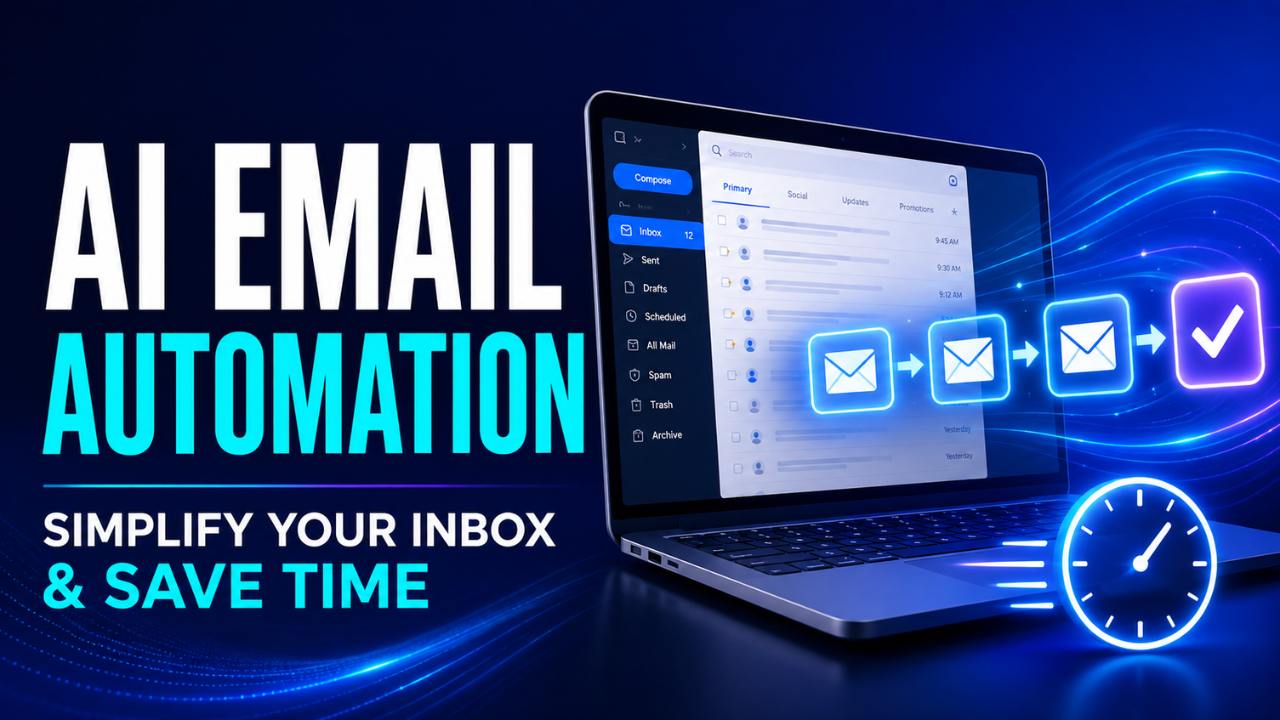
AI Email Automation: Simplify Your Inbox and Save Time
Email rarely becomes overwhelming all at once. It usually starts with a few unanswered messages, a missed follow-up, and a growing pile of routine requests. Before long, someone is spending half the morning sorting conversations, copying details into another system, and replying to questions they’ve already answered dozens of times.
AI email automation can take much of that repetitive work off your plate. It can organize incoming messages, suggest replies, trigger follow-ups, and help send the right information at the right moment. Used carefully, it doesn’t make communication feel robotic. It gives people more time to handle the conversations that actually need human attention.
Table of Contents
- What AI Email Automation Actually Does
- Where Email Automation Provides the Most Value
- Building Workflows Around Real Intent
- Personalization Without Pretending
- Keeping People in Control
- How to Set Up AI Email Automation
- Mistakes That Make Automated Emails Feel Cold
- Measuring Whether It’s Actually Working
- A Smarter Inbox Still Needs Human Judgment
What AI Email Automation Actually Does
Traditional email automation follows fixed instructions. A customer fills out a form, so the system sends a welcome email. Three days later, it sends another message. The timing and content were decided in advance, and every contact usually follows the same path.
AI email automation adds another layer. It can examine the meaning, tone, urgency, or context of a message before deciding what should happen next.
Imagine a company receiving 200 emails each day. Some are sales questions, some are support requests, and others are invoice reminders. Instead of making one employee sort everything manually, an intelligent system can label the messages, identify priority cases, and route each conversation to the right person.
It may also summarize long threads, suggest a suitable response, extract useful details, or recognize when a customer sounds frustrated. The final decision can still belong to a person. The system simply prepares the ground.
That distinction matters. Good automation supports judgment; it doesn’t blindly replace it.
Where Email Automation Provides the Most Value
The best opportunities are usually hiding inside boring, repetitive tasks.
Customer support is an obvious example. Many support inboxes receive the same questions every week: Where is my order? How can I reset my password? Can I change my billing address? Automation can recognize these requests and provide an appropriate response or direct the customer to the correct resource.
Sales teams can use the same approach differently. Suppose a potential client downloads a pricing guide and later asks whether a service works for a five-person company. The system can identify that person as a serious lead, prepare a relevant reply, and remind a salesperson to follow up if there’s no response.
Small businesses may find even simpler uses valuable. A freelance designer, for instance, might receive several project inquiries while working. Rather than stopping every few minutes, the inbox can collect important details, acknowledge each inquiry, and flag the strongest opportunities for review later.
Internal email can also benefit. Messages about leave requests, meeting schedules, payment approvals, or document access often follow predictable patterns. Automating part of that traffic reduces unnecessary back-and-forth.
Here’s the thing: the goal isn’t to automate every message. It’s to remove delays and repetitive actions from conversations that already follow a recognizable path.
Building Workflows Around Real Intent
A strong workflow begins with the reason someone sent the email.
That sounds simple, but many businesses start with the message they want to send rather than the problem the recipient wants solved. The result is usually a rigid sequence that keeps running even when the conversation has changed.
Consider an online store with an abandoned-cart campaign. A shopper leaves an item in the cart, so the first reminder goes out. The customer then replies to ask whether delivery is available in their area. A basic sequence might ignore that reply and continue sending discount messages.
A better system recognizes the delivery question, pauses the original sequence, and sends the conversation to someone who can help. Once the question is resolved, the next action can reflect what actually happened.
Useful workflows depend on context. They look at customer actions, previous messages, timing, and intent before choosing a response.
Start by studying the messages your business already receives. Look for repeated questions, common delays, and moments where a simple response would move the conversation forward. These patterns make much better automation opportunities than complicated ideas built around rare situations.
One dependable workflow that saves ten minutes every day is worth more than an impressive system that regularly makes the wrong decision.
Personalization Without Pretending
Personalization should make an email more relevant, not create the illusion of a friendship that doesn’t exist.
Using someone’s first name is easy, but it isn’t especially meaningful by itself. Real personalization comes from context. A useful email may refer to the product a customer purchased, the problem they reported, or the stage they’ve reached in a project.
Let’s be honest, recipients can usually tell when a supposedly personal message was sent to thousands of people. Overly familiar greetings, fake compliments, and vague claims about someone’s business often make an email feel less trustworthy.
A better approach is quieter. Use information that helps the recipient understand why they’re receiving the message. If a customer asked about a delayed order, respond to that specific concern. If a subscriber regularly reads content about website security, send resources connected to that interest instead of another general newsletter.
Good personalization feels useful. It doesn’t need to show off how much data a system has collected.
Keeping People in Control
Some messages are safe to automate completely. A confirmation email, password reset, or meeting reminder usually doesn’t require individual review.
Other situations need a person.
Complaints, refund disputes, contract questions, sensitive account issues, and emotionally charged conversations can quickly go wrong if an automatic response misses an important detail. Even a grammatically perfect reply may feel careless when someone is upset.
One practical solution is to use confidence levels. Routine messages with a clear meaning can receive an automatic response. Uncertain or sensitive emails can be drafted but held for approval. High-risk conversations should go directly to a team member.
Escalation rules are just as important. If a customer replies several times, uses urgent language, or reports that an earlier solution failed, the system should stop repeating itself and bring in a person.
People should also be able to review why an email was classified or answered in a certain way. Without that visibility, mistakes become difficult to find and even harder to correct.
How to Set Up AI Email Automation
Begin with one narrow problem. Don’t try to rebuild your entire inbox on the first day.
You might start with appointment requests, order-status questions, or new sales inquiries. Choose an area with enough volume to matter but little risk if a message needs manual correction.
Next, collect real examples. Review previous emails and note how people phrase the same request in different ways. One customer may write, “Where is my package?” while another says, “My order was supposed to arrive Tuesday.” Both messages may have the same intent, but the wording is different.
Decide what the system is allowed to do after recognizing that intent. Can it send a full response, prepare a draft, apply a label, update a customer record, or notify a team member? Set clear boundaries instead of giving it unlimited freedom.
The response itself needs attention too. Write in the same tone your team normally uses. Keep it direct, include the necessary information, and make the next step obvious. A useful support reply should solve the problem or explain exactly what the customer needs to do next.
Before going live, test the workflow with normal messages, unusual wording, incomplete information, and deliberately difficult examples. Try misspellings. Send a message covering two separate problems. Check what happens when an attachment is missing or an account cannot be found.
Once the workflow is active, review its decisions regularly. Early monitoring will reveal patterns that weren’t obvious during setup.
Mistakes That Make Automated Emails Feel Cold
The fastest way to damage trust is to send a confident response that doesn’t address the actual message.
This often happens when businesses automate too much too quickly. They create dozens of categories, complicated sequences, and aggressive follow-ups before confirming that the basic classifications are accurate.
Another common mistake is allowing automation to continue after a person has replied. Nobody wants to receive “Just checking whether you saw my previous email” after already answering it. Every workflow should recognize replies, status changes, and completed actions.
Timing can cause trouble as well. A sales reminder sent too soon feels pushy, while a support response sent hours after an urgent complaint feels indifferent. Different conversations need different timing rules.
Privacy also deserves careful attention. Email may contain addresses, payment details, private documents, or internal business information. Only collect what the workflow genuinely needs, control who can access it, and avoid placing sensitive information inside unnecessary summaries or logs.
Finally, don’t hide the exit. Subscribers should be able to update preferences or unsubscribe without searching through tiny text. Customers should have a clear way to reach a person when an automated response doesn’t help.
Measuring Whether It’s Actually Working
Open rates and click rates can be useful, but they don’t tell the whole story.
For support workflows, look at response time, resolution time, repeat contacts, and the number of conversations that require escalation. If automated replies are fast but customers keep returning with the same question, the system isn’t solving much.
Sales teams can examine qualified replies, booked meetings, follow-up completion, and conversions. A high open rate means little if the message attracts no meaningful response.
It’s also worth measuring time saved. If employees spend fewer hours sorting email but more hours correcting poor responses, the workflow has simply moved the work around.
Read actual conversations alongside the numbers. A small sample of real email threads can expose confusing language, awkward timing, or incorrect assumptions that a dashboard won’t show.
A Smarter Inbox Still Needs Human Judgment
AI email automation works best when it handles repetition while people handle nuance. It can sort messages, prepare replies, maintain follow-ups, and prevent routine tasks from slipping through the cracks. What it can’t reliably replace is empathy, responsibility, and common sense.
Start small, use real conversations as your guide, and keep an easy path to human help. The best system won’t be the one that sends the most automated emails. It’ll be the one that makes communication faster without making it feel less human.