AI Business Processes: A Practical Guide to Smarter Work
Most businesses don’t struggle because their teams lack effort. They struggle because too much time disappears into repetitive tasks, scattered information, slow approvals, and small errors that keep returning.
That’s where AI business processes can make a real difference. Used well, they remove friction from everyday work without turning the company upside down. A customer request reaches the right person faster. An invoice gets checked before an error becomes expensive. A manager sees a problem while there’s still time to fix it.
The technology matters, of course. But the bigger question is simpler: does the work become easier, faster, and more reliable?
Table of Contents
- What AI Business Processes Actually Look Like
- Start With Friction, Not Technology
- Where AI Fits Best in Everyday Operations
- Keep People in the Decisions That Matter
- Good Data Matters More Than Fancy Tools
- Measure the Change in Real Work
- Scale Carefully Without Slowing Down
- The Real Advantage Is Better Flow
What AI Business Processes Actually Look Like
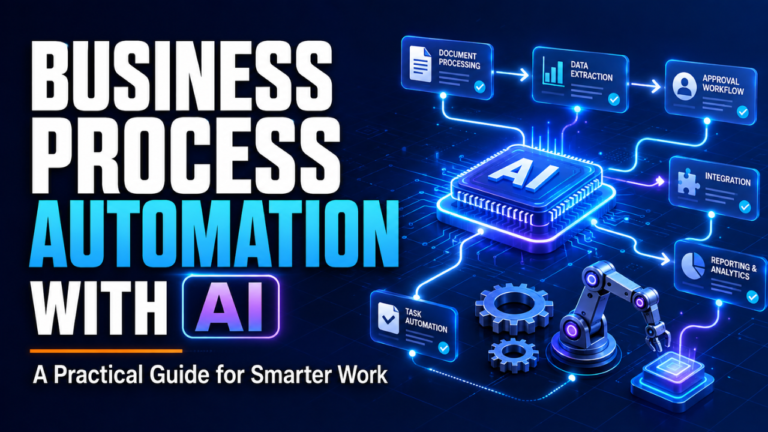
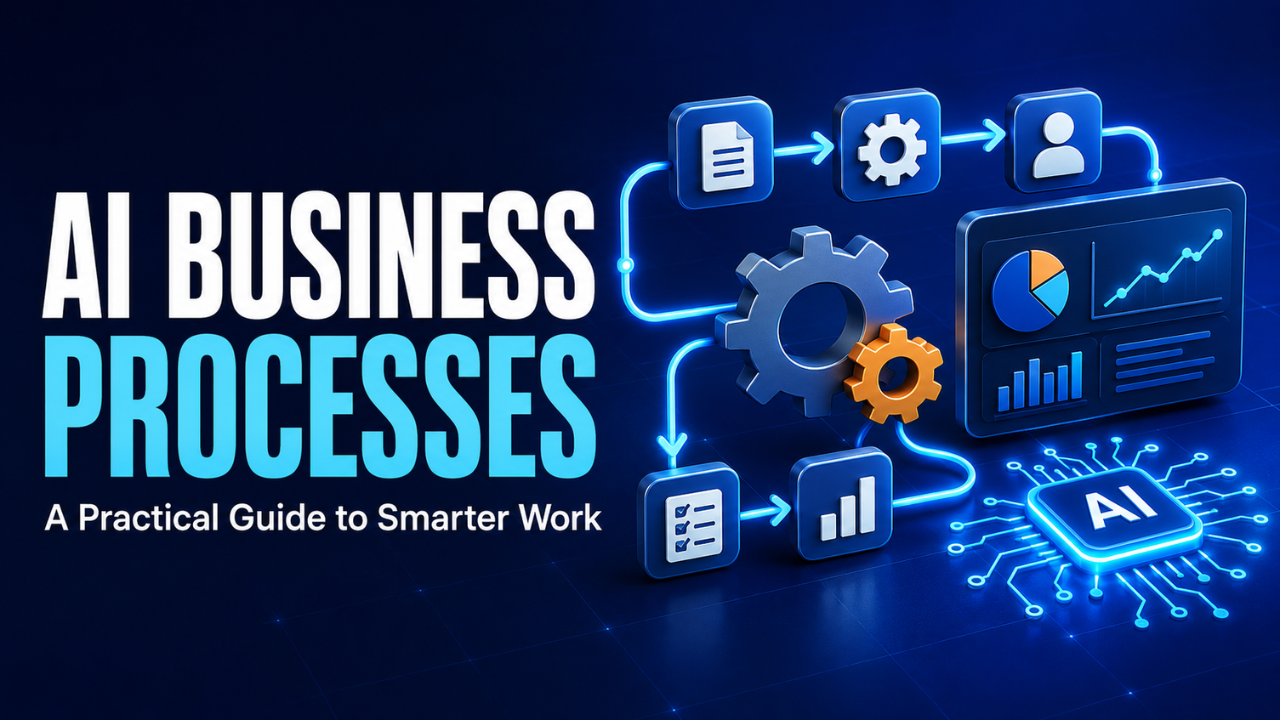
The phrase can sound more complicated than it is. AI business processes are ordinary business workflows improved by systems that can recognize patterns, understand information, make predictions, or handle routine actions.
Imagine a company receiving hundreds of customer emails every day. Employees read each message, identify the issue, choose a department, and write a response. A smarter process can classify those emails, highlight urgent cases, suggest replies, and send each request to the correct team.
The employee hasn’t disappeared. The irritating sorting work has.
You’ll see the same idea in finance, sales, recruitment, logistics, marketing, and customer support. The system handles the predictable parts, while people focus on situations that require context, judgment, negotiation, or empathy.
That distinction is important. Let’s be honest, handing every decision to software isn’t smart management. The goal is to create a better flow of work, not to remove humans from every step.
Start With Friction, Not Technology
A common mistake is choosing a tool first and then searching for somewhere to use it. That usually creates an impressive demonstration but a weak business result.
Start with friction instead.
Ask employees which tasks waste their time. Look for repeated data entry, long waiting periods, missed follow-ups, inconsistent decisions, and information that must be copied between systems. These are often better opportunities than large, dramatic projects.
Suppose a sales team spends ten minutes after every call updating customer records. Ten minutes doesn’t sound serious. Multiply it by eight calls, ten salespeople, and five working days, though, and the business is losing more than sixty hours each week.
A useful solution could summarize calls, extract key details, and prepare the customer record automatically. The salesperson reviews the information before saving it. A small change removes hours of administrative work without changing the core sales process.
Here’s the thing: boring problems often produce the best returns. They happen frequently, their costs are easy to see, and improvements can be measured quickly.
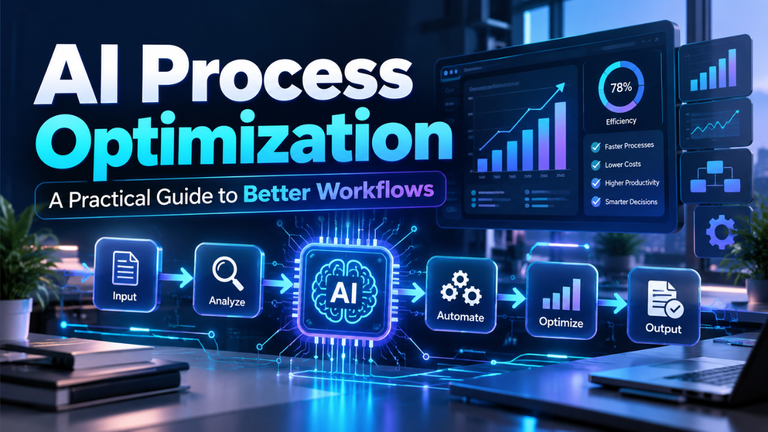
Before changing a process, write down how it currently works. Who begins it? Where does the information come from? Which steps require approval? What goes wrong most often? Without that picture, automation can simply make a messy process move faster.
Where AI Fits Best in Everyday Operations
Some tasks are naturally suited to intelligent automation. They happen often, follow recognizable patterns, and involve enough information to slow people down.
Customer support is an obvious example. A system can identify the subject and tone of an incoming message, retrieve relevant account details, recommend a response, and flag cases that need immediate attention. Customers get faster answers, while support agents spend more energy on difficult conversations.
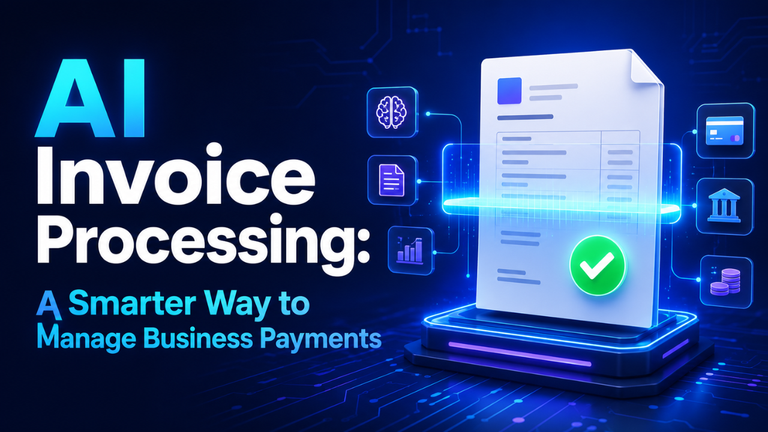
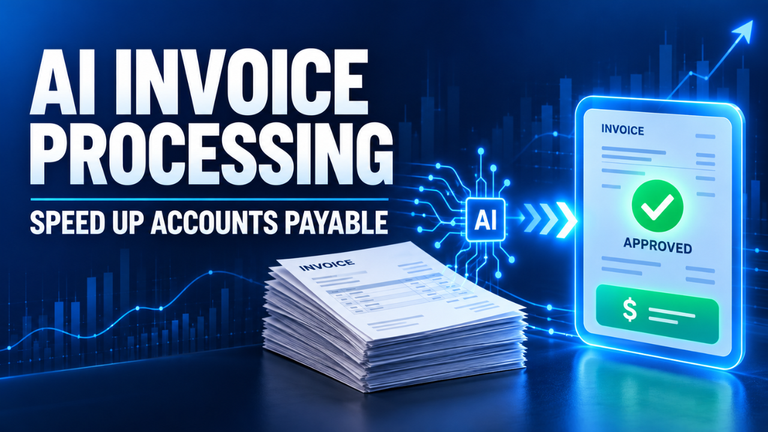
Finance teams can use similar processes to read invoices, match purchase orders, detect unusual payments, and prepare expense reports. Instead of manually
every ordinary transaction, employees can focus on exceptions.
In recruitment, technology can sort applications, arrange interviews, and respond to frequently asked questions from candidates. However, final hiring decisions should still involve real people who understand the role and can judge qualities that aren’t captured neatly in a document.
Operations teams also benefit. A distributor might predict when certain products will run low by studying sales patterns, delivery times, and seasonal demand. That doesn’t guarantee a perfect forecast. It gives the purchasing manager a stronger starting point.
The best use cases usually share three qualities: the task happens frequently, the input follows a reasonably consistent format, and mistakes can be reviewed before serious damage occurs.
Keep People in the Decisions That Matter
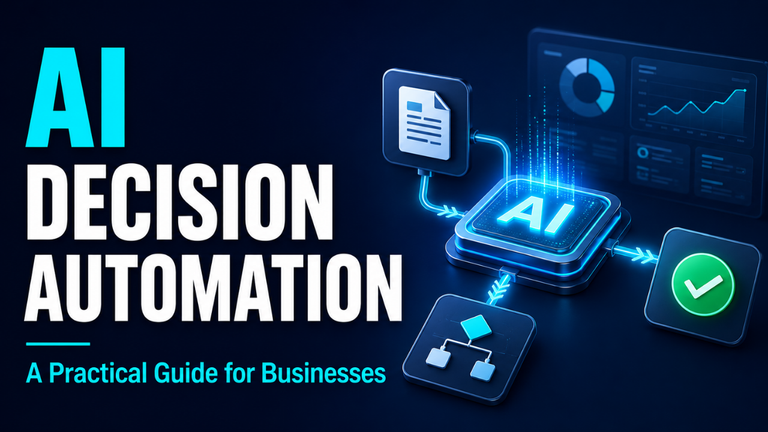
Automation works best when responsibility remains clear. If a system recommends rejecting an order, approving a refund, or changing a customer’s account, someone should know who owns the final decision.
That doesn’t mean employees must approve every tiny action. Doing so would remove much of the benefit. Instead, create levels of authority.
A low-value refund that meets clear conditions might be approved automatically. A larger refund could require a supervisor. An unusual case involving possible fraud should go to a specialist with the supporting information already collected.
This approach gives the process speed without losing control.
People also need a simple way to correct mistakes. If an employee notices that a request was classified incorrectly, fixing it shouldn’t require a technical support ticket and a three-day wait. Easy feedback helps the system improve and prevents workers from quietly creating manual workarounds.
Transparency matters too. Employees are more likely to trust a recommendation when they can see the information behind it. A sales forecast should show the important signals that influenced it. A risk alert should explain what appears unusual.
Trusting technology completely is risky, but questioning every result can be draining. Good design sits somewhere in the middle.
Good Data Matters More Than Fancy Tools
Even a powerful system will struggle with incomplete, outdated, or inconsistent information. If one department records customer names in three different formats and another rarely updates contact details, the process will produce unreliable results.
This is why data cleanup often becomes the less glamorous part of the project.
Begin with the information used in the chosen workflow. You don’t need to clean every file the company has collected since 2008. Focus on the fields that affect the decision or action being improved.
Decide which system holds the official record. Set simple rules for entering information. Remove obvious duplicates. Check whether important fields are frequently missing. Most importantly, assign responsibility for keeping the data useful after the initial cleanup.
Privacy deserves equal attention. A process should only use information that it genuinely needs. Sensitive customer, employee, or financial data must be protected with suitable access controls and retention rules.
Collecting more data isn’t automatically better. In many cases, a smaller amount of accurate, relevant information produces a stronger result than a huge, poorly managed database.
Measure the Change in Real Work
A successful pilot shouldn’t be judged by how advanced the technology appears. Measure what changed for the business and the people doing the work.
Start with a baseline. How long does the current task take? How many errors occur? How often do customers need to follow up? How much does each transaction cost? Without those numbers, almost any result can be made to sound successful.
Then choose a few practical measures. Processing time, error rate, response speed, customer satisfaction, and hours saved are usually more useful than technical performance alone.
Consider an accounts team that normally processes 500 invoices each week. After improving the workflow, the team still processes 500, but manual entry falls from six hours a day to two. That’s meaningful. If payment errors also decline, the value becomes even clearer.
Employee experience should be measured as well. A process that saves management money but makes daily work confusing may not last. Ask the people using it whether the new workflow removes effort or merely shifts the frustration somewhere else.
Watch for hidden costs too. A system may save time in one department while creating additional review work in another. Measure the complete process, not just the most visible step.
Scale Carefully Without Slowing Down
Once a pilot works, there’s a temptation to roll it out everywhere. A little patience helps here.
Use the first project to create repeatable rules. Document how opportunities are chosen, how risks are reviewed, who approves changes, and what happens when performance drops. This makes the next project faster because the team isn’t rebuilding its approach from nothing.
Expand to similar workflows before tackling completely different ones. If invoice processing works well in one business unit, testing it in another finance team makes more sense than jumping immediately to recruitment or legal work.
Regular reviews are essential. Business conditions change. Customer behavior shifts. Products, prices, policies, and internal responsibilities evolve. A process that worked accurately six months ago may slowly become less useful.
Someone must own each automated workflow after launch. That person doesn’t need to be a developer, but they should monitor results, collect feedback, and coordinate updates when the business changes.
Scaling isn’t simply installing more tools. It’s building the habits that keep improved processes reliable.
The Real Advantage Is Better Flow
AI business processes aren’t valuable because they make a company look modern. They’re valuable when work moves with fewer delays, employees spend less time on dull tasks, and customers receive more consistent service.
The strongest projects usually begin quietly. One frustrating workflow gets examined. A few repetitive steps are improved. Employees test the change, correct weak spots, and measure the result. Then the company applies what it learned elsewhere.
That steady approach may not sound dramatic, but it’s practical. Technology changes quickly; good process thinking lasts much longer. Focus on real friction, protect human judgment, keep the data clean, and measure what happens in daily work. That’s how smarter processes become a genuine business advantage rather than another short-lived experiment.