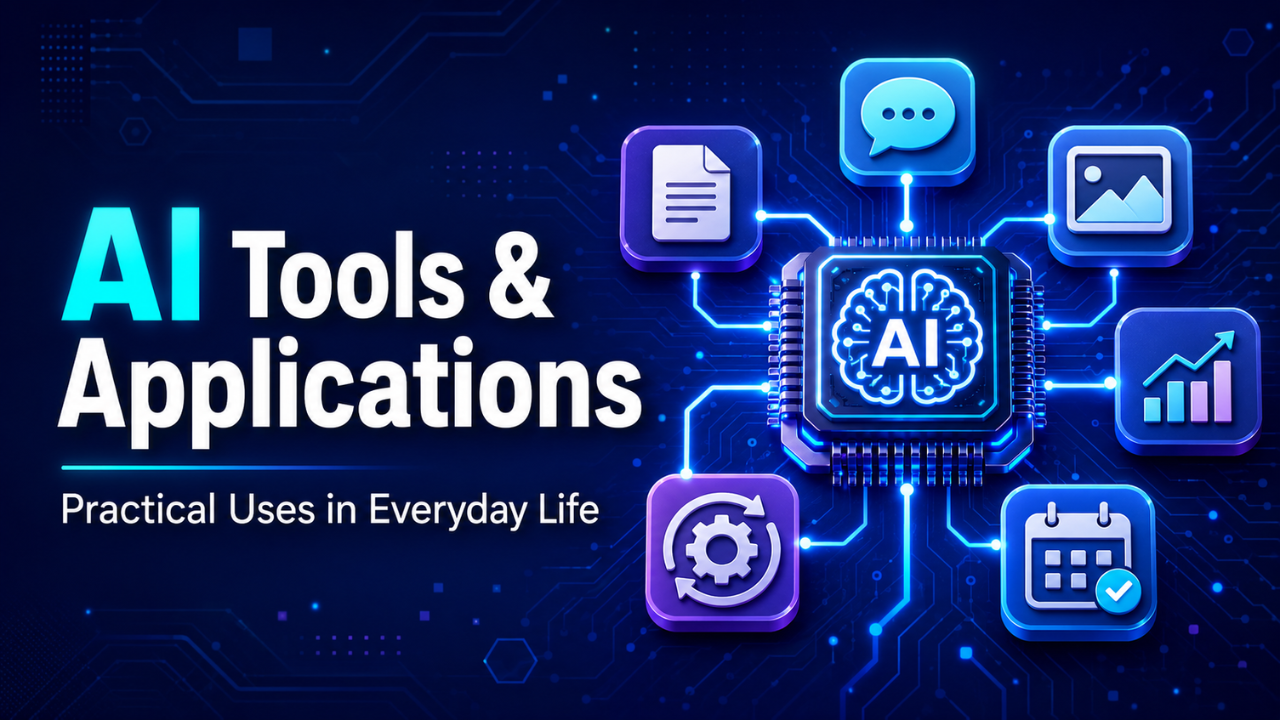
AI Tools & Applications: Practical Uses in Everyday Life
AI tools and applications have moved from interesting experiments to everyday working tools. They help people organize information, understand difficult topics, create visual content, detect problems, and finish repetitive tasks faster.
The real value isn’t that these tools can do everything. They can’t. Their value comes from handling the slow, mechanical parts of a task so people can focus on decisions, ideas, and judgment.
Think about a small business owner sorting customer messages at night. A useful system can group those messages by topic, highlight urgent complaints, and prepare short response suggestions. The owner still decides what to say, but the frustrating first step is already done.
That’s where these tools make the most sense: supporting human work instead of pretending to replace it.
Table of Contents
- What Makes an AI Tool Genuinely Useful?
- Everyday Work Is Becoming Easier
- Creative Work Gets a Faster Starting Point
- Smarter Applications for Modern Businesses
- Learning Becomes More Personal
- Healthcare and Accessibility Applications
- How to Choose the Right Tool
- The Limits Still Matter
- A More Practical Future
What Makes an AI Tool Genuinely Useful?
A useful tool solves a clear problem. It shouldn’t take an hour to set up a tool that saves only five minutes.
Some applications are designed to summarize documents. Others generate images, translate languages, analyze spreadsheets, improve customer support, or automate routine office tasks. The technology behind them may be complex, but the experience should feel simple.
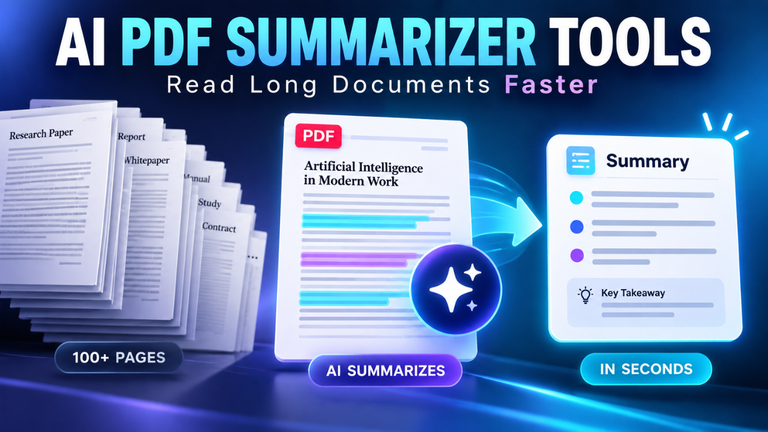
Let’s say you receive a 40-page report before a meeting. Reading the complete document is still the responsible choice if you’re making an important decision. However, a summarization tool can identify the main themes, recurring concerns, and sections that deserve immediate attention. You begin with a map instead of wandering through the document blindly.
That’s practical value.
The best tools also fit naturally into an existing routine. If someone has to change their entire workflow just to use a new application, they’ll probably abandon it after a week. Convenience matters more than flashy features.
Everyday Work Is Becoming Easier
Office work contains countless small tasks that drain attention. Rewriting a rough email, cleaning spreadsheet data, organizing meeting notes, and searching through old documents aren’t difficult, but they consume time.
AI applications can reduce that burden.
Imagine a project manager leaving a 45-minute meeting with pages of scattered notes. Instead of manually building an action list, a meeting assistant can identify decisions, deadlines, and assigned responsibilities. The manager then checks the details before sharing them with the team.
That final review is important. Automated notes can misunderstand a name, miss a joke, or treat a casual suggestion as a confirmed decision.
Email is another obvious example. Someone returning from a holiday may find hundreds of unread messages. A sorting system can separate urgent client requests from newsletters, internal updates, and low-priority notifications. It doesn’t eliminate the inbox, but it makes the inbox manageable.
Developers use coding assistants in a similar way. These tools can explain unfamiliar code, suggest basic functions, detect common errors, and draft test cases. An experienced developer still needs to examine security, logic, and performance. The assistant simply helps them reach the serious thinking stage sooner.
Creative Work Gets a Faster Starting Point
Creative people often struggle more with the blank page than the work itself. Once there’s something to react to, ideas begin moving.
This is what makes generative tools useful for writers, designers, video editors, and marketing teams. They can produce rough concepts, alternative headlines, simple storyboards, color suggestions, or early visual references.
Picture a designer preparing a campaign for a neighborhood bakery. Before spending hours polishing one direction, the designer can create several rough visual concepts: warm and traditional, bright and playful, or clean and modern. The bakery owner can quickly explain which direction feels right.
The designer hasn’t been replaced. In fact, the designer’s judgment becomes more valuable because someone still needs to control the layout, mood, brand consistency, and final quality.
There’s also a risk of accepting the first result because it looks polished. Polished doesn’t always mean original or appropriate. Generated material can feel strangely familiar, repeat common patterns, or miss the emotional detail that makes creative work memorable.
Use it as clay, not as a finished sculpture.
Smarter Applications for Modern Businesses
Businesses collect more information than most teams can comfortably review. Sales records, customer feedback, website behavior, support conversations, inventory data, and market reports quickly pile up.
AI-powered analysis can uncover patterns hidden inside that information. A retailer might notice that one product receives more returns after a particular description change. A restaurant might notice that customers frequently complain about its delivery packaging. A software company may discover that users leave during the same setup step.
These insights aren’t always dramatic. Sometimes the most valuable discovery is a small problem that has quietly annoyed customers for months.
Customer service is another growing application. Automated assistants can answer routine questions about delivery times, account settings, or return policies at any hour. When the issue becomes complicated, the conversation should move to a real person.
That handoff separates good automation from frustrating automation.
Fraud detection systems also examine unusual activity much faster than a person could. They can flag strange payment patterns, repeated login attempts, or sudden account changes. Still, a warning is not proof. Human review remains necessary, especially when a wrong decision could block an innocent customer.
Learning Becomes More Personal
A classroom teacher must explain one idea to many students at once. Some understand immediately. Others need a simpler example, a visual explanation, or more practice.
Adaptive learning tools can respond to those different needs. A student struggling with fractions might receive a step-by-step explanation using pizza slices. Another student who already understands the basics can move to a harder problem involving measurements.
This type of support can also help adults learning new skills. Someone studying English may ask for a grammar explanation, practise a conversation, and receive instant feedback without feeling embarrassed about making mistakes.
But instant answers can become a trap.
If a student copies a solution without understanding it, the tool has saved time while weakening learning. A better approach is to ask for hints, explanations, practice questions, or feedback on an attempted answer.
The goal should be clearer thinking, not effortless completion.
Healthcare and Accessibility Applications
Some of the most meaningful applications appear in healthcare and accessibility.
Medical systems can assist professionals by examining images, organizing patient information, identifying possible risks, and reducing administrative work. A doctor may use software to notice a pattern that deserves closer investigation, but diagnosis and treatment still require professional responsibility.
These tools are strongest when they support trained people rather than making unsupervised decisions about someone’s health.
Accessibility applications have a more immediate everyday impact. Speech recognition helps people control devices with their voices. Live captions make conversations and videos easier to follow. Text-to-speech tools read digital content aloud, while image-description systems help users understand visual material.
Consider a student with limited vision receiving an explanation of a chart during an online lesson. That small feature can turn inaccessible information into something usable.
Good technology doesn’t merely make tasks faster. Sometimes it allows someone to participate at all.
How to Choose the Right Tool
The crowded market makes selection harder than it should be. New products often promise similar results, and impressive demonstrations don’t reveal how well a tool performs during ordinary work.
Start with the problem.
Instead of saying, “We need an AI solution,” define the actual pain point: customer questions take too long to answer, meeting notes are inconsistent, or product descriptions require too much manual editing.
Then test the tool on real tasks. A controlled trial using everyday examples is more useful than a polished demo. Check whether the output is accurate, easy to review, and worth the time required to correct it.
Privacy deserves special attention. Don’t upload confidential contracts, customer records, financial information, private conversations, or unpublished business plans without understanding how the service handles data.
Cost matters too, but the cheapest option isn’t automatically the best. A free application that creates unreliable work may cost more in correction time than a simple paid tool with consistent results.
Most people don’t need ten overlapping subscriptions. One or two well-chosen tools are usually enough.
The Limits Still Matter
AI tools can sound confident while being completely wrong. They may invent facts, misunderstand context, reproduce bias, or provide an answer that appears logical but falls apart under careful checking.
That’s why human review isn’t an optional extra.
Low-risk tasks allow more flexibility. If a tool suggests five names for an internal folder, a mistake has little impact. The standard must be much higher when dealing with medical guidance, legal documents, financial decisions, hiring, safety, or personal data.
Ownership can become complicated as well. Businesses should understand where generated material comes from, what usage rights apply, and whether the final result might copy an existing style too closely.
Then there’s the human side. Excessive automation can make customer interactions feel cold. Nobody wants to explain a painful billing problem to a system that keeps repeating the same three options.
Efficiency is useful. Empathy is irreplaceable.
A More Practical Future
The future of AI tools and applications will probably feel less dramatic than many predictions suggest. The technology will gradually disappear into familiar software, helping with search, planning, editing, analysis, communication, and routine decisions.
People may stop thinking of these features as separate tools. They’ll simply expect their software to understand context and provide useful assistance.
The smartest approach is neither blind excitement nor automatic fear. Use these applications where they genuinely save time, improve access, or reveal helpful information. Keep people responsible for judgment, accuracy, and consequences.
A good tool shouldn’t make us think less. It should give us more time to think about what actually matters.