
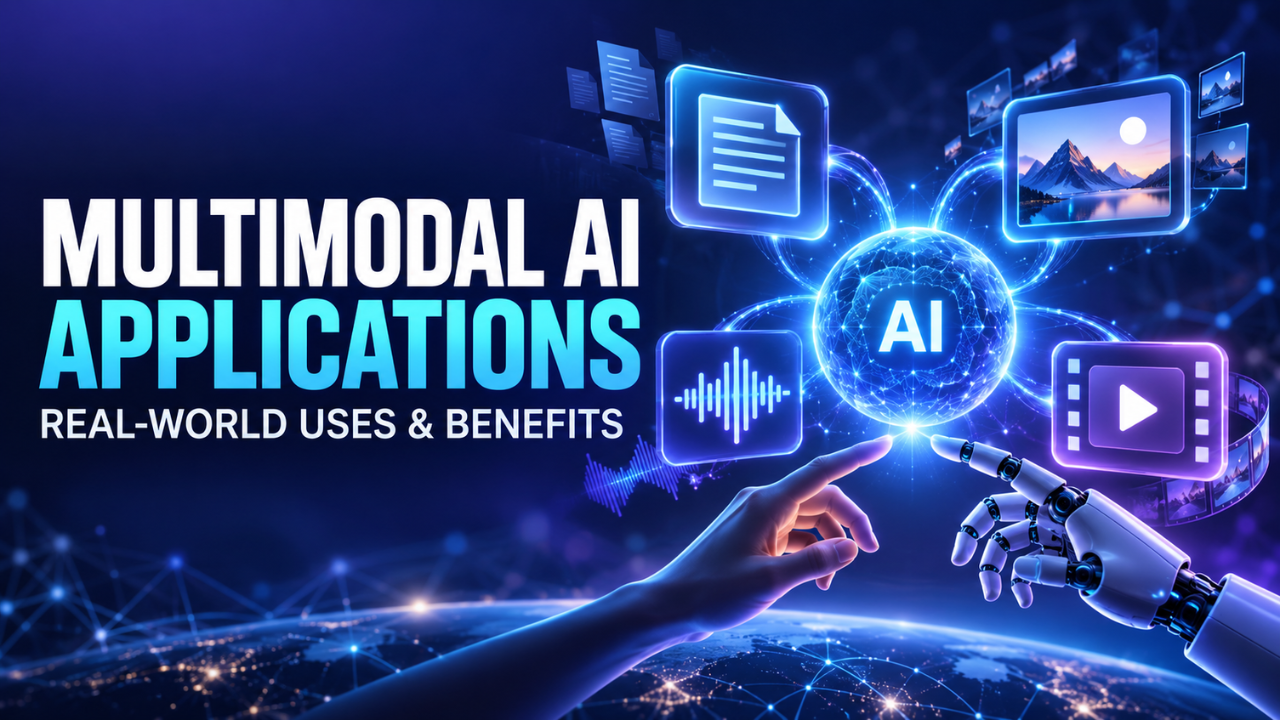
Multimodal AI Applications: Real-World Uses and Benefits
A customer sends a photo of a damaged package, a voice note explaining what happened, and an order number typed into a chat. A system that understands only text has to treat most of that evidence separately. A multimodal system can connect the pieces and respond to the actual situation.
That’s why multimodal AI applications are moving beyond impressive demonstrations. People don’t work in a single format. We read PDFs, watch training videos, speak into phones, inspect images, and make decisions from several clues at once. Software that can handle these inputs together has a better chance of fitting the way work already happens.
The interesting part isn’t simply that a system can “see” or “hear.” The real value appears when it turns mixed information into a useful next step: an answer, summary, recommendation, record, or warning. Some uses are genuinely practical. Others are little more than flashy features. Knowing the difference matters.
Table of Contents
- What Multimodal AI Means in Practice
- Customer Service Gets More Context
- Search and Knowledge Work Become More Useful
- Healthcare and Accessibility
- Education and Training
- Marketing, Media, and Creative Work
- Manufacturing, Retail, and Field Operations
- What Makes an Application Worth Using
- The Risks That Still Need Human Judgment
- The Practical Future of Multimodal AI
What Multimodal AI Means in Practice
Multimodal AI refers to systems that can work with more than one type of information, such as text, images, audio, video, documents, or sensor data. Instead of treating each format as an isolated file, the system tries to understand how the different inputs relate to one another.
For example, a document may contain written instructions, a diagram, a table, and a handwritten note. Text extraction alone may capture only part of the meaning. A multimodal application can examine the page layout, read the words, interpret the diagram, and connect the information into a more complete response.
This is not magic, and it isn’t always accurate. The advantage is context. A field technician might photograph a machine panel, ask a question through a voice message, and attach the equipment manual. A useful system could inspect the panel, understand the question, find the relevant section, and suggest the next inspection step.
The technician still decides what to do. The application simply reduces the time spent switching between tools, files, and screens.
Customer Service Gets More Context
Customer service is one of the clearest areas for multimodal applications because real complaints rarely arrive as neat paragraphs. A customer may send a screenshot, a product photo, an order number, and a short voice message all within the same conversation.
Imagine someone reporting that a replacement part doesn’t fit. A text-only assistant might repeat the return policy. A multimodal system could inspect the photo, compare the visible part with the order record, identify a possible mismatch, and prepare a more relevant response.
That doesn’t mean every decision should happen automatically. Refunds, warranty claims, and safety complaints may need human review. Still, the first step can become faster and less frustrating when the system understands the full situation.
Here’s the thing: customers don’t care which channel they used. They care whether the business understood the problem. Combining text, images, and voice can make support feel less like a form and more like an actual conversation.
Visual search is another useful example. Someone could photograph a chair, appliance, or clothing item and search for similar products without knowing the exact name. This is especially helpful when people can recognize an object visually but don’t know the words used to describe it.
Search and Knowledge Work Become More Useful
Many business documents are not simple blocks of text. They include scanned pages, charts, screenshots, forms, tables, diagrams, and handwritten comments. Traditional search may find a keyword while missing the meaning of the surrounding page.
Multimodal applications can make internal knowledge easier to access. A new employee might upload a screenshot of a device and ask, “How do I reset this?” The system could recognize the model, find the correct section of the manual, and explain the instructions in simple, easy-to-understand language.
Meeting recordings also offer a strong use case. A useful system can work with the spoken discussion, presentation slides, screen recordings, and shared documents together. Instead of producing a generic transcript, it may create a clearer record of decisions, unresolved questions, and assigned tasks.
Accuracy still matters. Speaker names can be mixed up. A chart can be interpreted incorrectly. A summary may sound polished while quietly missing an important detail. Good systems should point users toward the original recording, page, slide, or document so people can verify important claims.
For researchers, analysts, and managers, this combination can reduce the boring part of information work without removing the need for judgment.
Healthcare and Accessibility
Healthcare involves many kinds of information at once: clinical notes, medical images, lab results, forms, conversations, and patient history. Multimodal tools may help organize this material, explain documents, or highlight information that deserves professional attention.
A patient portal, for example, could turn a complicated discharge sheet into a plain-language explanation and read it aloud. Someone who struggles with small print or technical terms could ask follow-up questions by voice instead of searching through several pages.
Accessibility may be one of the most meaningful areas for these applications. A person with low vision could use a phone to describe a sign, read a printed form, identify objects, or summarize a screen. Someone with hearing difficulties could receive better captions that consider both speech and visible context.
The risks are serious, though. Medical images and symptoms can be misunderstood, and an incorrect suggestion may cause real harm. These tools should support trained professionals and patients—not quietly replace clinical judgment. Privacy is equally important because health information is deeply sensitive.
Education and Training
A student might take a photo of a difficult math problem, ask a spoken question, and receive an explanation based on the exact page in front of them. That is more useful than receiving a random answer because the system can respond to the visible problem and the student’s specific confusion.
The quality of the explanation matters. Simply giving the final answer may help someone finish homework but teach very little. A better application explains the next step, points out a likely mistake, and adjusts the wording when the student asks for a simpler explanation.
Teachers can also use multimodal tools to work with classroom recordings, presentation slides, lab demonstrations, and written materials. A recorded lesson might become a searchable transcript, a set of captions, or a study guide. Training departments can connect instructional videos with manuals and common questions.
Still, a confident explanation isn’t automatically a correct one. Teachers should review important material, particularly when it involves science, safety procedures, or assessment. Used carefully, these applications can provide extra support without pretending that every learner or lesson needs the same approach.
Marketing, Media, and Creative Work
Marketing teams often handle a mixture of product images, written specifications, customer interviews, videos, and brand guidelines. Multimodal applications can help turn these materials into drafts, captions, transcripts, descriptions, or content outlines.
For instance, an editor could upload a recorded interview and ask the system to locate moments where the guest discusses a particular topic. It might create timestamps, draft captions, and identify sections that could work as short clips. The editor still chooses what deserves publication and checks whether the wording represents the speaker fairly.
Product teams can use similar tools to compare product photos with written descriptions. If the image shows one color while the product page describes another, the system may flag the inconsistency before customers notice it.
Creative work benefits most when the technology handles repetitive preparation. It can organize footage, describe images, remove the need to manually transcribe every conversation, or help a team search its own archive. Original judgment, taste, and responsibility remain human strengths.
Manufacturing, Retail, and Field Operations
A factory or field-service workflow may combine camera images, sensor readings, maintenance records, written instructions, and technician notes. Looking at these sources together can make fault detection and routine inspection more practical.
Suppose a worker photographs a worn belt, adds a voice note about unusual noise, and selects the machine from a maintenance app. A multimodal system could compare the image and description with previous records, identify possible causes, and show the relevant inspection checklist.
Retail stores can use camera images to identify empty shelf spaces, misplaced labels, or packaging differences. A worker could also speak a quick update while walking through the store rather than stopping to type every detail.
These applications must be designed around safety. A system can recommend a check, but workers need clear procedures, reliable evidence, and the ability to challenge the suggestion. In high-risk environments, speed is useful only when it doesn’t weaken control.
What Makes an Application Worth Using
The best multimodal AI applications solve a messy problem that already exists. They don’t add an image box to a chatbot simply because the feature looks modern.
A practical evaluation starts with a few questions. Does the additional input improve the result? Can users verify where the answer came from? What happens when the photo is blurry, the audio is unclear, or the document is incomplete? Does the application fit the current workflow, or does it create another dashboard that employees must maintain?
Reliable use cases usually have a clear output. They extract information, compare records, route a request, summarize a meeting, identify a visible issue, or prepare a draft for review. Vague promises about “understanding everything” are much harder to measure.
My view is that organizations should begin with one narrow workflow. If a tool can reliably reduce repeated copying, searching, or manual sorting in that area, expansion becomes easier to justify.
The Risks That Still Need Human Judgment
Multimodal systems can misread tiny text, misunderstand accents, confuse similar objects, miss details in charts, or draw the wrong conclusion from incomplete context. The result may sound reasonable even when it is wrong, which makes careful review especially important.
Privacy is another concern. Images may contain faces, home addresses, screens, or confidential paperwork. Audio may capture private conversations in the background. Before using these systems, organizations need clear rules about access, storage, retention, and who can review the information.
Bias can also appear across images, languages, accents, and real-world conditions. A tool tested mostly on clean images and standard speech may perform poorly in noisy workplaces or unfamiliar environments.
The right question isn’t whether a system can make a mistake. Every software system can. The important questions are how serious the mistake would be, how quickly someone can notice it, and whether the application makes uncertainty visible instead of hiding it behind a confident answer.
The Practical Future of Multimodal AI
As these applications improve, software will feel less divided into separate text, camera, voice, and video tools. A person may point, speak, show a document, and ask a question in one natural interaction.
That future could make technology more accessible and reduce a lot of routine work. But the strongest applications probably won’t be the loudest ones. They’ll be the quiet tools that help a support agent understand a complaint, help a technician find a safe procedure, help a student understand a difficult step, or help a worker find information without leaving the job.
Multimodal AI applications matter because they match the messy way people actually communicate and work. Their success won’t depend on handling every possible format. It will depend on solving specific problems reliably, protecting sensitive information, and keeping people in control when the decision truly matters.
One Comment