AI Decision Support Systems: How They Help People Make Better Choices
A manager has five dashboards open, a deadline approaching, and a decision to make. One report shows sales rising. Another warns that costs are climbing. The useful answer isn’t another pile of numbers. It’s a clear view of what may be happening, what could happen next, and which options deserve a closer look.
That’s the promise of AI decision support systems. They can sort through large amounts of information, spot patterns, and help people compare possible actions. But they work best when they support human judgment instead of trying to replace it. A recommendation can save time; someone still needs to decide whether it makes sense.
Table of Contents
- What AI decision support systems do
- How these systems reach a recommendation
- Where businesses use them
- What teams gain from using them
- The risks and limits to keep in view
- How to introduce one thoughtfully
- People still make the important calls
- What comes next
What AI Decision Support Systems Do
An AI decision support system uses data and analytical tools to help a person or team make a choice. It might forecast demand, flag a possible problem, rank several options, or explain which factors appear to matter most.
Think of it as a capable assistant that can review far more information than a person could handle at once. It can identify a pattern in customer orders, for example, or notice that a machine’s readings have changed over several weeks. The system can then present a finding or suggest what to examine next.
That’s different from a basic report, which usually tells you what has already happened. A decision support system may also estimate what could happen under different conditions. If a shop raises a price by five percent, will revenue likely rise or will customers buy less? A model can help explore that question using past sales and other relevant information.
The answer is still an estimate. The quality of the recommendation depends on the data, the model, and the question being asked. A system can make a complicated choice easier to examine, but it can’t guarantee a perfect outcome.
How These Systems Reach a Recommendation
The process usually begins with data. Depending on the task, that might include sales records, customer service conversations, inventory levels, weather reports, or equipment readings. The system organizes the information and looks for relationships or changes that may be useful.
A forecasting model might learn that demand for a certain product tends to rise before a holiday. A fraud detection tool might flag a payment because it differs from a customer’s usual activity. In each case, the system is comparing new information with patterns it has learned or rules it has been given.
Next, it turns that analysis into something a person can use. That could be a risk score, a short explanation, a ranked set of options, or a warning that a decision needs attention. Some tools let users adjust assumptions and see how the forecast changes.
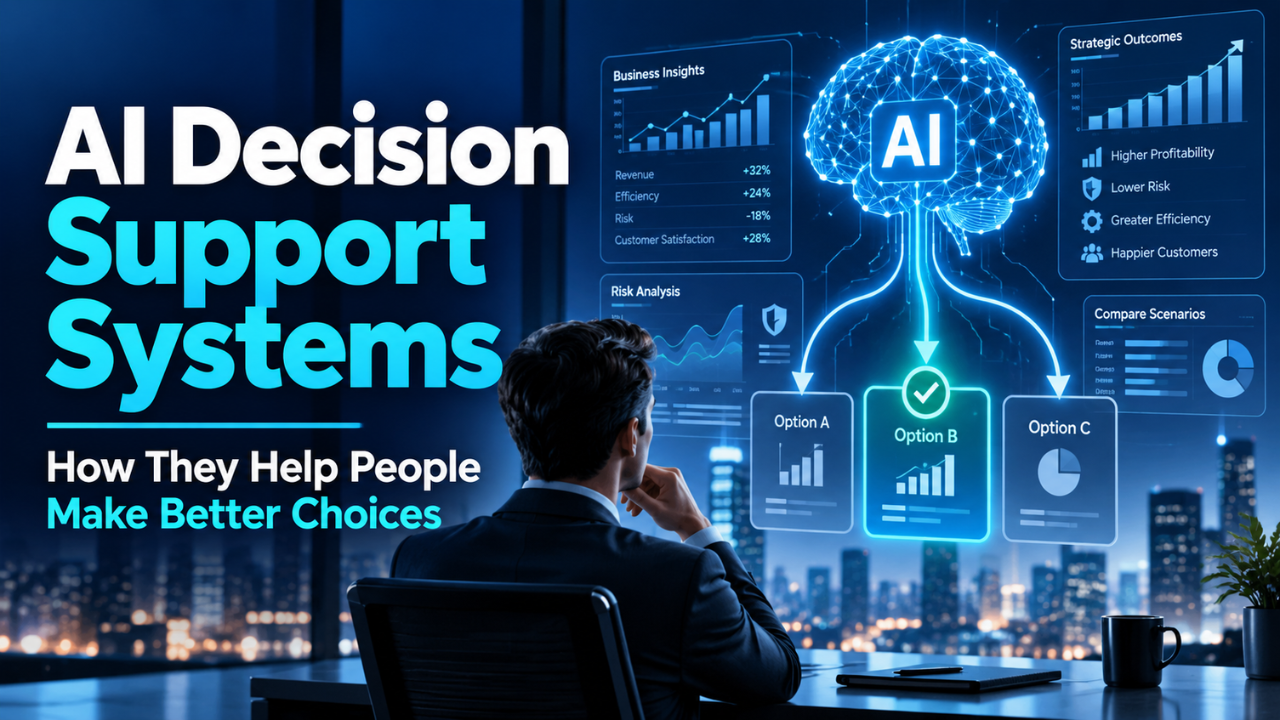
For example, a regional manager might compare two staffing plans. One plan could lower overtime costs but leave less cover during busy hours. The other could cost more while reducing wait times. A useful system lays out those tradeoffs. It doesn’t just announce a winner without context.
Clear explanations matter here. If a tool recommends an action, users should be able to see which inputs influenced it and how certain the system is. A recommendation without a reason is difficult to check—and difficult to trust.
Where Businesses Use Them
These systems show up in many types of work because decisions rarely depend on just one number. In retail, they can help estimate demand and plan inventory. A store manager deciding how much of a popular product to order may be able to account for sales history, seasonal changes, and current stock.
In healthcare, decision support tools can help clinicians review patient information, highlight unusual results, or consider possible next steps. The clinician brings knowledge of the patient and the situation; the tool can help bring relevant details into view. High-stakes use calls for careful checks, since a wrong or incomplete suggestion can matter.
Financial teams use predictive tools to assess risk, examine unusual transactions, or model possible outcomes. A bank may use a system to flag activity for review, while a finance manager could compare how different spending plans affect cash flow.
Operations teams can use similar tools to schedule staff, plan deliveries, or anticipate equipment maintenance. If readings suggest that a machine may need attention soon, a team might be able to plan a repair before the equipment fails during a busy shift.
Customer service teams may use AI to sort incoming requests by topic or urgency. That can help agents find the right queue more quickly. Still, a strange or sensitive case may need a person who can ask follow-up questions and understand the customer’s circumstances.
The common thread is not that every decision should be handed to software. It’s that people may benefit when useful information is gathered and organized before they act.
What Teams Gain from Using Them
The most immediate benefit is time. A team that once spent hours combining spreadsheets may be able to get a useful summary much sooner. That leaves more room to discuss what the results mean and what to do next.
These systems can also make patterns easier to notice. A change in returns might look minor in one report and important when compared with product, region, and timing data. A system can bring those connections forward for a closer look.
Consistency can improve, too. When a team uses the same information and criteria to assess similar cases, decisions may be easier to compare. That doesn’t mean every case should get the same answer. It means there can be a clearer starting point and fewer decisions based on whoever happens to be in the room.
Another benefit is the ability to explore choices before committing. A team can test different assumptions and see how the likely result changes. Even a rough forecast can prompt a useful question: What would have to be true for this plan to work?
The Risks and Limits to Keep in View
A system can only work with the information it receives. If records are missing, outdated, or inconsistent, the output can be misleading. A neat chart doesn’t make weak data reliable.
Past data can also carry past unfairness. If an organization has historically treated certain groups differently, a model trained on its records may repeat that pattern. The system might appear neutral while quietly carrying forward a biased outcome. Teams need to examine results across relevant groups and check whether the tool is leading to unfair treatment.
There’s also the problem of false confidence. A precise-looking score can seem more certain than it really is. A forecast that says there’s a 73 percent chance of an outcome still leaves real uncertainty. Users need enough context to understand what the estimate means—and what it doesn’t.
People can become too dependent on recommendations, especially when a tool has often been right. That habit makes it easier to miss a bad suggestion when the situation changes. A model trained on normal conditions may struggle during a supply disruption, a sudden market shift, or another unusual event.
Privacy is another practical concern. Some tools process customer, employee, or patient data. Before adopting one, teams should understand what information it uses, where that information goes, who can see it, and how long it is kept.
How to Introduce One Thoughtfully
Start with a real decision that takes time or depends on several kinds of information. Don’t begin by shopping for the most impressive tool. First, work out what the team needs to decide, who will act on the result, and what a helpful recommendation would look like.
Then check the data. Does the organization have the information the system needs? Is it accurate enough for the intended task? Are there gaps that could skew the result? It’s better to find out early than to build a new process around unreliable inputs.
Try the system on a limited, low-risk task before relying on it across the business. Compare its suggestions with human decisions and check where it performs well or poorly. Ask users whether the explanations make sense and whether the system fits their actual work.
It helps to decide in advance when a person must review or override a recommendation. That might be required for high-impact decisions, unusual cases, or results that fall outside an expected range. Give staff a way to report problems, too. They may notice an issue that never appears in a dashboard.
Finally, measure whether the system improves the decision, not just whether it produces a prediction. Did it reduce avoidable delays? Help people catch mistakes sooner? Give the team a clearer view of tradeoffs? Those results matter more than a polished interface.
People Still Make the Important Calls
It’s easy to describe a decision as a calculation. In practice, people bring context that may not appear in a database: a customer’s particular circumstances, a team’s workload, or the reason a process has changed this week.
That knowledge doesn’t make data analysis less useful. It helps people interpret the results. A store manager may know that a sudden drop in orders reflects a local road closure, not a lasting fall in demand. A clinician may recognize that a patient’s history changes how a result should be understood.
Good decision support leaves room for that kind of judgment. People should be able to ask questions, challenge an output, and explain why they chose a different option. The system can make information easier to work with; responsibility for the decision should remain clear.
What Comes Next
AI decision support systems will keep improving as organizations gather more data and build better tools for explaining recommendations. That could make it easier for teams to compare scenarios, spot early warning signs, and respond before small issues grow.
The useful test, though, will stay simple: Does the system help people make a clearer, more informed choice? If the answer is yes—and the team can check its work and question its limits—it can become a valuable part of everyday decision-making.