AI Business Decision Automation for Everyday Operations
A warehouse can print a shipping label in ten seconds. Getting approval for a $12 shipping upgrade can take forty minutes. By then, the truck has gone.
Say you run an online shop that’s promised Friday delivery. The regular carrier is running behind, a faster service still has room, and someone needs to decide whether keeping that promise is worth the extra $12. Your warehouse team has seen this exact problem three times today. They’re still waiting for the same person to make the call.
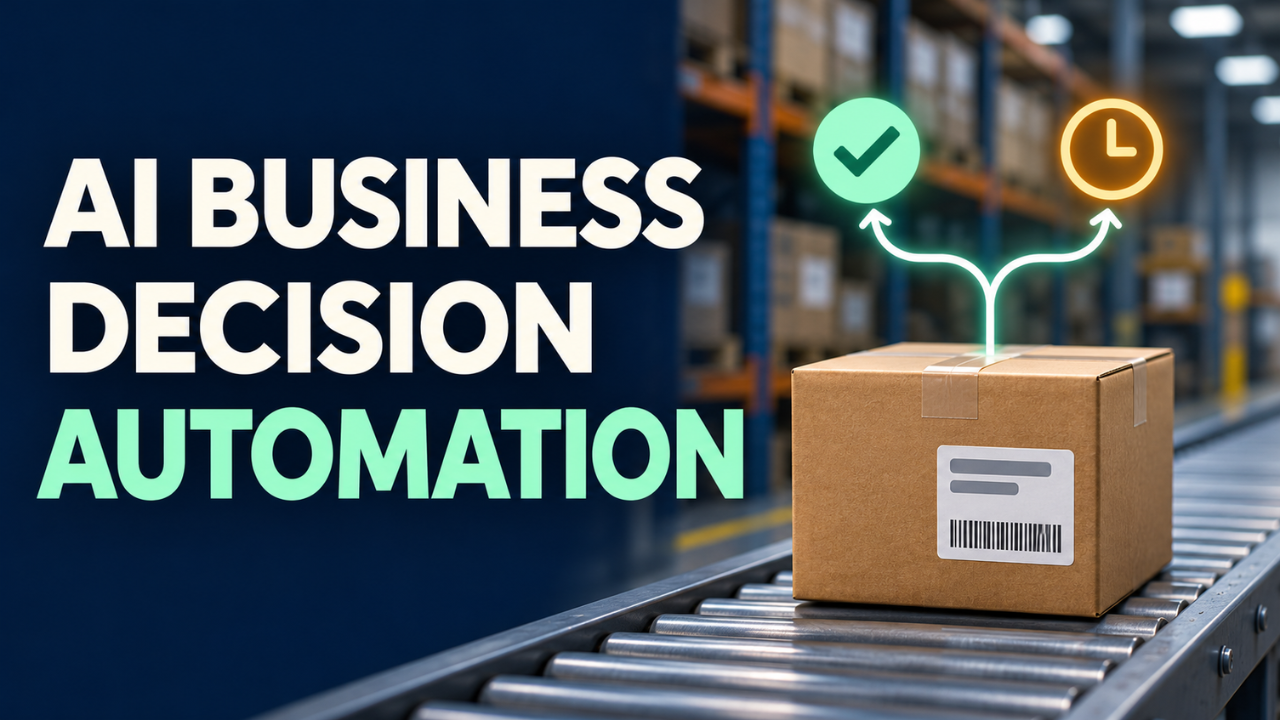
Decision automation gives a system permission to make that kind of call within limits you set. It can spot orders likely to arrive late, check the price and pickup time for a faster service, and book it when the order qualifies. The tricky part is deciding what qualifies.
Table of Contents
- Find the decision hiding in the workflow
- Keep the prediction separate from the policy
- Pick a first decision you can correct
- Give exceptions a person and a deadline
- Test it while people still make the call
- Track what happens after approval
Find the decision hiding in the workflow
Your order system might already print labels and email tracking numbers as soon as a shipment is booked. The decision happens a little earlier, when someone looks at the delivery estimates and chooses which service to book. That’s where an otherwise fast process can spend most of its time sitting still.
Look for moments when work stops even though the next step is clear to the person waiting. A stock transfer sits in a queue while a buyer checks quantities at two stores. A customer service ticket gets forwarded twice before someone sends it to the right team. The pause often tells you more about what to automate than the number of clicks involved.
Put the decision into one plain question. Which orders should we move to a faster service before today’s pickup? Take that question to two people who make the call and watch them work through a few cases. One might use the carrier portal while the other checks a message from the loading dock. Find out which information makes them change their minds. A pickup cancellation that only lives in a group chat can matter more than anything in the order system.
Keep the prediction separate from the policy
Back at the shop, the team has to work out whether the standard service is likely to miss Friday and whether the faster option can still make it. A predictive model can estimate arrival times from recent shipments on similar routes, the time a parcel will be ready, and current carrier updates. Those estimates will be more useful on well-traveled routes with a decent record of past deliveries.
The shop then sets the rule for when to act. It might allow an automatic upgrade when the regular service is likely to miss the deadline, the faster option is expected to meet it, and the extra charge is $15 or less. If the order is headed somewhere the model rarely sees, the system can pass it to the warehouse lead for a closer look.
Keeping those pieces separate makes it easier to tell where a problem started. An approved $23 upgrade calls for a look at the price the system received and the rule it applied. A $12 upgrade that arrives late sends you to the carrier data and the pickup record.
Pick a first decision you can correct
I’d start with a call your team makes often and can undo quickly. Think about a support inbox. Say a customer writes, “It says delivered, but there’s nothing on my doorstep.” A model can recognize that as a delivery issue and route the message to the right team even when the customer skips the words your ticket form uses.
If the message lands in the wrong queue, a support agent can move it. If it contains two requests, such as a missing parcel and a cancellation on a different order, it can go to someone who’ll read the whole thing and split the work. In either case, the agent can open the ticket and see why it landed with them.
Before building anything, count how often the decision comes up and how long it usually waits. Forty tickets that need sorting every morning may be a better starting point than one approval that eats twenty minutes once a quarter. It’s also worth checking how many tickets already reach the right team through the existing form. If most do, the free-text emails might be the only ones worth tackling first.
Give exceptions a person and a deadline
At 3:45, a shipping upgrade comes back at $29. The last pickup is at four.
The system sends the manager on duty the promised delivery date, the faster service’s quote, and the time the warehouse needs an answer. If the deadline passes or the manager sticks with the original service, the system sends customer support the latest delivery estimate so they can contact the customer.
That handoff deserves as much attention as the automatic approval. Decide who owns it on a normal day and who takes it when that person is away. Then make sure the reviewer can see the details that triggered the referral. There’s a big difference between “please check this order” and a message that explains the only service expected to arrive by Friday costs $14 more than the approval limit allows.
Keep a short record of what the system saw, what it chose, and why a person changed the decision. If the warehouse lead keeps switching carriers for the same ZIP code, ask what they know about that route. Maybe one carrier has moved its pickup earlier and the schedule in your order system is out of date. Fixing that schedule can spare the team another week of overrides.
Test it while people still make the call
Let the system run alongside the warehouse team for a week. Have it record which orders it would upgrade and why while staff continue making the actual bookings. At the end of each day, pull a handful of cases where the two decisions differed. Ask the person who made the call what they knew at the time. Sometimes the workflow missed a useful detail. Sometimes the employee opened the request after the better option had already expired.
When you’re ready to let it act, start with weekday shipments from one warehouse. Give the pilot a daily budget as well as a limit per shipment, and put someone in charge of pausing it if carrier prices or pickup times start coming through incorrectly.
Try a few messy cases before the first live booking, too. What happens if the carrier accepts a booking but your system times out while waiting for confirmation? Have it check for an existing booking against the order reference and pass any uncertain cases to the warehouse lead. One slow reply is easy to miss in a test, and it can leave the warehouse with two paid labels for the same box.
Track what happens after approval
Suppose approval time drops from forty minutes to forty seconds. Follow the parcel a little further. If the label prints quickly and the box sits on the packing bench until the driver leaves, you’ve moved the wait from one desk to another. The pickup scan will tell you something the approval timestamp can’t.
For the shipping pilot, track the share of orders that arrive by their original promised date and the extra shipping spend per order. Count all the orders covered by the pilot, including the ones that stayed on standard service. Compare shipments with similar routes and deadlines. A quiet Tuesday and the last shipping day before a holiday put very different demands on the warehouse.
When spending rises and on-time delivery barely moves, look at a few of the upgraded orders. You might find a cluster of parcels that went to the wrong loading area after a carrier switch. The packing team needs to see that change before they move the box. If upgrades spike on routes where comparable orders still arrive on time with standard shipping, take a closer look at the model’s estimates for those routes.
If you’re looking for a place to start, think back to the last thing your team approved after it was already too late to help. Work out what the approver would have needed to know five minutes earlier. That’s a decision you can start designing around tomorrow.