
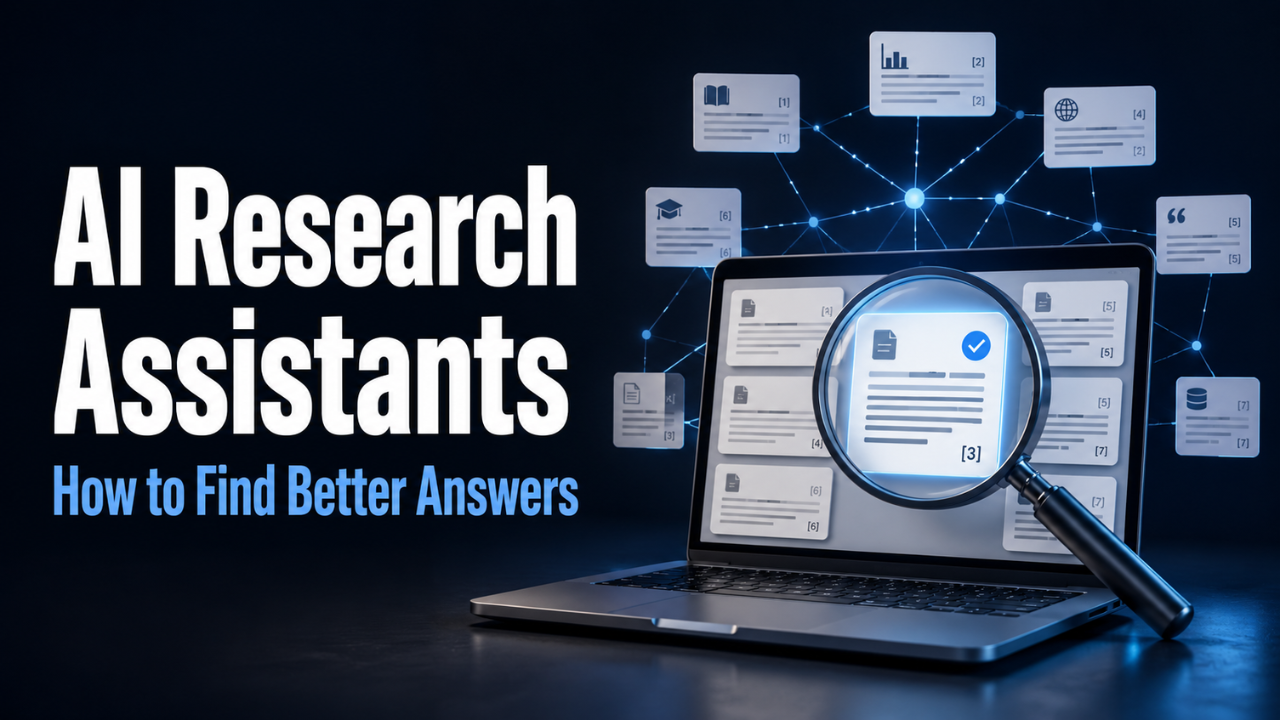
AI Research Assistants: How to Find Better Answers
You open a browser to answer one question. Half an hour later, you have twelve tabs, three reports, and two sources that seem to disagree. Somehow, you know more facts but feel less certain about the answer.
That’s where AI research assistants can help. They can find relevant material, explain difficult passages, and bring scattered information together. The useful part is having more time to examine what the evidence actually says.
But a tidy summary can hide a messy truth. Getting value from these tools means knowing what to hand over and where your own attention matters most.
Table of Contents
- What AI Research Assistants Actually Do
- Start With the Question You Need to Answer
- Choose a Tool That Fits the Job
- Turn a Pile of Sources Into Something Useful
- Follow the Citation All the Way Back
- Look for the Evidence You Might Be Missing
- Decide Whether the Time Saved Is Worth It
- Keep Your Judgment in the Research
What AI Research Assistants Actually Do
AI research assistants are software tools that help you discover, understand, and organize information. Depending on the product, they may search research papers, summarize reports, answer questions about uploaded files, or compare findings across several sources.
Those jobs overlap, but they aren’t identical. Finding a paper about employee training is one task. Working out whether its findings apply to a team of six is another.
The source collection also shapes the answer. A tool searching academic papers draws from different material than one working with your company’s reports. Before trusting a response, establish what the assistant was able to read.
Google’s Gemini Notebook, for example, supports questions about supplied sources and provides citations that connect answers to that material. Its official guide explains this approach.
That makes these tools useful starting points for students, analysts, business owners, and anyone facing more reading than their schedule comfortably allows.
Start With the Question You Need to Answer
“Research remote work” sounds reasonable until you see how much ground it covers. Hiring, office costs, productivity, staff retention, and team culture could all appear in the same answer.
Give the task a boundary.
Suppose you manage a small company and want to improve onboarding. A more useful question would be: “What evidence explains the challenges of onboarding remote employees in small teams?”
Now the search has a purpose. You can narrow it further by country, industry, publication date, or the kind of evidence you need.
It also helps to say what the answer will support. Preparing a classroom discussion calls for a different level of detail than changing a company policy.
One habit I’d recommend is deciding what would count as a useful answer before searching. Perhaps you need three common problems, the evidence behind each, and practical questions to discuss with your team. That gives you somewhere to stop.
Choose a Tool That Fits the Job
You don’t need the assistant with the longest feature list. You need one that handles the part of research slowing you down.
Consensus focuses on finding academic research and summarizing findings with citations. Its search documentation describes how it combines searches based on meaning with keyword matching. That makes it a candidate to test when your main problem is locating relevant studies.
Elicit supports tasks such as screening papers and extracting information into structured comparisons. Its review workflow includes supporting quotations or figures for extracted information. That’s useful when you need to compare study methods, participants, and findings without building every row from scratch.
Gemini Notebook supports working with material you bring into a notebook, including PDFs, websites, and documents. You can ask questions across those sources and create study guides or briefings, according to Google’s product guidance.
These examples show why the right choice depends on the task. Test the work you actually have. A tool that handles a literature search well may still be awkward for your document collection.
Turn a Pile of Sources Into Something Useful
Finding information is only the beginning. The next challenge is making it comparable.
Return to that remote onboarding question. Imagine you collect an employee survey, a research paper, and a software company’s report. Asking for one combined summary might blur some useful differences.
Instead, request the same details from each source: who took part, what was measured, what the authors found, and which limitations they acknowledged.
Ask the assistant to mark missing details as “not reported.” Otherwise, an empty space may invite an assumption that looks like a fact.
You can then ask focused follow-ups. Did the survey measure employee satisfaction or actual performance? Did the study examine new hires? Was the company report based on customer data or interviews?
Keep the source links attached to each finding. A spreadsheet or reference manager can work well for this. Weeks later, you should be able to recover the evidence without repeating the whole search.
Follow the Citation All the Way Back
A citation gives you somewhere to check. It doesn’t settle whether the claim is right.
Even tools built around real research can misread it. Consensus acknowledges that its summaries may misinterpret papers and that its database does not cover all research in its limitations guidance.
The mistakes worth watching for are often small. A summary might turn “participants reported feeling more productive” into “productivity increased.” Those statements sound close, but they describe different evidence.
Open the original source whenever a claim matters to your conclusion. Find the passage behind it and check the surrounding explanation. For a number, confirm the unit, time period, and group being measured.
Also establish whether the tool saw the full paper or only its abstract. An abstract can help you decide what to read, but it may leave out details needed for a fair comparison.
Let’s be honest: checking sources takes time. Give the closest attention to claims that carry the most weight. If one statistic drives your recommendation, it deserves more scrutiny than a background definition.
Look for the Evidence You Might Be Missing
A search can return relevant results while still leaving important gaps. That’s why the next question should sometimes challenge the first answer.
Try asking, “Which findings disagree with this conclusion?” or “What conditions might change the result?”
For remote onboarding, evidence from a large technology company might have limited value for a small design agency. The teams may have different budgets, management support, and training systems. A confident general answer can smooth over those differences.
Look at where repeated claims come from, too. Five reports may all quote the same original survey. You’ve found five mentions, but only one underlying piece of evidence.
When the task needs broad coverage, search beyond one assistant. Use a relevant database, inspect reference lists, and follow promising papers to related work.
Be careful with missing results. “I couldn’t find evidence” describes a search outcome. It doesn’t establish that no evidence exists. Record the searches you tried so you can see what remains unexplored.
Decide Whether the Time Saved Is Worth It
The value of a research assistant depends on the whole task, including checking and organizing the output.
Try it on a small question where you already understand the topic. Notice whether it finds useful sources, preserves important qualifications, and makes references easy to inspect.
Then give it something less familiar. Can you follow the reasoning, or do you spend the afternoon untangling vague claims?
Before paying, check the limits that affect your work: document uploads, full-text access, exports, and the number of searches or analyses available. Judge the plan against an ordinary week of work.
If you work with internal documents, review how the service handles uploaded material before adding it. Use your organization’s approved account and access rules.
I’d put reliable references and easy exports near the top of the selection criteria. Research has lasting value when you can revisit it.
Keep Your Judgment in the Research
Start with one real question and a manageable collection of sources. Let the assistant help you find patterns, explain unfamiliar terms, and identify passages worth reading closely.
Then examine the claims that shape your answer. Keep disagreements visible. Leave room for uncertainty when the evidence is thin.
AI research assistants earn their place when they make careful work easier. You should finish with a clearer understanding of the subject, a record of where the information came from, and a sound reason for the conclusion you reach.

2 Comments