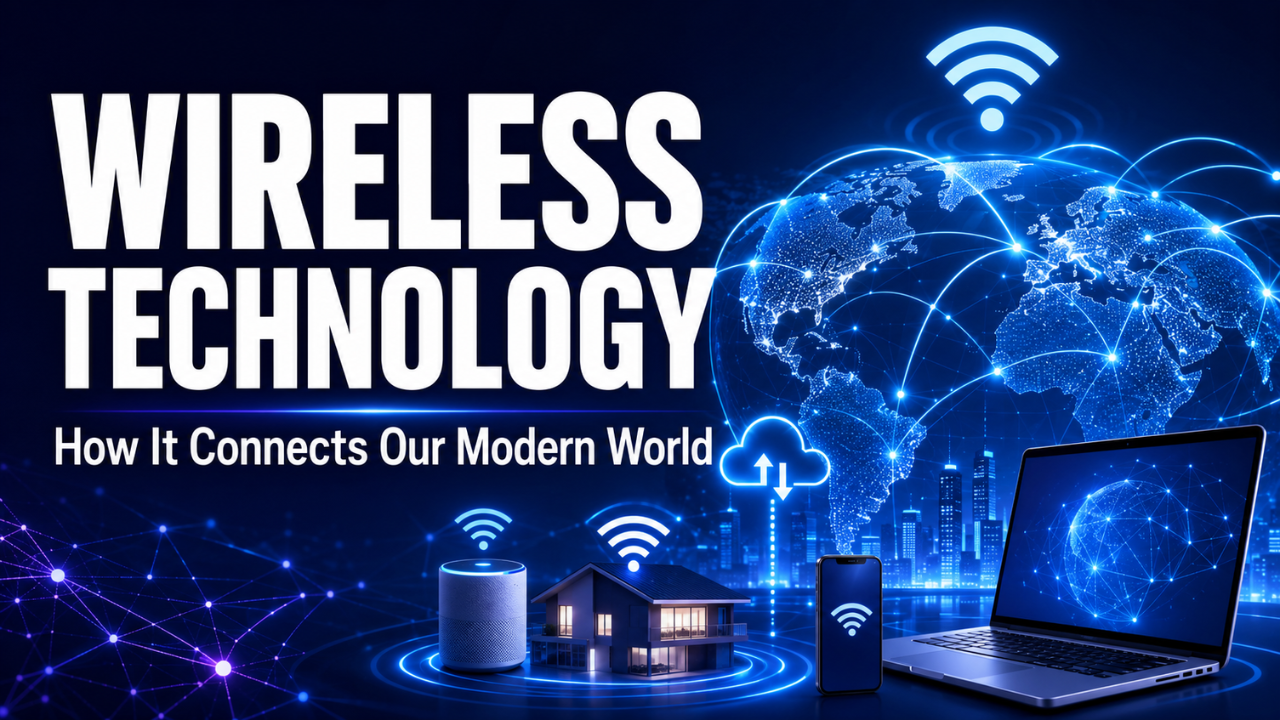
Wireless Technology: How It Connects Our Modern World
Wireless technology has quietly become part of almost everything we do. Your phone connects to earbuds, your laptop joins a Wi-Fi network, and your smartwatch sends health data without a single cable in sight.
Most of the time, it works so smoothly that we barely notice it. Then the Wi-Fi drops during an important video call, and suddenly wireless communication becomes the only thing on our minds.
So, what’s actually happening behind the screen? The answer involves radio waves, connected devices, and a growing network of systems designed to move information through the air.
Table of Contents
- What Is Wireless Technology?
- How Wireless Technology Works
- Common Types of Wireless Technology
- Where We Use Wireless Connections Every Day
- Why Wireless Technology Is So Useful
- The Limitations We Still Face
- Wireless Security and Privacy
- How to Improve Your Wireless Experience
- Where Wireless Technology Is Heading
- Final Thoughts
What Is Wireless Technology?
Wireless technology allows devices to communicate without physical cables. It transfers information through electromagnetic signals, usually radio waves, infrared signals, or microwaves.
That definition may sound technical, but the basic idea is simple. One device sends a signal, and another device receives it.
Imagine sending a photo from your phone to a friend using Bluetooth. Your phone turns the photo data into wireless signals. The other phone receives those signals and changes them back into a viewable image.
The same principle applies to Wi-Fi, mobile networks, satellite communication, and many smart home devices. The distance, speed, frequency, and equipment may change, but the general process stays similar.
Wireless communication isn’t exactly new. Radio broadcasting has been around for more than a century. What has changed is the amount of information we can now send, how quickly we can send it, and how many devices can connect at once.
How Wireless Technology Works
Every wireless system needs a transmitter and a receiver. The transmitter creates and sends a signal, while the receiver detects and interprets it.
Your Wi-Fi router is a good example. It receives internet data through a wired connection and broadcasts that data as radio signals. Phones, computers, televisions, and other devices within range can receive those signals.
The devices also send information back to the router. When you search for something online, your request travels from your phone to the router, through your internet provider, and eventually to the website’s server. The response then makes the return journey.
All of this may happen in less than a second.
Wireless systems use different frequencies to prevent signals from becoming completely mixed together. Think of frequencies as separate lanes on a busy road. Several vehicles can travel in the same direction without occupying the exact same space.
Interference can still happen. Walls, nearby routers, electrical equipment, and even the distance between devices can weaken a connection. That’s why your Wi-Fi might work perfectly beside the router but struggle in an upstairs bedroom.
Common Types of Wireless Technology
Wireless technology isn’t one single system. It’s a broad group of technologies designed for different purposes.
Wi-Fi
Wi-Fi connects devices to a local network and usually provides internet access. It’s widely used in homes, offices, schools, cafés, airports, and public spaces.
Its biggest strength is speed over a relatively short distance. A good Wi-Fi connection can handle streaming, gaming, large downloads, and video meetings. However, its performance depends heavily on the router, internet plan, building layout, and number of connected devices.
Bluetooth
Bluetooth creates direct, short-range connections between devices. Wireless headphones, speakers, keyboards, fitness trackers, game controllers, and car systems commonly use it.
It generally uses less power than Wi-Fi, making it suitable for small battery-powered products. The trade-off is a shorter range and, in many cases, a lower data speed.
Cellular Networks
Cellular technology connects mobile devices through a network of towers. These towers divide large areas into smaller sections called cells, which is where the word “cellular” comes from.
Technologies such as 4G and 5G let people browse the internet, make calls, stream videos, and use online services while moving between locations.
Let’s say you’re watching a video during a train journey. Your phone may quietly switch from one cell tower to another as you travel. When the handover works properly, you won’t even notice it.
NFC and RFID
Near-field communication, or NFC, works across a very short distance. It powers contactless payments, travel cards, digital access passes, and quick device pairing.
RFID, which stands for radio-frequency identification, is often used for inventory tracking, security tags, key cards, and warehouse management. Unlike a barcode, an RFID tag may not need to be directly visible to a scanner.
Satellite Communication
Satellites can provide communication across huge distances, including remote areas where cables and mobile towers aren’t practical.
They support television broadcasting, weather monitoring, navigation, aviation, maritime communication, and some internet services. The connection may experience delay because signals must travel between Earth and space, although newer low-orbit satellite systems are reducing that problem.
Where We Use Wireless Connections Every Day
The smartphone is the most obvious example, but wireless technology reaches far beyond personal communication.
At home, it connects televisions, security cameras, smart lights, doorbells, speakers, thermostats, and household appliances. You can check a camera while away, adjust the room temperature from your bed, or ask a speaker to play music.
Healthcare workers use wireless systems to monitor patients, access records, and operate connected medical equipment. A wearable heart monitor, for example, may send readings to a phone or healthcare platform without requiring the patient to remain attached to a large machine.
Factories use wireless sensors to check temperature, pressure, equipment condition, and production activity. Farmers can monitor soil moisture, track livestock, or control irrigation systems from a distance.
Shops use wireless payment terminals and inventory tools. Delivery companies track vehicles and packages. Even a simple restaurant pager relies on wireless communication to tell you when your table or meal is ready.
Here’s the thing: wireless technology is no longer just about convenience. Many businesses now depend on it for daily operations.
Why Wireless Technology Is So Useful
Freedom of movement is the clearest advantage. A wired connection keeps a device tied to a particular place. A wireless connection lets you move around while remaining connected.
Installation can also be easier. Running cables through walls, across roads, or around a large building takes time and money. Wireless equipment may cover the same area with less physical work.
It also makes temporary setups more practical. Imagine an outdoor event where staff need payment systems, internet access, and communication tools for one weekend. Building a permanent wired network wouldn’t make much sense.
Wireless networks can be expanded as needs change. A small office may add phones, laptops, printers, and security devices without installing a new cable for every product.
Of course, “wireless” doesn’t always mean “wire-free.” Routers, access points, and charging equipment still need power, while internet infrastructure often depends on fiber-optic or copper cables behind the scenes.
The Limitations We Still Face
Wireless connections can be less predictable than wired ones. Distance weakens signals, physical objects block them, and other devices may create interference.
Speed is another concern. Modern wireless networks can be extremely fast, but actual performance rarely matches the maximum number printed on the box. If ten people are streaming at once, they’re sharing the available network capacity.
Battery life matters too. Phones, earbuds, sensors, and other wireless products need power to transmit and receive information. A connection isn’t much use when the battery dies.
Coverage remains uneven. Cities may have several mobile networks and public Wi-Fi options, while rural or mountainous areas can struggle to receive a stable signal.
Then there’s reliability. For casual browsing, a brief interruption is annoying. In a hospital, factory, emergency service, or self-driving system, the same interruption could be serious. That’s why important operations often use backup connections or combine wired and wireless systems.
Wireless Security and Privacy
Wireless signals travel through the air, so security deserves attention. An unprotected network may allow unwanted users to connect, monitor activity, or attack other devices.
Home users should protect Wi-Fi with a strong password and modern security settings. The router’s default administrator password should also be changed. That small step is often overlooked.
Software updates matter because they fix known security weaknesses. This applies to routers, phones, smart cameras, televisions, and other connected products.
Public Wi-Fi requires extra care. A free network at an airport or café may be useful, but it isn’t the best place to access sensitive accounts unless the connection and website are properly secured. When possible, use mobile data or a trusted virtual private network for private activity.
Smart home devices create another concern. A cheap connected camera might seem harmless, yet it can collect video, audio, location details, and usage patterns. Before buying one, check what information it gathers and whether the manufacturer continues to provide security updates.
How to Improve Your Wireless Experience
Router placement makes a bigger difference than many people realize. Put it in a central, open location rather than hiding it inside a cupboard or behind a large television.
Keep the router away from thick walls, metal objects, and equipment that may cause interference. If one part of the home has weak coverage, a mesh Wi-Fi system or an additional access point may help.
Older equipment can also limit performance. A fast internet package won’t feel fast if the router or receiving device supports outdated wireless standards.
Before buying new hardware, though, test the basics. Restart the router, check connected devices, install updates, and compare the speed in different rooms. Sometimes one background download or badly positioned router causes the entire problem.
For devices that need maximum stability, such as a gaming computer or office workstation, a wired connection may still be the smarter choice. Wireless is convenient, but convenience isn’t always the top priority.
Where Wireless Technology Is Heading
Wireless systems will continue becoming faster, more responsive, and better at handling large numbers of connected devices.
Future mobile networks are expected to support advanced automation, connected transport, remote healthcare, and more responsive industrial systems. Wi-Fi will also keep improving, especially in crowded places where many devices compete for access.
The Internet of Things will play a major role. More sensors, appliances, vehicles, and machines will exchange information automatically. Your car may communicate with road systems, while your home adjusts energy use based on your daily routine.
That future sounds exciting, but it needs careful management. More connected devices mean more potential security weaknesses, greater energy use, and larger amounts of personal data.
The best wireless technology won’t simply be the fastest. It will need to be reliable, secure, efficient, and easy for ordinary people to control.
Final Thoughts
Wireless technology gives us something cables never fully could: the ability to stay connected while moving freely. It supports communication, entertainment, healthcare, transport, business, and countless small daily tasks.
Still, it isn’t magic. Signal strength, security, coverage, hardware quality, and network demand all affect the experience. Understanding those limits makes it easier to choose the right connection and fix common problems.
The wireless world will keep expanding. Used thoughtfully, it can make technology feel less like equipment we operate and more like a helpful part of the environment around us.