
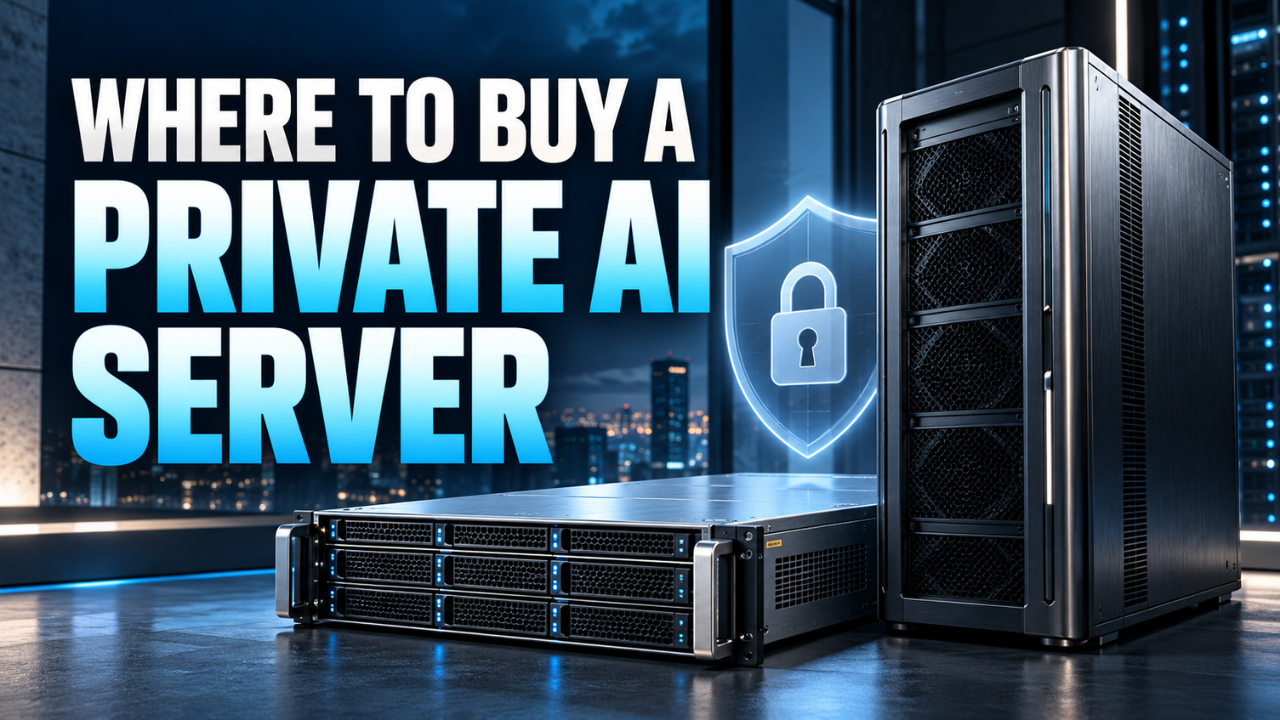
Where to Buy a Private AI Server: A Practical Buying Guide
That bargain server stops looking cheap when it can’t run your model, its fans drown out meetings, or its software still sends documents to an outside service.
If you’re wondering where to buy a private AI server, you have three main routes: established server manufacturers, specialist computer builders, and authorised retailers selling compact local systems. Each suits a different kind of buyer.
The important question is what happens after the box arrives. Can it handle your workload? Who installs the software? Where does your data go?
A small agency searching internal documents needs a different setup from a company serving dozens of employees. Start there, and the shopping becomes much easier.
Table of Contents
- Decide what “private” means for your setup
- Buy from an enterprise manufacturer for business support
- Try a specialist builder for a tailored system
- Look at compact systems before ordering a rack
- Match the hardware to the work you’ll actually do
- Read the whole quote, including the dull bits
- Check privacy before accepting delivery
- Choose the seller who can demonstrate the fit
Decide what “private” means for your setup
A private AI server usually means a machine running models and processing data within an environment you control. That might be a tower in your office, a rack server in your equipment room, or hardware you own in a colocation facility.
Renting a dedicated GPU server is another option, but you’re renting access rather than buying the equipment. The provider’s location, administrator access and contract still matter.
Now, decide what you actually require. Do your documents need to stay inside your building? Is restricted access enough? Must the application work without an internet connection?
Those are different requirements. If your goal is simply to give five colleagues access to a local assistant, a workstation configured as a shared server may be enough. Buying a rack system because it looks more professional can add cost without helping the work.
Buy from an enterprise manufacturer for business support
Dell’s PowerEdge AI server range is a sensible starting point when you want business infrastructure and a defined support arrangement. Use Dell’s regional website or sales team to request a configuration for your workload. Don’t assume every PowerEdge includes a suitable GPU; have the exact components listed in the quotation.
Lenovo sells ThinkSystem and ThinkEdge systems for AI workloads. It’s another route worth comparing if you’re buying for an existing business network. Ask which configuration supports your chosen models and what service is available at your installation address.
HPE Private Cloud AI takes a broader approach, combining infrastructure and software in an integrated platform developed with NVIDIA. You can begin through HPE sales or its partner network. This deserves a look when you need a supported environment rather than just a machine to configure yourself.
My preference would be to pay attention to the support terms before comparing badges. A business can tolerate a slightly higher purchase price more easily than an unclear repair process when everyone depends on the server.
Try a specialist builder for a tailored system
Specialist builders are useful when you know the job but need help translating it into hardware.
Puget Systems offers AI workstations and servers, with consultation available for choosing a configuration. That gives you somewhere to discuss a practical brief: the model you want, the software you’ll use and how many people will connect.
Thinkmate’s GPX range provides another buying route for GPU servers, including larger infrastructure projects. Request a complete configuration and ask what testing, software installation and support it includes.
Picture a small engineering firm that wants staff to search project documents. The useful conversation starts with document types, access permissions and acceptable response times. “We want something powerful” gives a builder very little to work with.
Also check delivery coverage. An overseas supplier may offer attractive hardware, but return shipping, import charges and warranty arrangements can change the value considerably. A local authorised partner with competent installation support may be the more practical choice.
Look at compact systems before ordering a rack
Not every local deployment needs a server room.
NVIDIA’s DGX Spark marketplace page directs buyers to authorised retail and channel partners. Its listed configuration includes 128GB of coherent unified memory. It’s a compact system worth considering for local development and experimentation when a large tower or rack would be awkward.
There’s a catch worth understanding: unified memory isn’t the same specification as dedicated memory on a conventional graphics card. Compare actual workload results rather than treating memory figures as interchangeable performance scores.
DGX Spark also uses an Arm-based processor. Have the seller confirm that your applications and dependencies work on that platform.
For a developer working alone, a compact machine may be convenient. For a department expecting an always-available service, ask about sustained performance, management and recovery before treating it as the production server.
Match the hardware to the work you’ll actually do
Here’s the thing: “runs AI” tells you almost nothing useful.
Running an existing model, adapting one with your own data, and training a large model from scratch are very different jobs. Tell the supplier which you mean. Otherwise, you risk paying for capacity you won’t use or buying a machine that struggles immediately.
For local language models, look closely at memory requirements. The model itself needs space, but so does the working context used during conversations. Longer contexts can increase cache memory requirements. A quick demonstration with one short question won’t show how the system behaves during a busy afternoon.
Ask for a test using your intended model, realistic document lengths and several simultaneous requests. Measure the delay before an answer starts as well as how quickly the rest appears.
Don’t assume adding a second GPU automatically creates one larger memory pool. Splitting a model across GPUs requires supported software and an appropriate configuration.
Storage and networking deserve attention too. Keep space for model downloads, document indexes and backups. If everyone accesses the server over the office network, include that network in the demonstration. The machine alone isn’t the whole service.
Read the whole quote, including the dull bits
Two quotations can look comparable while covering very different purchases.
One might include a complete system, installation and support. Another might advertise a chassis that still needs GPUs, storage and configuration. Ask for an itemised price and compare complete, working setups.
Include delivery, taxes, software subscriptions, backup storage and any network upgrades. Check the expected electricity use and cooling requirements. A rack server belongs somewhere that can handle its heat and noise; the cupboard beside the meeting room may be a poor choice.
If the seller mentions future expansion, get specific. Which GPUs can you add? Are the power supply, cooling and physical slots ready for them? What would the upgrade actually cost?
For used equipment, request component details, test results and written return terms. A low price is less persuasive when replacing one faulty part could erase the saving.
Check privacy before accepting delivery
Owning hardware gives you control, but privacy also depends on its configuration.
Ask where prompts, uploaded files, search indexes and backups are stored. Confirm whether the application calls external services, sends telemetry or allows remote support access. If offline operation matters, have the supplier demonstrate it with the internet connection removed.
Think about internal access as well. A shared assistant shouldn’t reveal payroll documents simply because someone asks a clever question. Test document permissions using separate accounts before staff begin uploading sensitive material.
Agree who handles security updates, backups and recovery. If the server fails next month, you should know who restores it and where the recovery copy lives.
These questions belong in the buying conversation. Discovering them after installation is much less comfortable.
Choose the seller who can demonstrate the fit
Start with two or three suppliers that match your scale, then send each the same brief. Include your intended model, number of users, privacy requirements, installation location and budget.
The strongest offer should explain what you’re getting, show how it performs and make support responsibilities clear.
When deciding where to buy a private AI server, I’d favour the seller who can demonstrate your actual workload over the one offering the longest specification sheet. You’re buying a dependable way to get work done. The hardware is only useful when it delivers that.


One Comment