Low Code Development Platforms: A Practical Guide
An expense claim shouldn’t need six emails and three versions of a spreadsheet. Yet plenty of teams still run everyday work that way because getting a small internal app built feels like a major project.
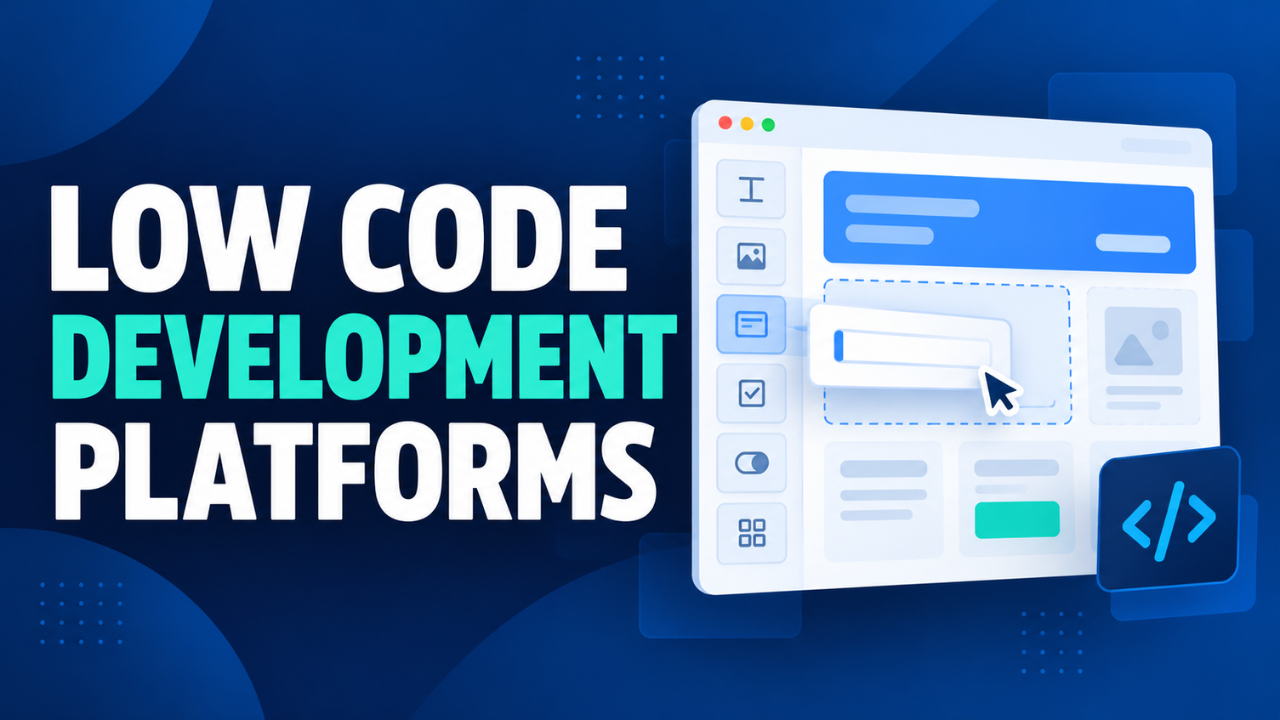
Low code development platforms offer a more manageable route. They let you assemble software using visual tools, ready-made components, and smaller amounts of custom code.
That sounds appealing, but what happens after the first working screen? Can the app connect to your data, handle exceptions, protect sensitive records, and stay affordable as more people use it? Those details determine whether the platform saves work or creates another system to look after.
Table of Contents
- What Low Code Development Platforms Actually Do
- Low Code, No Code, and Custom Development
- Where Low Code Makes Everyday Work Easier
- Why Faster Building Still Needs Careful Thinking
- Choosing a Platform Around Your Existing Work
- Looking Beyond the Monthly Subscription
- Giving Security and Maintenance Clear Owners
- Starting With a Pilot That Proves Something
- Knowing When to Use a Different Approach
What Low Code Development Platforms Actually Do
A low code platform offers ready-made tools and components that make building applications easier and faster. Instead of coding every form, screen, and workflow from scratch, you configure components and define how they interact. Microsoft’s low-code guide describes this visual approach to development.
Imagine a simple equipment request app. You add fields for the employee’s name, the item they need, and their manager. Then you create a rule that sends the request for approval and updates its status afterward.
Behind that simple screen, the application still needs data storage, access controls, validation, and reliable connections to other systems. Depending on the platform, some of that work comes built in, while other parts require configuration or development.
The practical benefit is less repetitive setup. Your team can spend more time deciding how the application should work.
Low Code, No Code, and Custom Development
These approaches overlap, but the distinction matters when requirements grow.
No code generally aims to let people build within a visual environment without writing code. Low code uses similar tools while allowing developers to extend functionality through scripts, custom components, or integrations. The boundaries vary between products.
Custom development gives a team more direct control over architecture, interface behavior, and implementation. It also leaves more of the building and maintenance work with that team.
A straightforward booking form may fit comfortably inside a no code tool. A booking system with unusual pricing rules and several older databases deserves a closer technical assessment.
Choose around the application’s demands. The label alone won’t tell you how well a product fits.
Where Low Code Makes Everyday Work Easier
I’d start by looking at work that already follows a recognizable pattern: someone submits information, another person checks it, and the record moves forward.
Consider a repair business managing jobs through messages. Staff copy customer details into a spreadsheet, technicians send updates separately, and someone has to chase missing information before preparing invoices.
A low code app could bring those steps into one place. Each job gets a record, an assigned technician, a status, and a history of updates.
The same thinking applies to purchase requests, employee onboarding, stock checks, and customer service tracking. These are sensible projects to evaluate because their problems are usually easy to describe.
Sometimes, though, an existing product already handles the job well. If standard invoicing software covers your requirements, building an invoicing app may simply give you more software to maintain. Check that option first.
Why Faster Building Still Needs Careful Thinking
Dragging fields onto a screen can make progress feel immediate. Unfortunately, a working form doesn’t prove that the process behind it makes sense.
Take an approval workflow. Who handles a request when the manager is away? Can someone edit a request after approval? What happens if a notification fails?
Those questions remain yours to answer.
It’s worth sketching the process before opening the builder. Identify the information you need, who can change it, and what should happen when something goes wrong.
Bring an experienced employee into that conversation. The person who handles difficult cases every week will often spot gaps that a tidy process diagram misses.
My view is that low code works best when it removes repeated technical effort while the team takes time over decisions that affect how people work.
Choosing a Platform Around Your Existing Work
Start with your current systems and the skills available in your team.
Microsoft Power Apps connects to business data and supports custom connectors and developer extensions. If your organization already uses Microsoft services, it’s a reasonable option to evaluate alongside the required licenses.
Zoho Creator uses forms, reports, and workflows to build business applications. Look at whether its approach matches the process you want to manage.
Mendix allows developers to add custom code, connect applications through APIs, and work with other development tools. Teams needing those capabilities should test how they work with their existing development practices.
These examples give you starting points. A useful evaluation should involve your own workflow and sample data.
Ask the vendor to demonstrate a difficult requirement, such as recovering from a failed connection or restricting access to individual records. Also check how you export your data and what you could realistically move elsewhere if you leave.
Looking Beyond the Monthly Subscription
The price on a product page rarely tells you the full cost of running an application.
Check what the plan counts: app users, applications, storage, workflow runs, external visitors, or particular connections. Include staff time for setup, training, support, and future changes.
Power Apps, for example, requires appropriate user entitlements for premium applications, and capabilities such as premium connectors can affect licensing requirements. Microsoft’s licensing documentation explains these conditions.
Now picture an app that begins with eight office users and later reaches eighty field workers. Price both situations before committing.
Ask for a written estimate based on your expected usage. A cheap pilot is useful, but you need to understand the ongoing bill before the application becomes part of everyone’s routine.
Giving Security and Maintenance Clear Owners
Someone needs to own the application after launch. That includes deciding who gets access, reviewing changes, fixing failures, and keeping documentation current.
Start with permissions. A technician might need customer contact details and job notes while having no reason to view payroll information. Test those boundaries using ordinary user accounts.
Check data connections too. Power Platform provides data policies that let administrators control access to data connectors. Such controls need deliberate configuration; their availability doesn’t make every application secure automatically.
Keep development and testing separate from live work where the platform supports it. Agree on backup and recovery arrangements, then test them.
Finally, make sure another person can understand the app. A business tool shouldn’t become a mystery when its original builder changes roles.
Starting With a Pilot That Proves Something
Choose one process with a clear owner and an outcome you can measure.
An equipment request app might be a better first project than replacing an entire operations system. Record the current approval time, common errors, and time spent chasing updates. Those figures give you something concrete to compare.
Build the smallest version that handles the complete process, including rejection and correction. Let a small group use it with realistic records.
Watch where they hesitate. A confusing field label or awkward phone layout can matter more to daily users than an impressive feature.
Test awkward situations too: duplicate submissions, missing information, unavailable approvers, and interrupted connections.
Expand when the pilot shows a useful improvement and someone can support it. If the results disappoint, adjust the process before adding more features.
Knowing When to Use a Different Approach
Low code deserves consideration, but some requirements call for another route. Highly specialized performance demands, unusual interfaces, or strict portability requirements may justify custom development.
Ask a developer to assess those requirements early. If basic features need repeated workarounds, compare the effort with building differently. A mixed approach may also fit: an internal low code app can connect to a separately developed service.
The strongest reason to choose low code development platforms is a specific improvement you can demonstrate. Start with a frustrating process, prove that the application makes it easier, and check that the costs and upkeep remain manageable. That’s a sounder basis for a decision than how quickly you can assemble the first screen.