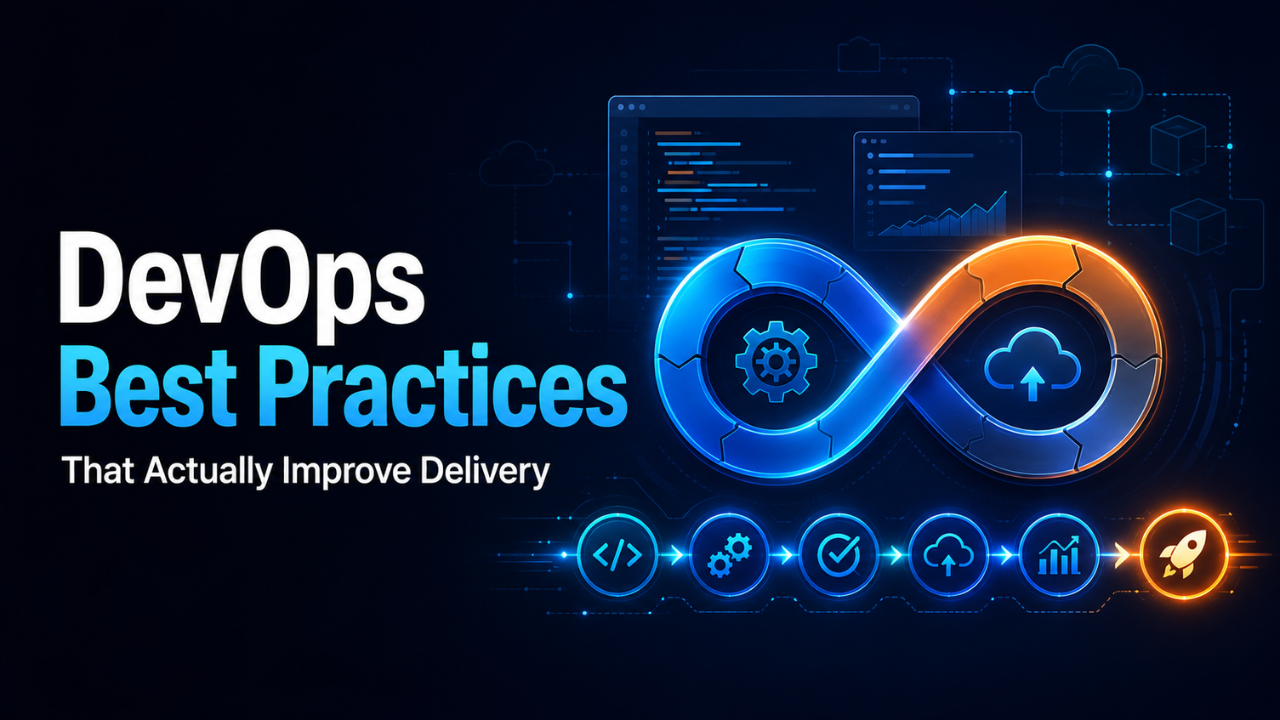
DevOps Best Practices That Actually Improve Delivery
A release is scheduled for Friday afternoon. Developers say the code is ready, operations worries about downtime, and security discovers a problem minutes before deployment. Everyone starts messaging everyone. Nobody feels fully responsible.
That’s the kind of situation DevOps is meant to prevent.
DevOps isn’t simply a collection of tools or a job title added to an engineering team. It’s a practical way of building, testing, releasing, and operating software with less friction. When it works, teams ship useful changes more often, recover from failures faster, and spend less time blaming one another when something breaks.
The difficult part is that many companies adopt the visible pieces—pipelines, dashboards, containers—without changing how people work together. Strong DevOps best practices connect the technical system with the human one. Both have to improve at the same time.
Table of Contents
- Make Shared Ownership Real
- Keep Changes Small and Releases Frequent
- Automate Work That Shouldn’t Need Human Memory
- Build a CI/CD Pipeline That Protects Production
- Manage Infrastructure as Code
- Monitor the Experience, Not Just the Servers
- Make Security Part of Everyday Development
- Learn from Failures Without Creating Fear
- Measure Outcomes That Matter
- Build a DevOps System People Can Trust
Make Shared Ownership Real
The old model created a hard line between development and operations. Developers wrote code, passed it over, and moved on. Operations inherited the risks. When production failed, each side had a different explanation.
Shared ownership changes that relationship. The people building a service should understand how it behaves in production, while operations specialists should be involved early enough to influence design decisions. Security, testing, and platform teams also need a voice before release day.
Imagine a developer adding a new image-processing feature. Under a disconnected system, the feature might pass functional tests but use far more memory than expected. Operations discovers the problem only after customers start uploading files. With shared ownership, resource usage becomes part of the design discussion and testing process.
This doesn’t mean everyone must become an expert in everything. It means responsibility doesn’t disappear when work crosses a departmental boundary. Clear service ownership, shared documentation, joint planning, and sensible on-call participation help create that mindset.
Keep Changes Small and Releases Frequent
Large releases feel efficient because they bundle months of work into one event. In practice, they often create unnecessary risk. Hundreds of changes land at once, dependencies become difficult to track, and finding the cause of a failure turns into detective work.
Small changes are easier to review, test, deploy, and reverse. If a release contains one focused update and an error appears, the team has a short list of possible causes. When 40 features arrive together, that list becomes painful.
Frequent delivery also improves feedback. Suppose an online store redesigns its entire checkout process over four months. After launch, customers struggle with the payment screen. The team has invested heavily before learning that something is wrong. Releasing the redesign in smaller stages—address entry, delivery selection, then payment—would reveal usability problems much earlier.
The goal isn’t to deploy constantly for the sake of looking fast. Release when a change is valuable and ready, but remove the fear and ceremony that make every deployment feel like a major event.
Automate Work That Shouldn’t Need Human Memory
Manual work isn’t automatically bad. Some decisions require judgment. The problem begins when a critical process depends on someone remembering a long sequence of repetitive steps.
Building software, running tests, checking formatting, creating environments, applying configuration, and deploying approved releases are strong candidates for automation. Machines handle repeatable instructions consistently, while people focus on exceptions and decisions.
Here’s a familiar example. A team maintains a release checklist in a shared document. One engineer copies files, another updates a configuration value, and someone else restarts the application. It works—until a busy engineer skips step seven. Automation turns that fragile checklist into an executable process that behaves the same way every time.
Start with tasks that are frequent, predictable, and costly when performed incorrectly. Don’t automate a confusing process before understanding it. That usually produces a faster version of the same confusion.
Automation also needs maintenance. Scripts, pipeline rules, and deployment workflows are production assets, not side projects. Give them owners, review changes, test them, and remove outdated logic before it becomes technical debt.
Build a CI/CD Pipeline That Protects Production
Continuous integration helps developers combine changes regularly and receive quick feedback. Continuous delivery keeps those changes in a releasable state. Together, they create a reliable path from a code change to production.
A useful pipeline starts with fast checks. Code formatting, static analysis, and focused unit tests should return results quickly enough that developers don’t switch tasks while waiting. Broader integration, security, and performance tests can follow as the change moves closer to release.
Speed matters, but confidence matters more. A pipeline that finishes in three minutes while missing serious defects isn’t efficient. It’s merely quick.
Unreliable tests cause another problem. When tests fail randomly, people stop trusting them. Engineers rerun the pipeline until it passes, treating failures as background noise. Flaky tests should be tracked and repaired with the same urgency as other defects because they weaken the entire safety system.
Production deployments should also support controlled exposure. Feature flags can hide unfinished functionality without maintaining long-lived code branches. Canary releases send a change to a small group of users first. Blue-green deployments allow traffic to move between old and new environments. The right choice depends on the service, but the principle stays the same: reduce the size of the risk.
Every deployment process needs a tested recovery path. Rolling back shouldn’t require an emergency meeting and three people searching old documentation.
Manage Infrastructure as Code
Manually created servers and environments tend to drift. Someone changes a setting during an incident, another person installs a package directly, and months later nobody can explain why production behaves differently from testing.
Infrastructure as code turns environments, networks, permissions, and service configuration into version-controlled definitions. Teams can review proposed changes, reproduce environments, and trace when a setting was introduced.
Consistency is the biggest benefit. If a test environment is created from the same definitions as production, surprises become less common. It may use smaller resources, but its structure should reflect the real system closely enough to expose meaningful problems.
Treat infrastructure code like application code. Use peer reviews, automated validation, controlled access, and clear module boundaries. Avoid placing secrets directly in repositories. Passwords, tokens, certificates, and encryption keys belong in a dedicated secrets-management system with access logging and rotation policies.
Documentation still matters. Code can show what an environment contains, but it doesn’t always explain why a decision was made.
Monitor the Experience, Not Just the Servers
A server can report healthy CPU and memory levels while customers stare at a broken payment page. That’s why monitoring infrastructure alone isn’t enough.
Strong observability brings together metrics, logs, traces, and meaningful events. It helps teams understand what the system is doing and investigate behavior they didn’t predict in advance.
Start with the customer experience. Can users log in? Are searches returning results? Are payments completing? How long do important actions take? Technical measurements should connect back to those real outcomes.
Alerts need discipline too. If an on-call engineer receives 60 alerts every night, the system hasn’t become safer. It has become louder. Alerts should point to conditions that require action, provide useful context, and connect to a clear response guide.
For example, an alert saying “CPU above 80%” may not mean much during a planned reporting job. An alert showing that checkout requests are failing above an agreed threshold directly reflects customer harm. That deserves attention.
Dashboards should help answer questions, not decorate a wall. Review them regularly and remove measurements nobody uses.
Make Security Part of Everyday Development
Security checks added at the end of a project often arrive too late. By then, teams face an uncomfortable choice: delay the release or accept a known risk.
A better approach brings security into planning, coding, testing, and deployment. Developers should receive practical guidance on authentication, input handling, dependency management, data protection, and access control. Automated scanning can identify vulnerable libraries, exposed secrets, unsafe container images, and common coding mistakes before they reach production.
Still, tools can’t replace judgment. A scanner may confirm that a dependency has no known vulnerability, but it can’t decide whether a new feature collects more personal data than the business needs.
Use least-privilege access wherever possible. A service should have only the permissions required for its role. Production access should be limited, logged, and reviewed. Credentials need regular rotation, and temporary access is usually safer than permanent access granted “just in case.”
Security works best when teams see it as part of quality, not as an outside department blocking delivery.
Learn from Failures Without Creating Fear
Incidents will happen. Good DevOps practices reduce their frequency and impact, but no serious team can promise perfect software forever.
What happens after a failure says a great deal about the organization. If the first question is “Who caused this?” people will hide mistakes and avoid taking risks. If the team asks, “What conditions allowed this to happen?” it can improve the system.
A blameless review doesn’t mean nobody is accountable. It means the review focuses on facts, decisions, safeguards, and working conditions instead of personal punishment.
Suppose an engineer deploys an incorrect configuration. Stopping at “the engineer made a mistake” teaches very little. Why did the pipeline accept the value? Why was there no validation? Why did one person have to make the change manually? Why did monitoring take 20 minutes to detect the impact?
Write down what happened, what customers experienced, how the service recovered, and which follow-up actions will reduce future risk. Give every action an owner and deadline. Otherwise, the review becomes a thoughtful document that changes nothing.
Measure Outcomes That Matter
Teams often measure what’s easy to count: deployments, tickets, commits, or pipeline runs. These numbers can provide context, but they don’t automatically show improvement.
Useful DevOps measurements connect speed with stability. Deployment frequency shows how often value reaches users. Lead time tracks how long a change takes to move from development to production. Change failure rate reveals how often releases cause problems. Recovery time shows how quickly the team restores service.
No single number tells the whole story. A team could increase deployment frequency by releasing meaningless changes. Another might reduce failure rates by avoiding releases entirely. Look at measures together and discuss the behavior behind them.
Customer-facing outcomes matter as well. Faster delivery has little value if error rates rise, support requests grow, or users abandon the product.
Use metrics to find constraints and guide conversations. Don’t turn them into individual performance scores. Once people feel judged by a number, they naturally learn how to improve the number instead of improving the system.
Build a DevOps System People Can Trust
The strongest DevOps best practices all point toward the same result: a delivery system that people trust. Developers trust the tests. Operations trusts the deployment process. Security trusts the controls. Leaders trust that teams can release changes without creating avoidable chaos.
That trust grows through small, consistent improvements. Shorten one feedback loop. Automate one fragile task. Fix one noisy alert. Make one recovery process easier. Then keep going.
DevOps isn’t finished when a pipeline launches or a platform team is formed. It becomes valuable when better delivery habits feel ordinary—when releases are routine, failures produce learning, and everyone understands how their work affects the customer.