AI Hub: What It Is and Why It Matters
Most companies don’t struggle to find smart technology. They struggle to manage it.
One department uses a writing assistant. Another experiments with forecasting software. Customer support has its own chatbot, while the data team builds models that nobody else fully understands. Before long, useful tools are scattered across accounts, devices, and teams.
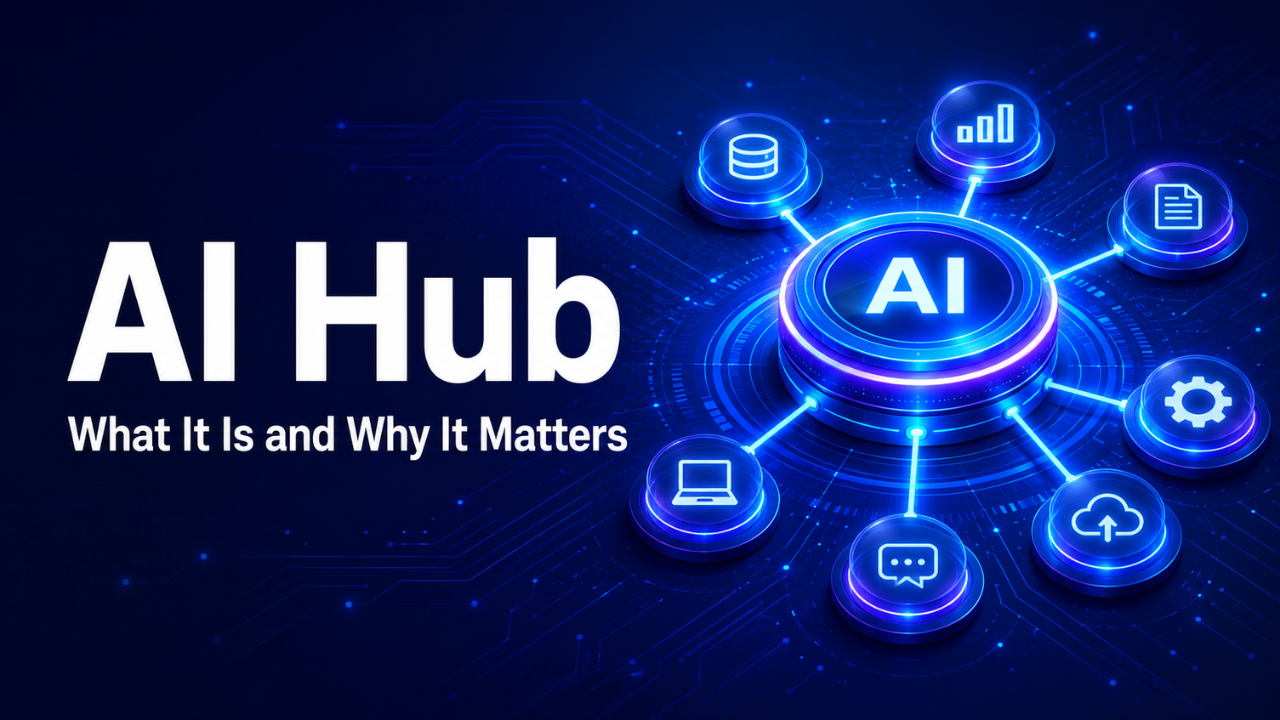
An AI hub brings that activity into one organized environment. It gives people a central place to access tools, work with approved data, share useful resources, and keep an eye on how everything is being used. Done well, it reduces confusion without slowing people down.
The idea sounds technical, but its purpose is simple: make advanced tools easier to use, safer to manage, and more valuable in everyday work.
Table of Contents
- What an AI Hub Actually Is
- Why Scattered Tools Become a Problem
- What Belongs Inside an AI Hub
- How People Use It in Daily Work
- The Difference Between an AI Hub and a Tool Collection
- Why Data Quality Matters So Much
- Keeping Control Without Slowing Everyone Down
- Common Mistakes to Avoid
- How to Start Small and Build Carefully
- What the Future of AI Hubs May Look Like
- A Practical Final Takeaway
What an AI Hub Actually Is
An AI hub is a central system where an organization can bring together intelligent tools, data connections, models, workflows, guidance, and security controls. Think of it as a shared workspace rather than one piece of software.
The exact setup varies. A small business might use a simple internal portal containing approved assistants, prompt examples, and automated workflows. A larger company may build a full platform connected to customer records, financial systems, product databases, and reporting tools.
The word “hub” matters because the system connects different parts of the business. It isn’t necessarily designed to replace every existing application. Instead, it helps those applications work together in a more organized way.
Imagine a logistics company that receives hundreds of delivery questions each day. Its hub might connect a customer-service assistant with live tracking information, delivery policies, and account records. Staff members can answer questions quickly without switching between six different screens.
That’s the practical value. The technology becomes part of the job rather than another complicated layer sitting on top of it.
Why Scattered Tools Become a Problem
Experimenting with different tools feels harmless at first. Someone creates a free account, tests a few features, and finds a faster way to complete a task. Then colleagues start using it too.
The trouble appears later.
Nobody knows which tools have been approved. Employees may upload confidential documents without understanding where the information goes. Several teams might pay for similar services, while useful discoveries remain trapped within one department.
There’s also a consistency problem. If five employees use five different systems to produce customer reports, the results may vary widely. One report might follow company rules, while another includes outdated figures or unsupported claims.
An AI hub creates a clearer route. People know where to find trusted tools, which information they can use, and who to contact when something goes wrong. Managers gain visibility, but employees still get room to experiment within sensible limits.
Let’s be honest: banning every unofficial tool rarely works. People usually find workarounds when an approved process feels too slow. A well-designed hub succeeds because it offers a convenient option, not simply because management demands its use.
What Belongs Inside an AI Hub
A useful hub needs more than a page filled with software links. It should connect tools with the information and instructions people need to use them properly.
Approved applications are the obvious starting point. These may include research assistants, document tools, customer-service systems, coding helpers, forecasting models, image tools, or workflow automation. The right selection depends entirely on the work being done.
Data connections are just as important. A sales assistant becomes far more helpful when it can access accurate product details, current pricing, and approved customer information. Without those connections, it may produce answers that sound polished but aren’t reliable.
The hub should also contain practical guidance. Short examples often work better than a fifty-page policy document. A marketing employee may need to see which customer details are safe to use. A support agent needs clear instructions about when an automated response must be checked by a person.
Monitoring completes the picture. Administrators should be able to see which tools are being used, how much they cost, where errors occur, and whether sensitive information is at risk.
None of this needs to feel heavy. The best hubs quietly place useful guardrails around normal work.
How People Use It in Daily Work
The real test isn’t how impressive the platform looks during a demonstration. It’s whether someone chooses to use it on a busy Tuesday afternoon.
Picture a recruitment manager preparing interview notes for twelve candidates. Through the company’s AI hub, she selects an approved summarization tool connected to the correct job description and hiring framework. It organizes her notes, highlights missing information, and prepares a consistent comparison.
She still makes the hiring decision. The hub simply removes repetitive work and helps her review the candidates more carefully.
A finance team might use the same environment differently. Its members could compare monthly figures, flag unusual expenses, or generate an initial explanation for changes in revenue. Because the system connects to controlled company data, the team doesn’t have to copy confidential spreadsheets into a public tool.
Elsewhere, a maintenance department could use a visual assistant to identify equipment parts and retrieve relevant repair instructions. One hub, several very different jobs.
This flexibility is one of the strongest reasons to create a central system. Each team gets tools suited to its needs, while the organization keeps a shared foundation.
The Difference Between an AI Hub and a Tool Collection
A tool collection is easy to create. Add several links to an internal page, give everyone access, and call the job finished.
An actual AI hub goes further. It connects tools to real workflows and establishes a consistent way to use them. It also gives the organization a method for evaluating new ideas, removing weak tools, and sharing successful practices.
Suppose the sales team discovers that an assistant can reduce proposal preparation from three hours to forty minutes. In a disconnected setup, that knowledge may stay inside the sales department. Through a hub, the workflow can be documented, reviewed, and adapted by other teams.
The difference comes down to coordination. A collection gives people options. A hub helps those options create repeatable value.
More tools don’t automatically mean better results, either. Twenty overlapping assistants can create more confusion than two carefully chosen ones. A smaller, well-maintained system is usually the smarter starting point.
Why Data Quality Matters So Much
Even the best model will struggle with incomplete, outdated, or badly organized information. If a hub pulls product prices from last year’s database, it can produce the wrong answer with complete confidence.
That’s why data preparation deserves serious attention.
Information needs clear ownership. Someone should know who updates the customer policy, who maintains the product catalogue, and which version of a document counts as official. Duplicate files and conflicting records should be cleaned up before they feed important workflows.
Access also needs to match each person’s role. A customer-support employee may need order details but shouldn’t automatically see payroll records. Connecting everything to everything is convenient, yet it creates unnecessary risk.
Here’s the thing: many supposed technology failures are actually information failures. The system didn’t invent the confusion. It found confusion already sitting inside the business.
Building an AI hub often reveals these hidden problems. That can be uncomfortable, but fixing them improves much more than the hub itself.
Keeping Control Without Slowing Everyone Down
Security and governance can sound like barriers, especially to employees who just want to finish their work. They don’t have to be.
Good governance answers a few practical questions. Which tools are approved? What information may be entered? When must a person review the result? How are errors reported? Who is responsible for each system?
Clear answers make people more confident. Vague warnings do the opposite.
Human review matters most when decisions affect money, safety, employment, legal rights, or personal information. An assistant may draft a response to a customer complaint, for example, but a trained employee should review it before sending anything sensitive.
Organizations also need a simple way to test accuracy. If a tool produces summaries, compare a sample against the original documents. If it predicts demand, track its forecasts against actual sales. Results should earn trust through evidence.
Control works best when it’s built into the workflow. A warning displayed at the right moment is far more useful than a policy employees read once and forget.
Common Mistakes to Avoid
One frequent mistake is building a hub before identifying the work it should improve. Teams become excited about features, spend heavily, and then discover that employees don’t have a strong reason to use the system.
Another problem is trying to launch everything at once. Connecting every department, database, and application creates a huge project with too many moving parts. When delays arrive, confidence disappears.
Training can’t be treated as an optional extra. Giving people access without showing realistic examples usually leads to shallow use. Employees may test the hub once, receive a weak result, and decide it’s useless.
Over-automation causes trouble too. Some tasks look repetitive but contain judgment that’s difficult to capture. A system might sort routine support tickets successfully while mishandling unusual or emotional complaints.
Finally, don’t measure success by login numbers alone. Frequent use means little if the hub isn’t saving time, reducing errors, improving service, or supporting better decisions.
How to Start Small and Build Carefully
Begin with one irritating, repeatable problem. It should happen often enough to matter but remain limited enough to manage.
A property company, for instance, might start by helping staff summarize maintenance requests and send them to the correct team. The task has a clear input, a visible result, and an easy way to measure improvement.
Test the workflow with a small group. Watch how people actually use it. Their behavior will expose issues that planning meetings miss: confusing labels, missing information, unnecessary clicks, or results that need more context.
Measure the starting point before making changes. How long does the task currently take? How many errors occur? How often does work need to be repeated? Without that baseline, claims of improvement become guesswork.
Once the first workflow performs reliably, add another. This gradual approach creates internal knowledge and gives employees time to adjust. It also makes failures cheaper and easier to fix.
What the Future of AI Hubs May Look Like
AI hubs will likely become less visible over time. Instead of asking employees to visit a separate platform, organizations will place intelligent assistance inside the software people already use.
A project manager may receive risk warnings directly inside a planning dashboard. A shop employee could ask a stock question through a handheld device. A designer might search approved brand assets without leaving the creative workspace.
Hubs will also become better at choosing the right model or tool for each task. Users won’t always need to understand what operates behind the screen. They’ll describe the result they need, and the system will route the request appropriately.
Still, the central idea won’t change. Businesses need a dependable way to connect people, tools, information, and rules. The interface may fade into the background, but the hub’s coordinating role will become more important.
A Practical Final Takeaway
An AI hub isn’t valuable because it puts fashionable technology in one place. It matters when it makes real work simpler, safer, and more consistent.
Start with a genuine problem. Connect only the information required to solve it. Give people useful guidance, measure the outcome, and keep human judgment where it belongs. Then expand based on evidence.
The strongest hub won’t necessarily have the longest feature list. It will be the one people trust enough to use when their day gets busy.