AI Knowledge Management: Making Company Knowledge More Useful
When a company’s best answer lives in someone’s memory, a long email thread, or an old document no one can find, work slows down. People ask the same questions, repeat old mistakes, or wait for the one colleague who knows how things really work.
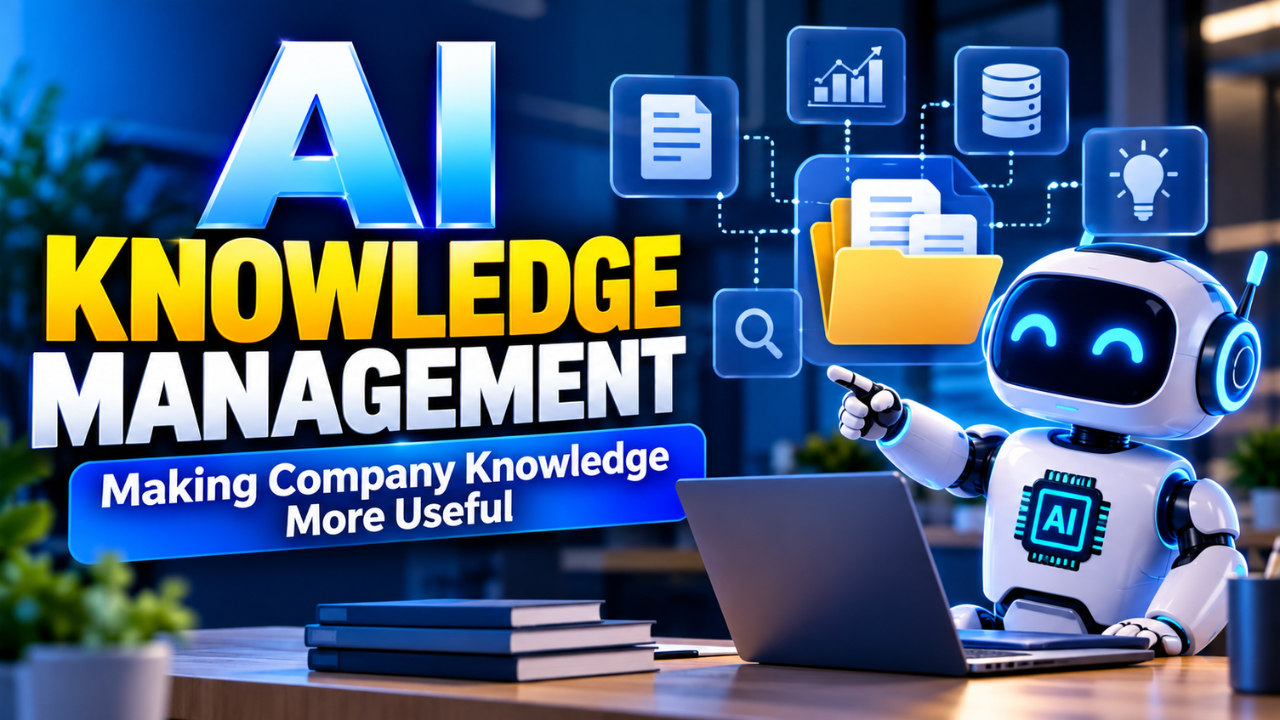
AI knowledge management helps employees find scattered company knowledge and put it to use. It brings AI tools together with the information and processes a business already has. The goal isn’t to add a chatbot for its own sake. It’s to make useful knowledge easier to find, understand, and apply.
Table of Contents
- What AI Knowledge Management Means
- Where It Helps Most
- How AI Knowledge Systems Find the Right Answers
- Start With Knowledge You Can Trust
- A Practical Way to Get Started
- Keep Answers Safe and Accountable
- Measure Whether Work Gets Easier
- Mistakes That Make AI Knowledge Projects Stumble
- The Real Goal Is Better Shared Judgment
What AI Knowledge Management Means
Knowledge management is the work of capturing, organizing, and sharing what people in an organization know. That knowledge might be written down in a policy or guide. It might also come from experience: how to handle an unusual customer complaint, what to check when a system fails, or why a process has an extra step.
AI knowledge management uses tools such as natural language search, summarization, classification, and generative AI to make that knowledge more useful. An employee might ask a question in everyday language and receive an answer assembled from relevant internal documents, complete with links to the original sources.
The useful part is the connection between the AI and the organization’s information. A general-purpose model may be good at explaining a concept, but it doesn’t automatically know a company’s latest refund policy or a project’s technical decisions. Those details have to come from information the organization manages and makes available to the system.
That’s why AI knowledge management is more than “upload documents and ask questions.” It includes deciding which information is reliable, who can access it, how it stays current, and what the system should do when it can’t find a solid answer.
Where It Helps Most
A good starting point is work that involves searching, repeating, or handing knowledge from one person to another.
Imagine a support representative dealing with a customer who bought a product in one country and wants to return it in another. The answer can vary depending on local regulations and when the purchase was made. Instead of searching several folders or asking a manager, the representative could ask a company knowledge assistant. A useful response would point to the relevant policy and show where it came from.
The same idea can help new employees get up to speed. A new engineer could ask how the team deploys a service and find the current runbook, along with related troubleshooting notes. A salesperson could look up approved product claims without digging through old presentations. A manager could summarize recurring questions to see where instructions are unclear.
AI can also help maintain knowledge. It can flag near-duplicate documents, suggest categories, summarize long meeting notes, or identify pages that may be out of date. Those suggestions can save time, but a person should still confirm important changes. A summary that sounds clean can quietly miss an exception.
The best use cases tend to have a clear audience, a defined body of source material, and a practical measure of success. “Make every employee know everything” is too broad to serve as a clear project goal. “Help support staff answer shipping questions using approved policies” is something a team can test.
How AI Knowledge Systems Find the Right Answers
Many AI knowledge systems use retrieval-augmented generation, usually shortened to RAG. In simple terms, the system searches a connected set of documents for relevant passages, then gives those passages to a language model as context for its response. Google Cloud describes RAG architectures that retrieve information from knowledge sources to support generated answers.
That approach can make responses more relevant to a company’s own material. It also gives the system a chance to cite or link to the documents it used. But retrieval is not a guarantee of correctness. If the right document is missing, outdated, or poorly organized, the answer may still be incomplete or misleading.
Some organizations add a knowledge graph, which represents connections between people, systems, products, and concepts. This can help answer relationship-based questions, such as identifying which service is responsible for a specific data pipeline. Others may need only well-organized documents and search. More elaborate technology doesn’t automatically mean better results; the right setup depends on the questions employees need answered.
Start With Knowledge You Can Trust
AI can make messy information easier to retrieve, but it cannot fix every underlying problem. If a company has three conflicting versions of a policy, the system may surface the wrong one. If nobody owns a document, it may stay online long after it stops being useful.
Before connecting sources, take stock of what employees rely on today. Look at support articles, internal guides, shared folders, project records, and frequently asked questions. Identify the authoritative version of each important resource. Add basics such as an owner, a date, a topic, and—where relevant—an expiry or review date.
Access rules matter just as much. A system should respect the permissions on source material so that an answer doesn’t expose information to someone who could not access the original document. Teams should decide how to handle confidential, personal, or regulated information before connecting it to an AI tool.
It also helps to give people a simple way to report problems. If an answer is wrong or a source has expired, employees should be able to flag it and have that feedback reach the person responsible for the content. AI knowledge management needs regular care, much like a shared library or an internal website.
A Practical Way to Get Started
Start with one recurring problem rather than a company-wide transformation. Ask employees where they lose time looking for information. Compare their answers with actual work: support questions, onboarding delays, repeated escalations, or tasks that stall while someone waits for approval.
Pick a use case where the source material is manageable and the risk of a mistaken answer can be controlled. Assign someone to own the content, then connect only the sources needed for that use case. Set expectations for the assistant: cite its sources, say when it cannot find support, and direct employees to a person when a decision needs judgment.
Test it with real questions before making it broadly available. Include straightforward questions, awkwardly worded ones, questions whose answers changed recently, and questions the system should not answer. Ask reviewers to check not only whether the final response sounds plausible, but also whether its sources support what it says.
A small pilot gives the team a chance to improve the documents and the system together. If employees keep asking the same question in different ways, perhaps the search needs work—or perhaps the guidance itself is unclear. That’s useful information either way.
Keep Answers Safe and Accountable
A confident tone can make an incorrect answer sound settled. For that reason, it should be easy for employees to inspect the sources behind important answers. When evidence is weak or sources disagree, the system should say so rather than smooth over the uncertainty.
High-impact decisions need human responsibility. AI might help someone find the relevant policy or compare previous cases, but it shouldn’t quietly take over decisions about employment, safety, medical care, legal rights, or financial approvals. The people who own those decisions should define when review is required.
Good governance includes deciding who can connect sources, who approves changes, how feedback is handled, and what happens when the system causes a problem. NIST’s Generative AI Profile highlights areas including governance, content provenance, testing before deployment, and incident disclosure as part of managing generative AI risks. NIST
These rules don’t need to turn a pilot into a months-long process. They do need to be clear enough that employees know what the tool can help with, where its answers come from, and when they should check with a person.
Measure Whether Work Gets Easier
The number of questions sent to an AI assistant is easy to count, but it doesn’t prove that the system is helping. Better measures connect to the original problem.
A support team might track the time it takes to find an approved answer, how often questions are resolved without escalation, and whether citations lead to the right policy. An onboarding team might check whether new hires can complete common tasks sooner. For every use case, include a way to report incorrect, unsupported, or inaccessible answers.
Review the results with the people doing the work. If employees avoid the tool, find out why. They may distrust its answers, find it slower than existing search, or discover that the source material is incomplete. Usage data can show where to look, but conversations often explain what needs to change.
Mistakes That Make AI Knowledge Projects Stumble
One common mistake is connecting every available document before deciding which sources deserve to be trusted. More content can mean more chances to retrieve duplicate, old, or conflicting guidance. A carefully chosen set of current sources is often a better first step.
Another is treating the first version as finished. Policies change, teams reorganize, and systems evolve. Knowledge owners need a regular way to review key content, and employees need to know where to report a problem.
It’s also easy to focus on the model instead of the work. A sophisticated assistant won’t help much if staff don’t know when to use it or if it doesn’t fit into their existing process. Start with the question employees need answered, then decide what tools and sources can answer it responsibly.
The Real Goal Is Better Shared Judgment
AI knowledge management works best when it helps people reach useful information without hiding its source or its limits. It can reduce the time spent hunting through scattered files, make experienced colleagues’ guidance easier to share, and reveal where the organization’s own knowledge needs attention.
The lasting value comes from pairing helpful technology with clear ownership and reliable information. Start with one real problem, listen to the people who face it, and build from what you learn. That’s how a knowledge system becomes part of the work rather than one more place employees have to search.