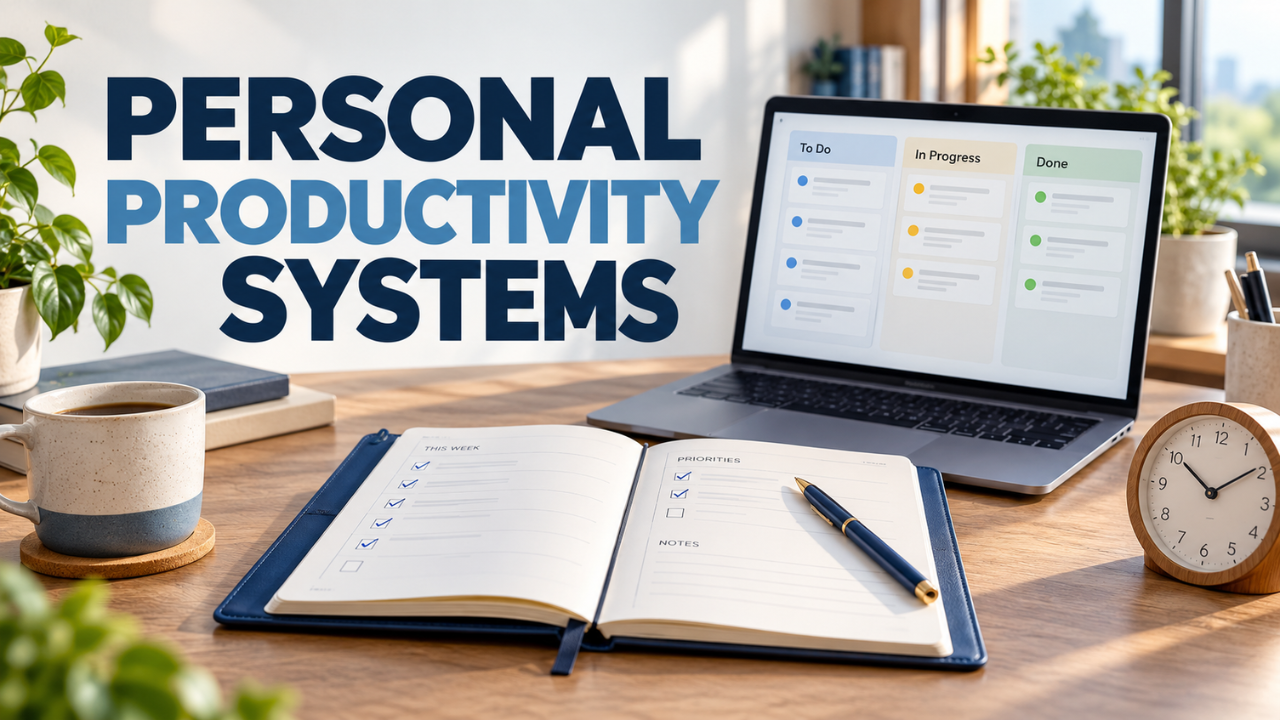
Personal Productivity Systems That Fit Your Everyday Life
You finish a busy day with twelve browser tabs open, three unanswered messages, and the uncomfortable feeling that the important work never happened. You weren’t doing nothing. You were responding, switching, remembering, and trying to keep everything moving.
That’s where personal productivity systems can help. They give your tasks somewhere to live and help you decide what deserves attention next.
The useful ones work on ordinary days, including the messy ones. You can run them with a notebook, a calendar, and a short task list. What matters is whether you can trust the system enough to stop carrying every unfinished job in your head.
Table of Contents
- What Makes a Productivity System Useful?
- Give Loose Tasks One Reliable Home
- Turn Vague Plans Into Clear Next Steps
- Borrow a Method That Solves Your Main Problem
- Plan Around the Time You Actually Have
- Make Starting Easier and Interruptions Manageable
- Keep the Weekly Review Short and Honest
- Build a System You Can Restart
What Makes a Productivity System Useful?
A personal productivity system is a repeatable way to collect commitments, choose priorities, plan work, and review what’s changed. It connects the things you intend to do with the time and attention you actually have.
A task list holds possible actions. Your calendar shows appointments, deadlines, and time you’ve reserved. A review keeps both current.
Without those connections, even a beautifully organized list can become a storage room for good intentions. You keep adding things, but nothing helps you decide what to do on Tuesday afternoon.
Here’s a useful test: when you have thirty free minutes, can your system help you choose a sensible task quickly? If you need twenty minutes to interpret your own planning setup, simplify it.
Give Loose Tasks One Reliable Home
Start by choosing a main place to capture anything you might need to act on. It could be a page in your notebook or an inbox in a task app.
When a client requests a change while you’re making lunch, record it there. When you remember an appointment you need to book, add that too. You don’t have to organize every thought immediately.
The important part comes later. Check that inbox at a regular point each day and decide what each item means. Some entries become tasks. Others belong on the calendar, need more information, or deserve to be deleted.
You may still receive requests through several channels. That’s normal. The aim is to move actionable commitments into a place you actually check, so a forgotten message doesn’t become a forgotten promise.
Turn Vague Plans Into Clear Next Steps
“Sort out finances” can sit on a list for weeks because it hides several decisions. Where do you begin? Which account needs attention? What would count as finished?
“Download last month’s bank statement” gives you somewhere to start.
For anything involving several steps, separate the overall result from the next action. The result might be “submit expense report.” The next action could be “find receipts from the client visit.”
Make that action specific enough that you can begin without reopening the whole problem. You don’t need to map every future step before doing the first one.
Be careful with due dates, too. A real deadline deserves a date. A task you’d vaguely like to finish soon may only need a place on your upcoming list. Filling the calendar with invented deadlines makes it harder to see the commitments that truly have consequences.
Borrow a Method That Solves Your Main Problem
Different methods help with different difficulties. Choose one based on where work currently gets stuck.
If you’re juggling many commitments, Getting Things Done offers a workflow built around capturing, clarifying, organizing, reflecting, and engaging. Its emphasis on defining the next action is useful when projects keep floating around as vague obligations.
Prefer paper? The Bullet Journal method uses rapid logging: short entries with symbols that distinguish tasks, events, and notes. You can keep those entries plain and quick. There’s no need to turn each page into a design project.
If you know what matters but never find time for it, try reserving work periods on your calendar. This is often called time blocking. Give a specific task or type of work a realistic slot, then adjust as circumstances change.
You can borrow parts from several approaches. A notebook for capture and a calendar for focused work may be enough. Give the arrangement a fair trial before adding more features.
Plan Around the Time You Actually Have
Before planning your tasks for the day, check your meetings and other commitments. A busy day with several meetings leaves less free time than a peaceful morning at home.
Suppose you have three available hours. Don’t assign yourself three hours of demanding work plus an hour of messages and errands. Something will have to give.
Pick one main outcome and a small amount of supporting work. For example, finish the client proposal, send an invoice, and book the repair appointment. Keep the longer backlog available without treating it as today’s obligation.
Leave some room for interruptions and tasks that take longer than expected. After a few days, compare your estimates with what happened and adjust.
Pay attention to when you tend to work well, too. If early mornings are usually your clearest hours, try protecting some of them for demanding work. Your schedule should reflect your own experience.
Make Starting Easier and Interruptions Manageable
A planned work period still needs an easy entrance. Open the document, gather the information, and write down the first small action before you begin.
For a difficult task, a short timer can give you a manageable commitment. Work for twenty minutes, then see if you want to keep going or take a short break. Treat the interval as an experiment.
Interruptions need a place to go. If something unrelated comes to mind, write it down and get back to what you were doing. If incoming messages regularly pull you away, agree on suitable response windows where your responsibilities allow it.
Some jobs require frequent availability. In that case, shorter work periods may be more realistic than a protected two-hour session.
When you must stop, leave a brief note about your next step. “Check the totals in the final column” makes returning easier than opening a spreadsheet and wondering where you were.
Keep the Weekly Review Short and Honest
Once a week, look beyond today’s list. Set aside a short session to check loose notes, unfinished tasks, upcoming dates, and anything you’re waiting to receive from someone else.
Ask what has changed. A project may no longer matter. A postponed decision may now be urgent. That task you’ve moved forward five times might need a smaller first step—or a decision to drop it.
Check the next couple of weeks on your calendar. An appointment may require documents, travel time, or preparation that belongs on your task list now.
Notice what you completed as well. A list showing only unfinished work gives an incomplete picture of your effort.
Keep the review focused on decisions. Move, clarify, schedule, or remove things. Stop when you have a clearer view of your commitments; reorganizing every label can wait.
Build a System You Can Restart
Let’s be honest: you’ll miss reviews. Some days will fill up before you’ve looked at your priorities. A useful system gives you a straightforward way back.
For a disrupted day, try a small reset. Check for genuine deadlines, capture any loose commitments, and choose one useful next action. You can rebuild the fuller plan when you have room.
After using your setup for a couple of weeks, judge it by what has improved. Are you forgetting fewer promises? Can you choose your next task more easily? Are important projects getting time?
If a part keeps creating work without helping, remove or change it.
Start with one capture place, a manageable daily plan, and a regular review. Let experience show you what else you need. The best personal productivity systems become familiar enough to use when life is busy—and simple enough to return to when it gets messy.