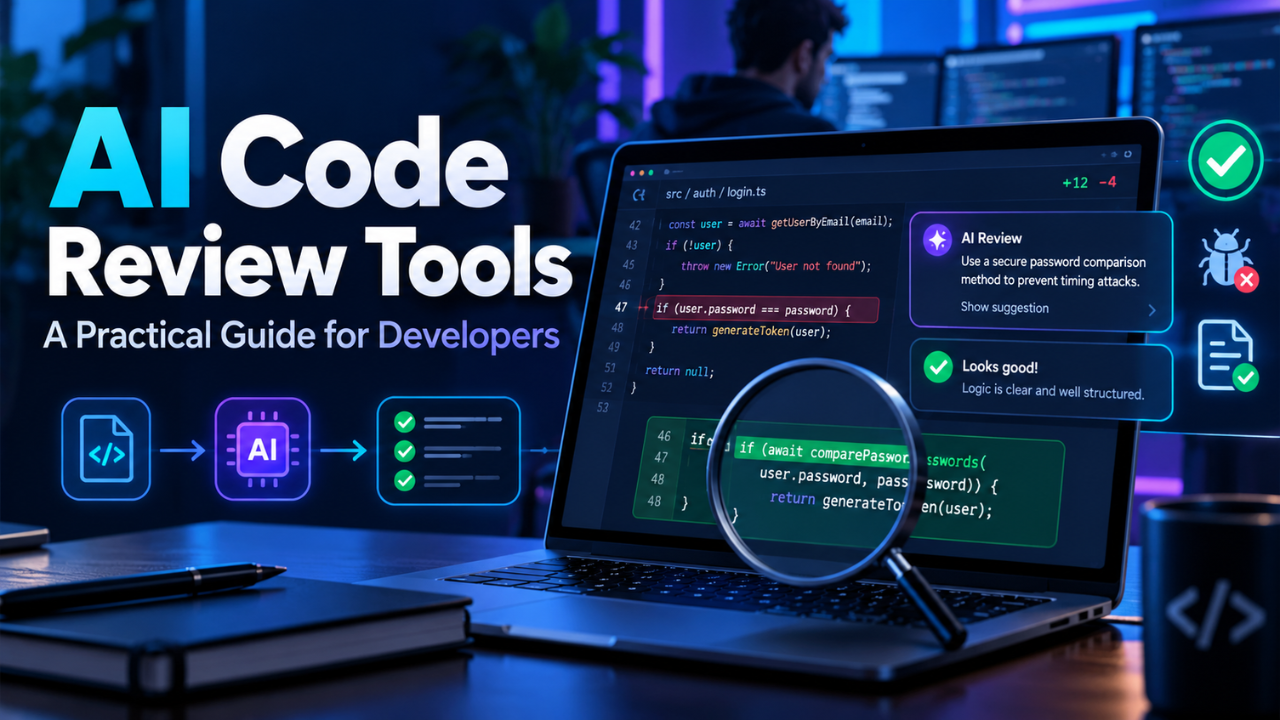
AI Code Review Tools: A Practical Guide for Developers
A pull request looks ready. The tests pass, the code is tidy, and the deadline is close. Then someone notices a missing permission check buried in a helper function. Suddenly, that quick merge needs another hour.
AI code review tools aim to add another layer of scrutiny before changes reach production. They examine proposed updates and raise questions while the work is still fresh. That can help a busy team, but the benefit depends on whether the feedback deserves attention.
The interesting question is what happens on an ordinary Tuesday. Does the tool catch something useful? Can developers understand its reasoning? Does it make reviewing code easier?
Table of Contents
- What AI Code Review Tools Actually Do
- Where They Help During a Busy Week
- How Three Tools Fit Different Workflows
- What Useful Feedback Looks Like
- Give the Reviewer Enough Context
- Keep Human Judgment in the Loop
- Check Privacy and the Real Cost
- Run a Small Trial Before Expanding
- Build a Review Habit That Lasts
What AI Code Review Tools Actually Do
These tools inspect code changes and produce feedback about potential problems. Depending on the product, that might include a suspicious condition, an unhandled error, a security concern, or a suggestion for making a function easier to maintain.
Many work inside pull requests, the proposed changes a team reviews before merging them into its shared codebase. Some also offer reviews inside an editor or through a command line. CodeRabbit, for example, documents all three review environments.
Their scope varies. A tool might inspect changed lines alongside related files, project instructions, and other available context. Check what it actually reads before assuming it understands the whole application.
Continue running your current tests, code linters, and security checks regularly. Each provides a different kind of evidence about whether a change is ready.
Where They Help During a Busy Week
Think about a developer updating an order confirmation feature. The normal path works perfectly: payment succeeds, an email goes out, and the customer sees a confirmation page.
But what happens when the email service times out?
An automated reviewer might question whether that failure prevents the order from completing. Even if its proposed fix needs adjustment, the question gives the team something specific to investigate.
Quick feedback can also help when the usual reviewer is busy. An author can address straightforward concerns before a teammate starts reading, leaving more room for discussion about design and business behavior.
Let’s be honest, though: a team receiving twenty vague comments on every small change may gain very little. The useful outcome is a clearer review conversation and fewer overlooked problems. Speed matters only when the feedback helps.
How Three Tools Fit Different Workflows
Several products cover similar ground, but their documented features suggest different starting points for evaluation.
GitHub Copilot code review provides feedback and suggested fixes on pull requests, with review support in several development environments. You can configure automatic reviews and add repository instructions. Based on that integration, it’s a reasonable candidate to evaluate if your team already works heavily in GitHub. That convenience still needs to hold up against your actual changes.
CodeRabbit offers pull request summaries, inline review feedback, suggested fixes, and follow-up conversations. It also combines model-based review with static analysis tools. Those features make it a candidate to test when your team wants explanations and interaction within the review thread. Check whether its summaries accurately describe the change and whether its comments identify issues your existing checks missed.
Qodo Code Review uses repository context to produce findings ranked by severity. You can discuss its feedback and adjust review output, with controls for verbosity and review noise. Based on those controls, it may suit teams that want to tune which findings receive attention. Evaluate that flexibility using your own coding standards and a representative set of pull requests.
These are starting points for comparison. Their documentation describes capabilities; a trial shows how those capabilities behave in your repository.
What Useful Feedback Looks Like
A strong review comment identifies the relevant code, explains the possible failure, and gives you a way to check the concern.
For example, the lookup might not find a customer, but the following line still tries to access their email address. What should happen when the record is missing?”
You can act on that. Find the lookup’s contract, inspect the surrounding logic, and test the missing-record case.
A comment such as “Improve error handling” leaves much more work for the reader. It might be reasonable, but it doesn’t explain what breaks or where.
Pay attention to false positives, too. If a reviewer repeatedly flags cases already handled elsewhere, investigate whether it has enough context.
My preference would be a small number of well-supported findings. Every comment asks a developer to stop, read, and decide. That interruption should earn its place.
Give the Reviewer Enough Context
“Improve code quality” is a weak instruction. A clear project rule gives the reviewer something concrete to assess.
You might specify that public endpoints require authorization checks, database access belongs in a particular layer, or external requests need defined timeout behavior. CodeRabbit supports instructions scoped to file paths, allowing different guidance for different parts of a project.
Now imagine a repository containing both application code and generated files. Where the product supports it, excluding generated output can help keep review attention on code developers actually maintain.
The pull request description matters as well. Explain the intended behavior, relevant constraints, and what you’ve tested. A change that deliberately preserves an older response format can look strange without that explanation.
Keep instructions brief enough to maintain. Update them when team conventions change, especially after an architectural decision makes an older rule inaccurate.
Keep Human Judgment in the Loop
A convincing explanation can still be wrong. GitHub explicitly warns that Copilot reviews may miss problems or make mistakes, and advises validating the feedback alongside human review.
Consider a suggested “cleanup” that changes how an empty list is handled. The new code looks neater, but your reporting system uses an empty list to mean that no records matched. Changing it to a different value could alter behavior.
Before accepting a fix, understand the original intention and inspect its callers. Run the relevant checks, and add a focused test when the finding exposes an uncovered failure.
Business rules deserve particular attention. A reviewer might question a discount calculation without knowing about a customer agreement or an exception approved by the product team.
Ask whoever owns that behavior to confirm it. The person approving the change should be able to explain why it works, including any suggestion accepted during review.
Check Privacy and the Real Cost
Before connecting a reviewer to private code, read the provider’s current data handling terms and account settings. Establish what information is sent, how long it’s retained, whether it’s used for training, and which controls your chosen plan provides.
Treat unclear answers as something to resolve before adoption.
Cost needs similar attention. Check what the provider bills for, any usage limits, and what happens when your team requests another review after making changes. A headline subscription price may leave out costs relevant to your workflow.
There’s also the time spent handling feedback. If developers spend half an hour dismissing weak comments on a small change, include that effort in your assessment.
The practical question is how much useful review assistance you receive for the total money and attention invested.
Run a Small Trial Before Expanding
Start with one active repository and a mix of ordinary changes. Include a bug fix, a feature update, and a refactor so you can see how the reviewer handles different kinds of work.
Historical pull requests with confirmed defects can offer useful examples. Because their discussions or fixes may already be visible, treat those results as demonstrations rather than a clean accuracy test.
During live reviews, record confirmed findings, rejected comments, and how long developers spend checking them. Ask reviewers whether the tool changed what they noticed or helped them reach a decision.
Don’t judge it solely by the number of comments accepted. A useful question can reveal a problem even when its suggested fix is unsuitable.
Expand after the trial gives your team a clear reason to continue.
Build a Review Habit That Lasts
AI code review tools become useful when they fit the way a team already develops software: clear changes, relevant checks, thoughtful discussion, and accountable approval.
Start with a manageable trial, give the reviewer practical context, and judge its feedback against real behavior. Keep adjusting the settings as you learn which comments help.
A good result is easy to recognize. Developers understand the findings, reviewers have better conversations, and mistakes get attention while they’re still straightforward to fix.