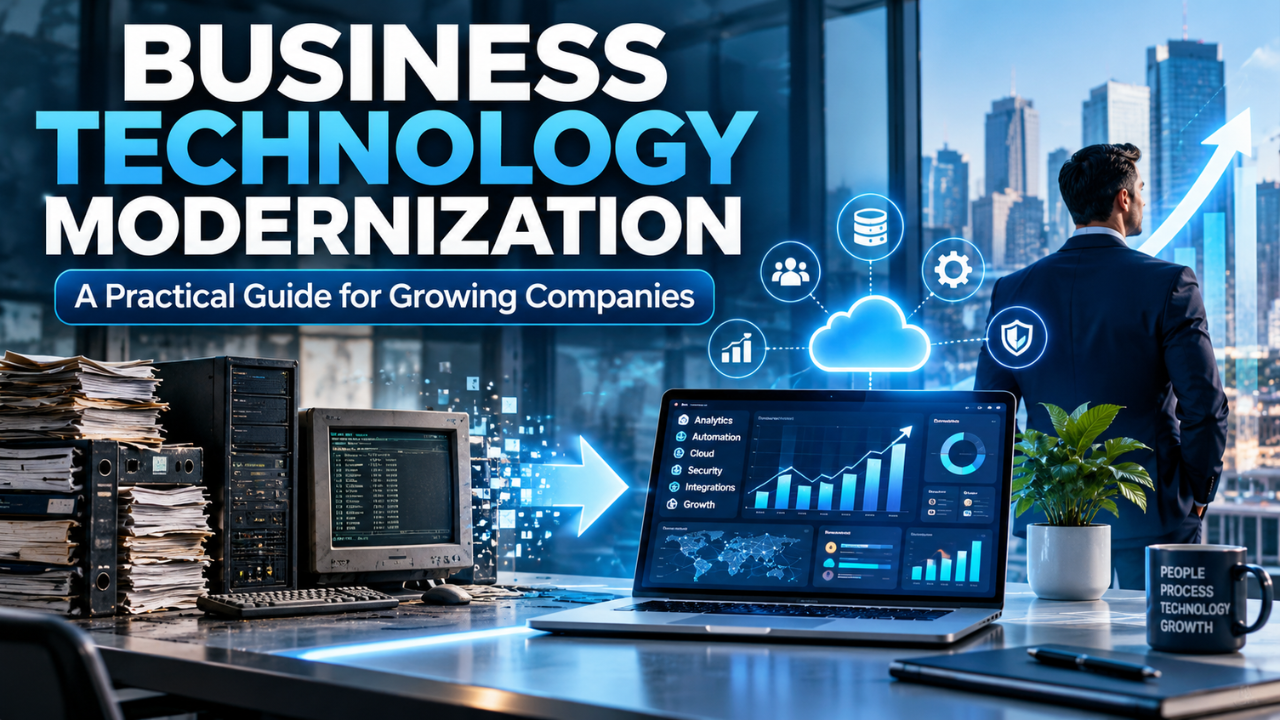
Business Technology Modernization: A Practical Guide for Growing Companies
A business can run on technology that still works and still be held back by it. Maybe the sales team copies customer details between spreadsheets. Maybe a report takes half a day to prepare because three systems don’t share data. These problems seem small until they slow down decisions, frustrate employees, or lead to mistakes customers notice.
Business technology modernization means improving the systems and processes a company relies on so they fit the way it works today. That can involve replacing old software, connecting separate tools, moving some services to the cloud, or simplifying a workflow. The goal isn’t to buy the newest technology. It’s to make everyday work easier, safer, and more reliable.
The best modernization projects start with a plain question: what’s getting in the way of good work? Once a company can answer that, it can choose changes that solve real problems instead of adding another layer of complexity.
Table of Contents
- What Business Technology Modernization Means
- Start With the Work That Causes Friction
- Decide What to Do With Legacy Systems
- Make Data and Systems Work Together
- Include Employees in the Change
- Build Security Into the Plan
- Create a Practical Modernization Roadmap
- Avoid Common Modernization Mistakes
- Measure Whether the Changes Help
What Business Technology Modernization Means
Modernization is broader than replacing an old computer system. It’s the work of bringing technology, processes, and people into better alignment.
A company might modernize by moving files from a local server to a managed cloud service. It might replace an outdated customer database, connect its online store to its inventory system, or give staff a simpler way to request approvals. Some projects involve new software; others are mostly about removing unnecessary steps.
That distinction matters. A company can spend heavily on modern tools and still have the same old problems if its processes remain confusing. If five people must approve a routine purchase, a new purchasing app may simply move the waiting from email into a dashboard.
Modernization also doesn’t mean every system has to be new. A dependable tool that meets a clear need may be worth keeping. The useful question is whether it works well with the rest of the business, can be supported safely, and can adapt as the company changes.
Start With the Work That Causes Friction
It’s tempting to begin with a product demo. Start with the work instead.
Ask employees where they lose time, repeat the same task, or rely on a workaround. Talk to people across the business, not only department heads. A finance manager may know why invoices stall, while the person entering them can explain which fields cause confusion.
A small distributor, for example, might discover that staff check stock in one system, confirm orders in another, then update a shared spreadsheet by hand. The problem isn’t simply “old software.” It’s that important information is split across tools, so workers have to keep reconciling it.
Write down the problem in everyday terms: orders take too long to confirm; managers can’t see current stock; customer details are entered twice. Then look at how often it happens and who it affects. That gives the team a starting point for comparing solutions.
It also helps prevent a common trap: fixing a visible irritation while missing the larger cause. A slow report might come from an overloaded tool, but it might also be slow because the data is incomplete or stored in several places.
Decide What to Do With Legacy Systems
Older systems can be awkward, but age alone doesn’t make a system useless. Some support important work reliably. Others depend on one employee who knows a collection of unofficial fixes. The difference is worth understanding before making a change.
For each major system, consider whether it can be maintained, whether it connects to the tools around it, whether updates and security support are available, and what happens if it fails. Also ask how much the company spends on support, manual work, and downtime. A system with a low annual fee can still be expensive if employees spend hours working around it.
There are several reasonable choices. Keep a system that performs well and has proper support. Improve it if a limited change will remove the main obstacle. Replace it if it can no longer meet business needs. In some cases, a company can move in stages: keep a core system in place while replacing one function at a time.
That gradual approach can reduce disruption, though it needs a clear plan for how old and new parts will work together. Running two systems without defined ownership can create another version of the same problem.
Make Data and Systems Work Together
Many technology headaches come from tools that don’t share information cleanly. An employee types a customer’s address into sales software, billing software, and a delivery form. When one copy changes and the others don’t, small errors travel downstream.
Connecting systems can reduce duplicate work and give employees a more consistent view of what’s happening. But integration takes planning. The company needs to decide which system owns each piece of information, how often data should update, and what should happen when an update fails.
Data quality deserves the same attention. Before moving customer, staff, or product records, remove duplicates, agree on naming rules, and decide which fields are required. Moving messy information into a modern platform usually makes the mess faster to access.
Don’t integrate everything simply because the option exists. Focus first on the connections that remove repeated work or make important decisions more accurate. A small number of reliable connections can be more useful than a large web of fragile ones.
Include Employees in the Change
Employees often know which parts of a process work and which exist only because a tool makes the process difficult. Bring them into planning before a solution is chosen. Their feedback can catch practical issues that look minor in a presentation but create trouble during a busy shift.
Be clear about what will change, when it will happen, and how people can get help. Training should use familiar tasks rather than generic tours of every menu. If customer support staff need to update a service request, show them how to handle that task from start to finish.
Give people time to learn the new process, and leave a way to report issues. Early feedback often reveals a confusing label, a missing permission, or a step nobody considered. Those are easier to fix before they become routine workarounds.
Here’s the thing: adoption is part of whether the project works. If employees keep a private spreadsheet because the new system is harder to use, the business hasn’t solved the original problem.
Build Security Into the Plan
Modernization can improve security, but a new tool doesn’t make a business secure by itself. A system still needs sensible access controls, regular updates, reliable backups, and a clear process for handling suspicious activity.
Start by identifying what the system will store and who needs access. A staff member who only checks delivery status may not need permission to edit customer billing records. Limiting access to what people need for their work can reduce accidental changes and make unusual activity easier to spot.
Think about how the business will recover if an account is compromised or a service goes offline. Backups matter only if they can be restored, so test the recovery process. Review how outside providers protect data, manage account access, and notify customers about security incidents.
Security works best when it’s part of the design and day-to-day habits, not a final review just before launch. That’s usually cheaper and less disruptive than trying to patch gaps after a system is in use.
Create a Practical Modernization Roadmap
A useful roadmap sets priorities without pretending everything can change at once. Begin with a shortlist of business problems. Rank them by impact, urgency, risk, and effort. Then choose a first project that matters but is small enough to manage.
For each project, define the result in terms employees and leaders can understand. “Install a new platform” is an activity. “Reduce duplicate customer entry and make order status visible to support staff” is a result. That gives the team a way to judge whether the change helped.
Next, map the current process, choose a solution, assign an owner, and plan the transition. Include the time needed for cleaning data, setting permissions, testing, training, and support. These tasks often take more work than the software setup itself.
A pilot can reveal problems before a full rollout. Start with one team, one location, or one type of transaction. Ask users what slowed them down, fix the issues that matter, then expand. A pilot should be a real test of the intended work, not a polished demonstration with hand-picked examples.
Avoid Common Modernization Mistakes
One mistake is buying technology before agreeing on the problem. Another is trying to change too many important systems at the same time. Both make it harder to tell what’s working and give employees several changes to learn at once.
It’s also easy to underestimate the cost of switching. The subscription price may be clear, but migration, training, integrations, support, and downtime need room in the budget. Ask the provider what the company will need to manage itself after launch.
Finally, don’t treat modernization as a project that ends on launch day. Systems need updates, staff change roles, and business needs shift. Assign someone to own each important tool and review whether it still fits the work.
Measure Whether the Changes Help
Pick a few measures tied to the original problem. If the goal was to speed up order handling, measure how long orders take before and after the change. If the goal was fewer data errors, track corrections or duplicate records. A useful measure should show something the business cares about, not just how many features people clicked.
Set a starting point before the rollout. Otherwise, a team may remember the old process as worse or better than it really was. Check the results after employees have had time to settle into the new workflow, and ask them what still feels awkward.
Not every useful result is easy to express as a number. Better access to information, fewer stressful handoffs, or clearer ownership can matter too. Use the measures to guide the next decision, not to force a project to look successful.
Business technology modernization works best as a series of thoughtful improvements. Find the work that causes friction, choose a change that addresses it, and give people enough support to use the change well. A company doesn’t need the newest system everywhere. It needs technology that helps its people do good work with less friction and fewer avoidable mistakes.
Meta description (20 words): Modernize business technology with a practical plan for better systems, safer data, smoother workflows, and changes employees can adopt confidently.