
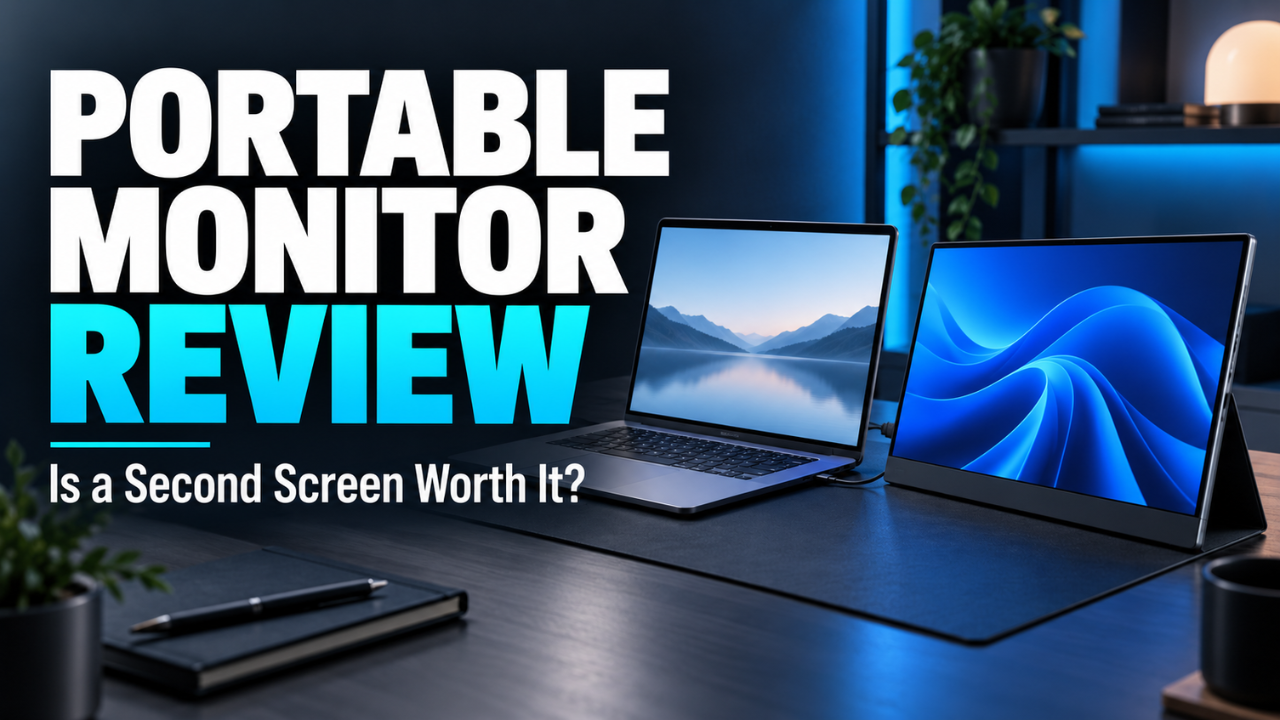
Portable Monitor Review: Is a Second Screen Worth It?
Working on one laptop screen feels fine until you need three things open at once. Your document disappears behind a browser window. A video meeting covers your notes. You keep switching tabs to check numbers you saw five seconds ago.
A portable monitor promises a simple fix: more screen space without carrying a full desktop setup. Slip it into your bag, connect it to your laptop, and give your work some breathing room.
That sounds useful. But an extra screen also means extra weight, another surface to protect, and sometimes more cables than expected.
This portable monitor review looks at the category rather than one specific model. The question is whether a travel-friendly second display makes everyday work easier enough to earn its place in your bag.
Table of Contents
- What an Extra Screen Actually Changes
- Choosing a Size You’ll Want to Carry
- Picture Quality Beyond the Product Photos
- USB-C Connections Need a Closer Look
- The Stand Can Make or Break the Experience
- Power and Battery Life on the Move
- How Useful Is It for Gaming and Entertainment?
- Small Details That Matter After a Week
- Who Should Buy a Portable Monitor?
What an Extra Screen Actually Changes
The biggest benefit isn’t fitting twice as many windows on your desk. It’s keeping useful information visible while you work.
Imagine updating a client report. Your spreadsheet stays on the laptop while the report sits on the portable display. You can check figures without constantly hiding either window. That’s a small change, but it removes a repeated interruption.
The same setup works for students comparing lecture notes with an assignment, developers checking a browser beside their code, or anyone who needs reference material nearby.
I’d give the second screen one clear job. Keep your main task on one display and supporting information on the other. Filling both with messages and notifications can make concentration harder.
A portable monitor won’t improve every task, either. If you spend most of your day answering short emails or working inside one application, the extra space might stay mostly empty.
Its value depends on what you regularly need to see together.
Choosing a Size You’ll Want to Carry
A larger display looks tempting when you’re comparing specifications. It feels less tempting when you’re packing a crowded backpack.
For a typical laptop setup, I’d start by considering something around 14 to 16 inches. That gives you useful workspace without immediately turning your travel kit into a moving office.
Think about the places where you’ll use it. A hotel desk may accommodate a laptop and second screen comfortably. A small café table might barely leave room for your drink.
Aspect ratio deserves attention, too. A 16:10 screen offers more vertical room relative to its width than a 16:9 display. That shape can feel more comfortable for documents and web pages.
Don’t judge portability by the bare monitor’s weight alone. Include its cover, stand, cables, and any charger you need.
Here’s a useful reality check: measure the usable space in your bag and on your usual desk before buying. A screen only counts as portable if you’re happy to bring it.
Picture Quality Beyond the Product Photos
Product images tell you very little about how a monitor handles a spreadsheet beside a bright window.
For everyday office work, I’d prioritize readable text, comfortable brightness, and a screen surface that doesn’t constantly reflect the room.
A 15.6-inch Full HD display can be a sensible starting point for documents and browsing. Higher resolution can make text look finer, but you may need display scaling to keep menus and labels comfortably sized.
More pixels don’t automatically give you more usable workspace if everything becomes too small to read.
Brightness matters most when you can’t control the lighting. A screen that looks comfortable in a shaded room may be frustrating beside a sunny window. A matte finish can soften reflections, though it won’t make an ordinary display easy to read outdoors.
Color needs depend on your work. For email and spreadsheets, small differences between screens may be harmless. For editing product photos or preparing client artwork, they become more important.
Check color coverage and accuracy separately. A wide color range doesn’t guarantee that the screen displays those colors correctly.
I also wouldn’t pay extra for an HDR label alone. Look for evidence of actual brightness and contrast performance before treating it as a meaningful upgrade.
USB-C Connections Need a Closer Look
This is where a straightforward purchase can become surprisingly confusing.
A USB-C connector doesn’t guarantee video output. For a monitor that uses DisplayPort Alt Mode, the laptop’s USB-C port must support that display function. ASUS explains this compatibility check in its portable monitor connection guidance.
The cable matters as well. A cable intended mainly for charging may not support the video connection your monitor requires.
With compatible equipment and sufficient power, one USB-C cable can carry the display signal and power the screen. That’s the tidy arrangement most people picture.
Other setups need separate connections. You might send video through HDMI while supplying power through USB. Check whether the monitor uses full-size HDMI or mini HDMI, because the required cable differs.
Before buying, match the monitor’s connection requirements against your exact laptop model. Check the manufacturer’s specifications rather than assuming every port behaves the same way.
Phone compatibility also needs a separate check. A phone having USB-C doesn’t automatically mean it can drive an external display.
Five minutes spent checking this can prevent a frustrating afternoon of swapping cables.
The Stand Can Make or Break the Experience
A sharp screen becomes annoying quickly if it keeps slipping backward.
Some portable monitors come with a foldable cover that doubles as a stand. Others have an integrated kickstand or support a separate mount. These designs can differ substantially in stability and adjustment.
I’d put a dependable stand ahead of slightly thinner bezels.
Picture yourself working at a shallow desk. If the stand extends far behind the screen, it takes away space you need for the laptop. If it offers only a couple of angles, you may struggle to avoid reflections.
Height matters just as much. A portable screen sitting directly on the table can feel low beside a raised laptop. For longer sessions, a compatible adjustable stand may make the arrangement more comfortable.
Portrait orientation can help with long documents, but check whether the stand supports it securely. You may also need to change the orientation manually in your computer’s display settings.
The best stand is one you stop noticing once work begins.
Power and Battery Life on the Move
An extra screen needs power, and that power has to come from somewhere.
When your laptop powers the monitor, expect additional battery drain. The effect varies with the display, brightness setting, laptop, and workload, so a universal estimate wouldn’t be useful.
This matters less beside a wall outlet. It matters considerably more during a long journey.
Some monitors accept external power, and certain models support power pass-through. Check the supported wattage and connection arrangement carefully if you want the setup to charge your laptop as well.
A compatible charger still needs enough capacity for the equipment attached to it.
Don’t assume “portable” means “battery-powered,” either. Many portable displays need a continuous external power source.
Before an important trip, try the complete setup on battery using your normal apps. That gives you a more useful answer than guessing from a product listing.
How Useful Is It for Gaming and Entertainment?
A portable monitor can make sense for occasional gaming, especially when you want a separate screen without carrying a television.
However, gaming requirements go beyond whether the console or computer connects.
Check the refresh rate supported through the input you’ll use. Response time, input lag, and adaptive sync support can also affect the experience. A basic office display may suit slower games while feeling less satisfying for fast competitive play.
For movies, screen size alone may not justify taking another device. Your laptop might already offer a better picture or better speakers.
I’d view entertainment as a bonus unless it’s the main reason for buying.
Headphones are worth packing, too. Don’t assume small built-in speakers will provide the volume or clarity you want in a noisy room.
Small Details That Matter After a Week
Some problems only become obvious when you use a monitor repeatedly.
Awkward brightness buttons are a good example. Adjusting the picture should be quick, especially when you move between different rooms.
Cable placement can also change how comfortably everything fits. A connector sticking out toward your mouse hand may become a daily irritation.
Check whether the protective cover shields the actual screen during travel. A slim panel still needs protection from pressure and loose objects inside your bag.
Once connected, set your computer to extend the desktop if you want separate windows on each display. Arrange the screens in settings to match their physical positions so the pointer moves naturally between them.
Finally, keep the packaging until you’ve tried your normal workflow. A useful return policy gives you room to discover whether the monitor suits your desk, bag, and computer.
Who Should Buy a Portable Monitor?
A portable monitor makes the most sense when you regularly work away from a permanent desk and need two sources of information visible together.
For that person, the benefit is practical: fewer window changes and a more comfortable workspace wherever there’s enough room to set up.
If you mainly work at one desk, compare it with a conventional monitor. A larger screen and adjustable stand may serve you better when portability adds little value.
My buying priorities would be connection compatibility, readable text, a stable stand, and a manageable total carrying weight. Fancy extras come afterward.
Choose around the work you actually do. If a second screen removes a frustration you face every day, it can earn its place quickly. If you’re struggling to think of what you’d put on it, your laptop may already be enough.



One Comment