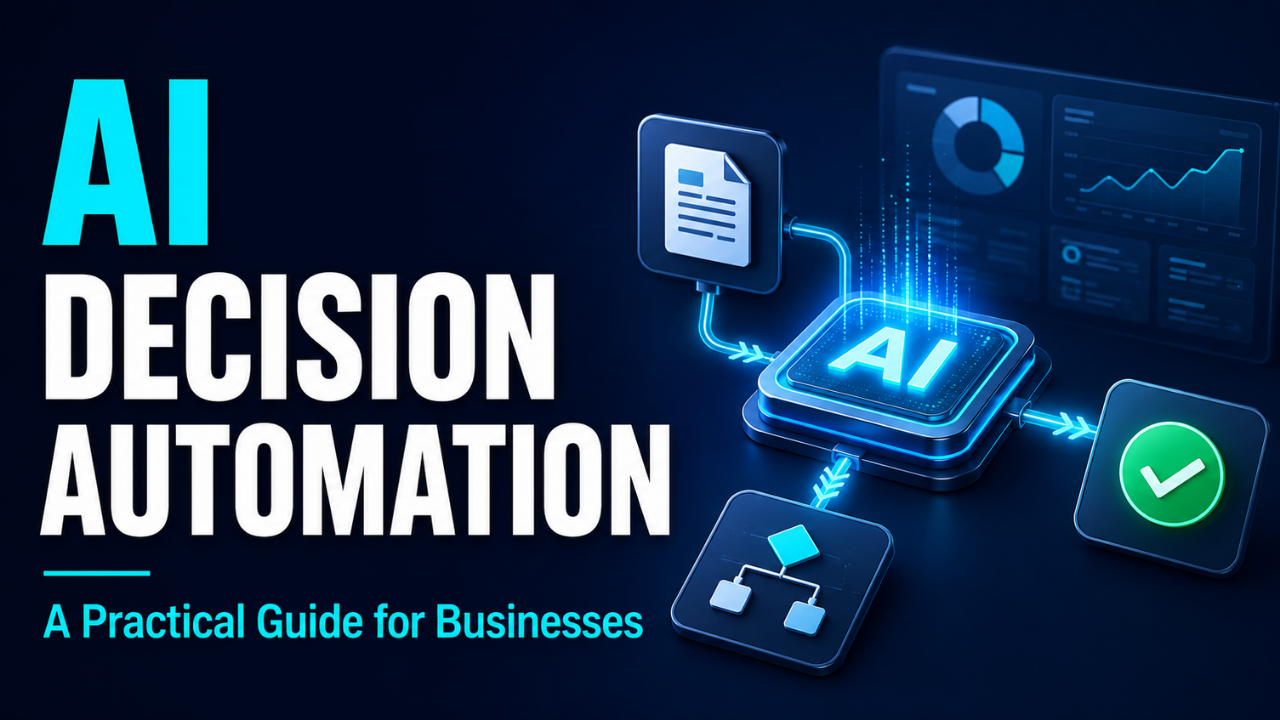
AI Decision Automation: A Practical Guide for Businesses
A customer asks for a refund. The order arrived late, the amount is small, and the delivery record backs up their complaint. Yet the request sits in a queue until someone opens it, checks three screens, and clicks approve.
Multiply that small delay across hundreds of everyday decisions, and you can see why businesses get interested in automation.
AI decision automation helps software assess information and choose an action within limits that people set. It can shorten queues and reduce repetitive checks. The useful question is where those faster decisions actually improve the experience for your team and customers.
Table of Contents
- What AI Decision Automation Actually Means
- How a Prediction Becomes an Action
- Where It Fits Into Everyday Work
- Decide What People Should Still Handle
- Start With One Decision You Can Measure
- Watch for Quiet Mistakes
- Measure the Outcome, Including the Cleanup
- Make the First Win Small and Useful
What AI Decision Automation Actually Means
AI decision automation uses models to interpret data, estimate outcomes, or classify situations, then connects those results to a business action. That action might be routing a request, approving an eligible refund, or sending an unusual case to a manager.
Traditional automation can already make choices using fixed rules. For example, a store might automatically offer free delivery when an order exceeds a set amount.
AI adds a way to work with patterns that are harder to describe through simple instructions. A model might estimate delivery risk from order details, past delays, and current conditions. Business rules then determine what happens next. IBM describes this combination of business rules and predictive modeling as a way to automate repeatable decisions.
There’s also a useful boundary here: if software recommends an action and a person decides whether to take it, that’s decision support. Automation happens when the system carries out an allowed choice without needing approval for each case.
How a Prediction Becomes an Action
Picture an online shop deciding whether to refund a damaged item.
First, the system gathers relevant information: the customer’s message, order value, purchase date, and any available evidence. A model may classify the complaint or flag details that need closer attention.
Next comes the policy check. Does the request fall within the return period? Does it meet the evidence requirements? Is the amount below the store’s automatic approval limit?
If everything qualifies, the workflow can issue the refund and record what happened. Missing evidence or conflicting details should send the case to a person.
That separation matters. A model’s prediction doesn’t define your refund policy. Your business chooses the conditions under which software may act.
The workflow also needs a plan for technical failures. If the order database is unavailable, for example, the system should hold the request for review. Guessing the missing information could turn a small service problem into an incorrect payment.
Where It Fits Into Everyday Work
The strongest opportunities often sit inside ordinary work that repeats throughout the day.
Consider customer support. A message saying “I can’t access my account before today’s deadline” may need different handling from a general product question. A model can help interpret the message, while routing rules send it to an appropriate queue. Whether that helps depends on accurate classification and having staff available to respond.
Stock ordering offers another example. A retailer might forecast demand using sales history, seasonal patterns, and planned promotions. A decision system could then calculate a reorder quantity using that forecast alongside delivery times, storage space, and spending limits.
A repair business could use similar logic to assign incoming jobs. Software might predict how long a repair will take, then match it with a technician’s skills and available time.
Each example has a specific decision and a visible result. That’s a useful filter. “Improve operations” is too broad to test. “Route repair requests to a suitable available technician” gives everyone something concrete to assess.
Decide What People Should Still Handle
Let’s be honest: some decisions are easy to reverse, and others can seriously affect someone’s life.
Sending a support ticket to the wrong queue is inconvenient. Rejecting a job applicant or denying access to an essential service can have much larger consequences. Those differences should shape how much authority you give a system.
For an early project, I’d choose decisions with limited consequences, clear policies, and an easy correction process. Keep sensitive or unusual cases under qualified human review.
Make that review meaningful. A reviewer needs the relevant evidence, enough time to examine it, and the authority to change the outcome. An approve button on an overloaded dashboard provides very little oversight.
Customers also need a practical way to challenge a mistake. If someone explains that the delivery photo shows the wrong house, your process should let a person investigate that detail and correct the decision.
Start With One Decision You Can Measure
Before comparing platforms, write down the exact decision you want to improve.
For a small retailer, that might be: “Should this return request receive automatic approval or go to the service team?”
Then collect a representative set of past requests. Include straightforward cases, missing information, disputes, and the awkward exceptions your experienced staff remember. Check the outcomes carefully; an old decision isn’t automatically a good example to copy.
Establish your starting point. How long do requests take? How often do staff correct a decision? How many customers contact you again because the first response didn’t solve their problem?
Now run a trial where the system proposes decisions while people continue handling the real requests. Compare those suggestions with reviewed outcomes. Use cases the model hasn’t already seen during training so the test reflects new work.
If results look promising, enable a narrow set of automatic actions. Keep the rest under review.
Choose software around that process. It should connect to your existing records, let you change rules, show a decision history, and make it easy to pause automation. A polished demo tells you little about how it handles your messiest Tuesday.
Watch for Quiet Mistakes
Some failures announce themselves. Others look like normal results until someone spots a pattern.
Suppose a shop’s delivery estimates rely on last year’s shipping times. A carrier changes its routes, but the system keeps predicting arrivals using patterns that no longer fit. Customers receive confident promises that the business struggles to meet.
Regular checks help catch these shifts. NIST’s guidance on monitoring performance recommends evaluating systems after deployment and reassessing measures as conditions change.
Uneven results deserve attention too. A support model may handle standard English well but misread short messages, spelling mistakes, or regional phrases. An overall success rate can hide poor service for particular customers.
Also watch what the system learns from. If staff previously made inconsistent decisions, using those records as examples may reproduce the same inconsistency.
And don’t assume the software improves by itself. Many models need deliberate updates, followed by fresh testing. Even a system designed to learn from feedback needs oversight: customer silence, for instance, doesn’t prove that a decision was correct.
Measure the Outcome, Including the Cleanup
Speed is useful, but the whole job has to get better.
Imagine a refund process that approves requests almost instantly. If more customers then need follow-up help, or staff spend hours reversing incorrect approvals, the apparent saving may disappear.
Track turnaround time alongside correction rates, repeat contacts, and the work sent to human reviewers. For stock decisions, look at shortages and excess inventory. For repair assignments, check missed appointments and jobs that require reassignment.
Count the ongoing costs as well. Software fees are only part of the expense. Someone must maintain connections, investigate failures, review exceptions, and update policies.
Be careful with the target you choose. Rewarding a system only for closing tickets quickly could encourage premature closure. A better measure would include whether the customer’s issue stayed resolved.
Agree on stopping conditions before launch. A sudden rise in incorrect approvals or missing records should trigger investigation and, when needed, a pause.
Make the First Win Small and Useful
AI decision automation becomes valuable when a specific, repeated choice gets easier to handle without creating more trouble downstream.
Start with a decision your team understands. Give the system clear limits, test it against real cases, and make corrections straightforward. Expand only when the results justify it.
For that customer waiting on a simple refund, success feels ordinary: the request gets handled correctly, the explanation makes sense, and help is available if something goes wrong. That’s a practical standard to build around.