AI Invoice Processing: A Smarter Way to Manage Business Payments
An invoice arrives by email. Someone downloads it, opens the accounting system, types in the supplier name, checks the purchase order, enters the amount, and sends it for approval. It sounds simple—until the finance team is handling hundreds or thousands of invoices every month.
That’s when small problems start piling up. A decimal lands in the wrong place. An invoice sits unnoticed in an inbox. The same bill gets entered twice. A manager goes on leave, and an urgent payment waits for approval.
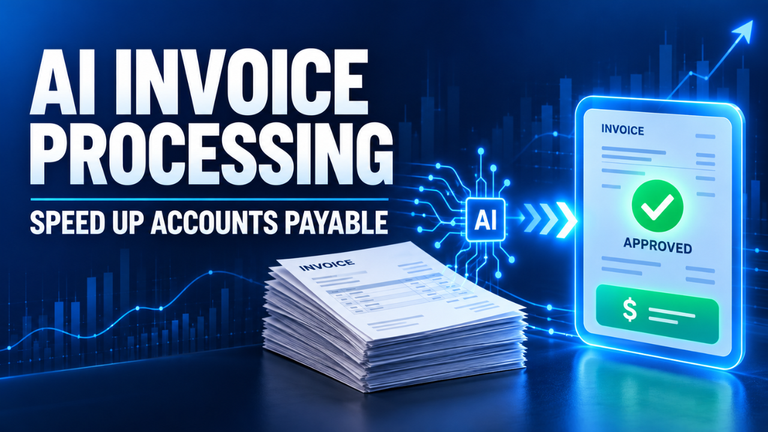
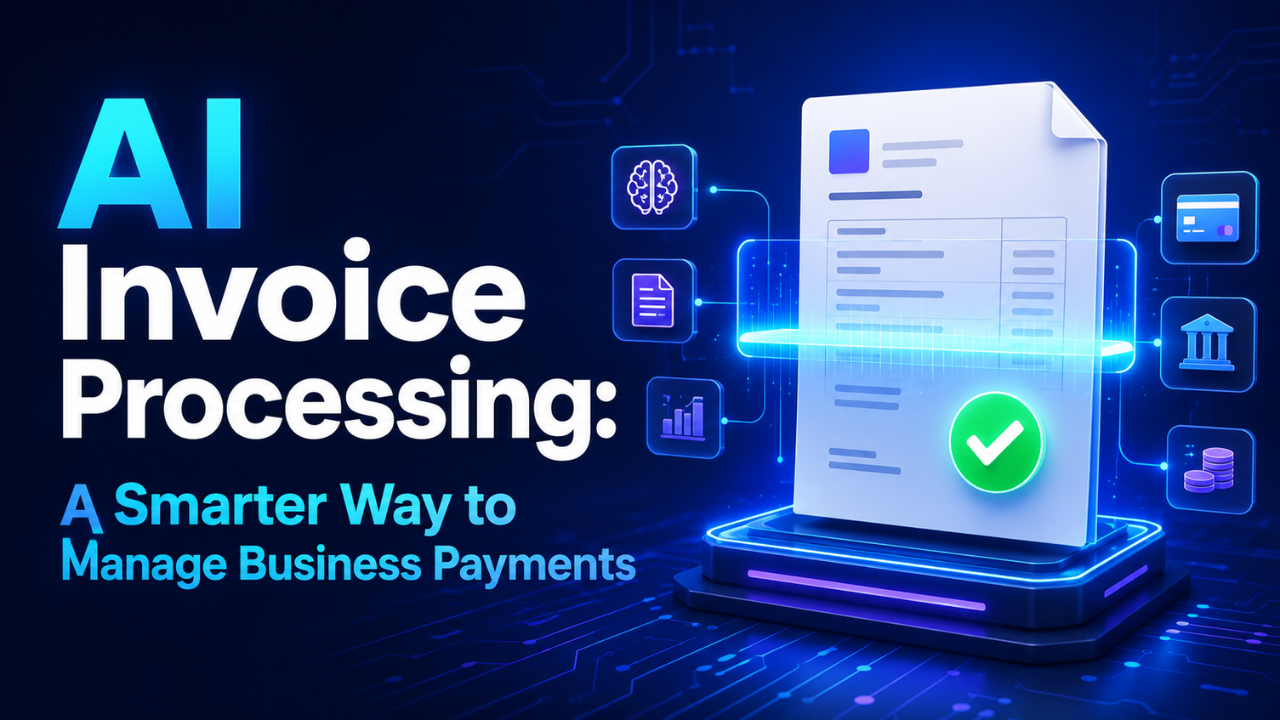
AI invoice processing helps businesses handle this routine work faster and with fewer mistakes. It reads invoices, extracts important details, checks them against business records, and sends them through the correct approval process. The result isn’t just quicker data entry. It’s a more controlled and visible way to manage company spending.
Table of Contents
- What Is AI Invoice Processing?
- How an Invoice Moves Through the System
- Why Manual Invoice Work Becomes Expensive
- Where Human Review Still Matters
- Common Challenges and Risks
- How to Introduce AI Invoice Processing
- Measuring the Real Business Impact
- A More Practical Finance Workflow
What Is AI Invoice Processing?
AI invoice processing uses intelligent software to capture, understand, verify, and organize invoice information. Instead of asking an employee to enter every detail manually, the system reads the document and identifies fields such as:
- Supplier name
- Invoice number
- Invoice date
- Purchase order number
- Product or service details
- Tax amount
- Payment terms
- Total amount due
Older invoice scanning tools usually depended on fixed templates. If every supplier used exactly the same invoice format, the software worked reasonably well. A change in layout, however, could create problems.
Modern systems are more flexible. They can recognize information even when suppliers use different designs, field names, currencies, or document formats. One invoice may place the total in the top-right corner, while another puts it near the bottom. The system learns to interpret the document based on both its layout and its content.
That distinction matters because real business invoices are rarely consistent. Some arrive as clean PDF files. Others are scanned documents, photographs, spreadsheets, or attachments buried inside long email threads. A useful processing system needs to work with that messy reality.
How an Invoice Moves Through the System
The exact workflow depends on the company, but most automated invoice systems follow a similar path.
First, the invoice enters through an approved channel. It might come from a shared accounts-payable email address, supplier portal, cloud folder, or document scanner. The system collects the file and begins reading it.
Next comes data extraction. The software identifies the supplier, invoice number, dates, line items, taxes, and totals. It then converts those details into structured information that can be sent to an accounting or enterprise resource planning system.
After extraction, the invoice goes through validation. The system may compare it with a purchase order, delivery receipt, supplier record, or contract. If the quantities, prices, and supplier details match, the invoice can move forward automatically.
Imagine a restaurant group ordering cleaning supplies for ten locations. The purchase order shows 200 boxes at an agreed price. When the invoice arrives, the system compares the billed quantity and rate with that order. If everything matches, it can send the invoice to the right manager or approve it according to company rules.
If something looks wrong, the invoice is flagged. Perhaps the supplier charged for 220 boxes, used an unfamiliar bank account, or submitted the same invoice number twice. Rather than silently accepting the bill, the system sends it to a person for review.
Finally, an approved invoice moves to the payment queue. Finance staff can see its status, approval history, due date, and supporting documents without searching through email chains.
Why Manual Invoice Work Becomes Expensive
Manual invoice processing often looks cheaper because a company is using tools and employees it already has. But let’s be honest: repetitive work carries hidden costs.
Data entry takes time, especially when invoices contain dozens of line items. Employees also spend hours following up with approvers, searching for missing purchase orders, correcting mistakes, and answering suppliers who want to know when they’ll be paid.
Errors can be costly as well. A duplicate invoice may be paid twice. An incorrect tax code can create reporting problems. A missed due date may lead to a late fee or damage a valuable supplier relationship.
Then there’s the issue of visibility. When invoices move through personal inboxes and spreadsheets, finance leaders can’t easily see what the company owes. They may know what has already been paid, but upcoming liabilities remain unclear until someone enters the invoices.
Automated processing creates a more current picture. Teams can see bills awaiting approval, invoices approaching their due dates, and unusual spending patterns. That helps with cash-flow planning and reduces the end-of-month scramble.
It can also make supplier relationships smoother. A vendor asking about payment doesn’t want to hear, “We think your invoice is with the department manager.” With a tracked workflow, the finance team can give a clear answer.
Where Human Review Still Matters
Automation works best when it handles predictable tasks and brings unusual cases to people. It shouldn’t remove human judgment from financial decisions.
A system can detect that an invoice total doesn’t match a purchase order. It may not understand why. Perhaps the supplier added an approved rush-delivery charge, the order changed after a phone conversation, or the contract allows for seasonal pricing.
That’s where an employee needs to look at the context.
Human review is also important for high-value payments, new suppliers, changed banking details, and invoices involving unclear services. A sensible company might automatically approve a routine $200 office-supply invoice while requiring two managers to review a $50,000 consulting bill.
The best setup is rarely “touchless processing for everything.” It’s controlled automation based on risk. Low-risk invoices move quickly, while exceptions receive proper attention.
Finance teams should also be able to correct extracted data and explain why they overrode a warning. Those corrections improve future performance and create a useful audit trail.
Common Challenges and Risks
AI invoice processing isn’t a magic switch. Poor setup can simply move old problems into a newer system.
Bad source documents are one challenge. A blurred photograph, handwritten note, or badly scanned invoice may still require manual work. Companies should give suppliers clear submission instructions and encourage them to use consistent digital formats.
Integration is another concern. Extracting invoice information has limited value if employees must copy it into another platform afterward. The processing tool should connect properly with the accounting system, purchasing records, approval structure, and payment workflow.
Supplier records also need attention. A company may have the same vendor entered under several slightly different names. That makes matching more difficult and can hide duplicate activity. Cleaning supplier data before implementation usually saves trouble later.
Security deserves careful planning too. Invoices contain bank details, tax information, addresses, and commercially sensitive data. Businesses should understand where documents are stored, who can access them, how activity is logged, and what happens when an employee leaves.
Fraud controls shouldn’t depend on automation alone. If a supplier suddenly requests payment to a new bank account, the system can flag the change, but an employee should verify it through a trusted contact method. An email reply to the same potentially compromised account isn’t enough.
How to Introduce AI Invoice Processing
Start with the existing process, not the software.
Map how invoices currently arrive, who checks them, what information gets entered, and where delays happen. Talk to the people doing the work every day. They’ll often identify practical problems that don’t appear in a management report.
Next, choose a focused starting point. A company might begin with invoices from regular suppliers that use purchase orders. These documents are usually easier to verify and carry fewer exceptions than complex project-based bills.
Clear approval rules are essential. Decide which invoices can pass automatically, which require one reviewer, and which need additional checks. Rules may depend on value, department, supplier status, purchase-order match, or changes to payment information.
Before a full launch, test the workflow using real invoices. Include clean PDFs, scanned pages, credit notes, invoices with multiple tax rates, and documents from less consistent suppliers. A perfect demonstration using five carefully selected files won’t reveal much.
During the early stage, compare extracted details with the original documents. Track the fields that create the most errors. If purchase order numbers are frequently missed, for example, the issue may come from supplier formatting rather than the processing system itself.
Training should focus on exceptions, not just buttons. Employees need to know why an invoice was flagged, what evidence to check, when to contact a supplier, and who can approve an override.
Measuring the Real Business Impact
Speed matters, but it shouldn’t be the only measure of success.
A stronger evaluation looks at the average time from invoice receipt to approval, the number of invoices requiring manual entry, the rate of duplicate or incorrect payments, and the amount of time employees spend chasing approvals.
It’s also worth tracking early-payment discounts and late fees. Faster processing can make discounts easier to capture, but only if the company has enough cash and the discount makes financial sense.
Accuracy is just as important. If invoices move faster but require frequent corrections later, the workflow isn’t truly efficient. Teams should watch exception rates and determine whether they fall as the system learns and supplier data improves.
Employee feedback provides another useful signal. Finance staff should be spending less time typing routine information and more time resolving meaningful issues. If they’re now buried under unnecessary alerts, the rules probably need adjustment.
A More Practical Finance Workflow
AI invoice processing works best as a quiet operational improvement. It removes repetitive data entry, keeps invoices from disappearing into inboxes, and gives finance teams a clearer view of what needs attention.
The real goal isn’t to eliminate people from accounts payable. It’s to stop skilled employees from wasting their day copying information between documents and systems. Let software handle the predictable work. Let people manage exceptions, relationships, risk, and judgment.
For most businesses, that balance is where the value sits: quicker processing, stronger controls, fewer avoidable errors, and a finance workflow that doesn’t depend on someone remembering which email thread contains the invoice.