Online AI Tools: A Practical Guide to Working Smarter
Online AI tools have moved from interesting experiments to everyday work essentials. They can summarize a long report before your coffee cools, turn a rough idea into a polished presentation, clean up a product photo, or help you make sense of a crowded spreadsheet. The appeal is obvious: open a browser, describe what you need, and get useful assistance within seconds.
Still, speed alone doesn’t guarantee good work. The real advantage comes from knowing which tool fits the task, what information to provide, and when human judgment matters. Used carelessly, these platforms can produce confident mistakes or generic results. Used well, they remove repetitive effort and leave more time for decisions that actually need your attention.
Table of Contents
- What Online AI Tools Actually Do
- Where These Tools Save the Most Time
- Choosing the Right Tool for the Job
- Getting Better Results Without Complicated Prompts
- The Mistakes That Cause Weak Results
- Privacy, Accuracy, and Responsible Use
- Building a Simple Toolset That Works
- What Comes Next
- Final Thoughts
What Online AI Tools Actually Do
At their core, online AI tools look for patterns and use them to generate, organize, predict, or transform information. That sounds technical, but the experience is usually simple. You upload something, type a request, or connect a source, and the platform returns a result.
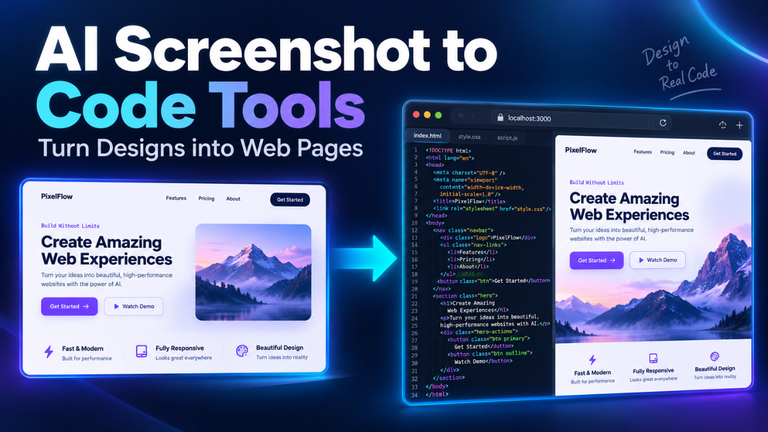
Different tools handle different kinds of work. Text-based platforms can draft emails, simplify explanations, compare documents, translate content, and suggest ideas. Visual tools can remove backgrounds, create illustrations, improve image quality, and resize graphics. Others focus on meetings, data analysis, coding, audio cleanup, research, or workflow automation.
The best way to think about them is as capable assistants with narrow strengths. A meeting transcription tool may capture every sentence beautifully but struggle to identify the one decision your team cares about. A design generator may produce a striking social post, yet choose colors that clash with your brand. The output is a starting point, not an automatic final answer.
Where These Tools Save the Most Time
The biggest gains usually come from small, repeated tasks. Imagine a shop owner who receives the same five customer questions every day. Instead of rewriting each answer, they can prepare clear response templates and personalize them as needed. Ten minutes saved here and there can become several hours by the end of the week.
Content work is another obvious use. Online AI tools can turn scattered notes into an outline, suggest headline options, improve readability, or repurpose a detailed guide into short social posts. The smart move is to supply the knowledge yourself and use the tool to shape it. That keeps the result specific and believable.
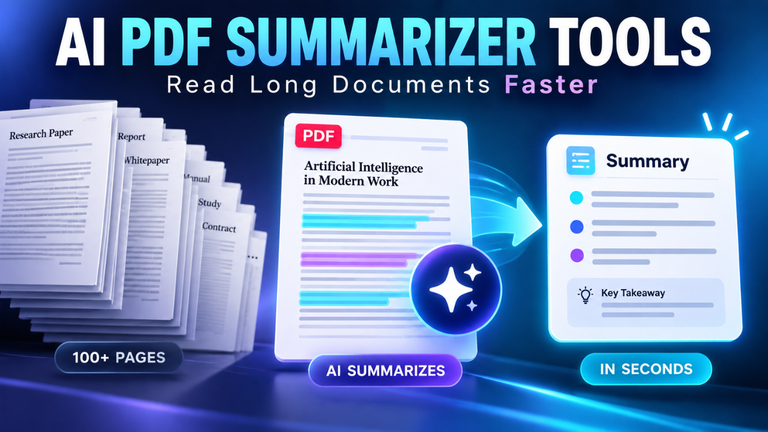
They’re also useful when information feels overwhelming. Suppose you have a 40-page industry report and need to know what changed, which figures matter, and where the author expresses uncertainty. A good document assistant can create an initial summary and point you toward relevant sections. You still verify the details, but you no longer begin with a blank page and a wall of text.
Choosing the Right Tool for the Job
There are thousands of options, and many appear nearly identical on their homepages. Let’s be honest: signing up for too many creates more clutter than value. Start with the problem you need to solve, not the longest feature list.
Ask four practical questions. Does the platform handle your file type or task? Is the result accurate enough for its intended use? Can you understand its privacy terms? Does the time saved justify the price? A free tool that needs twenty minutes of correction may cost more than a paid option that gets close in two.
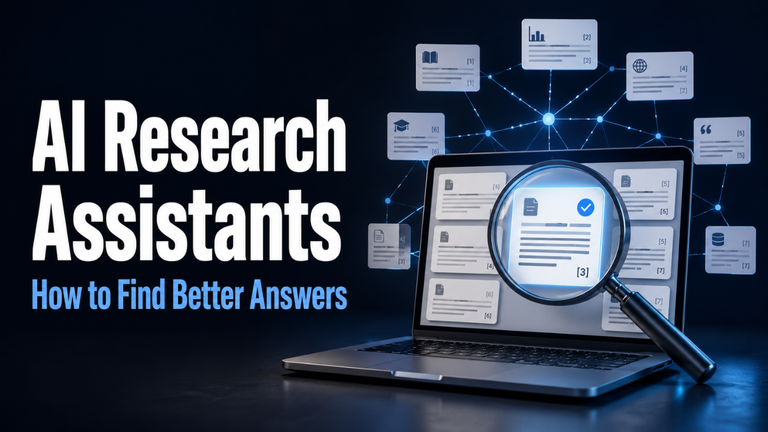
Test candidates with the same real task. If you’re comparing three summarizers, give each the same document and request. Check whether they preserve key facts, distinguish claims from evidence, and show where their answers came from. For image tools, look beyond the first impressive result. Test text rendering, resizing, brand consistency, and editing control.
Getting Better Results Without Complicated Prompts
You don’t need secret commands. Clear instructions usually outperform clever ones. Tell the tool what you want, why you need it, who it is for, and what constraints matter.
Consider the difference between “write a product description” and “write a 90-word product description for busy parents buying a lightweight school backpack; mention the washable fabric and padded straps, use a friendly tone, and avoid exaggerated claims.” The second request gives the system a target. It also makes the result easier to judge.
Useful context might include an example, source material, preferred tone, required format, or facts that must not change. If the first response misses the mark, don’t restart immediately. Point to the weak part: “The opening is too formal,” “Keep the technical terms,” or “Show the comparison in a table.” A short follow-up can improve the answer dramatically.
Break complex jobs into stages. First ask for an outline, then review the structure. Next develop one section, check its direction, and continue. This approach gives you control and catches problems early. It also reduces the chance of receiving a smooth-looking result built on a bad assumption.
The Mistakes That Cause Weak Results
Vague requests are the most common problem. If you ask for “something professional,” the tool has to guess what professional means in your situation. A bank, a fashion brand, and a neighborhood café won’t speak in the same voice.
Blind trust is more serious. Generated answers can include outdated figures, invented sources, incorrect calculations, or details that sound reasonable but aren’t true. The risk increases with niche topics and recent events. A polished paragraph may feel trustworthy simply because it reads well. That’s exactly when verification matters most.
Another mistake is publishing the first output unchanged. Raw results often contain repeated ideas, broad claims, and language that could belong to any business. Add firsthand details, actual examples, and a clear point of view. If a sentence says nothing specific, cut it.
Privacy, Accuracy, and Responsible Use
Before uploading a file, pause and ask what it contains. Client records, private contracts, financial details, passwords, medical information, and unpublished business plans deserve special care. Review the platform’s data policy and account settings. When possible, remove names and confidential details before submitting material.
Accuracy should match the stakes. A wrong color suggestion is easy to fix. Incorrect legal, medical, or financial guidance can cause real harm. High-stakes decisions need qualified human review and reliable primary sources. Even ordinary claims should be checked when they’ll appear publicly or guide spending.
Transparency matters in teams as well. Colleagues should know when automated summaries or generated materials influence a decision. Clear ownership prevents a common problem: everyone assumes someone else checked the output.
Building a Simple Toolset That Works
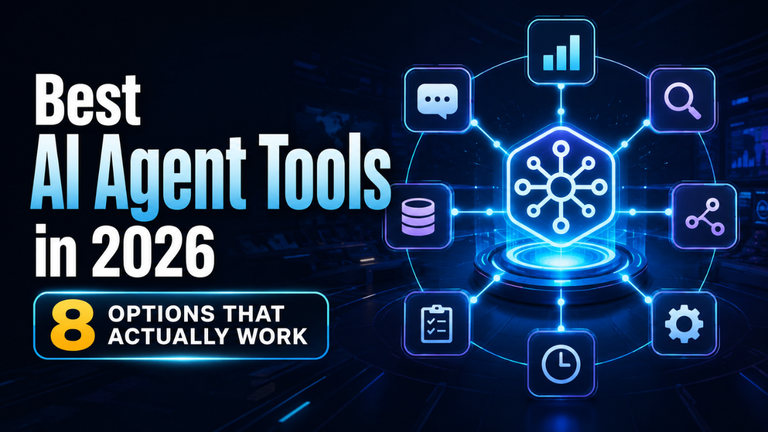
A useful setup doesn’t need twelve subscriptions. For many people, three categories are enough: one general assistant for text and reasoning, one specialist for the work they do most, and one automation platform that connects routine steps.
For example, a small marketing team might use a general assistant to organize campaign ideas, a visual platform to prepare editable graphics, and a meeting tool to capture decisions. A freelance developer may prefer a coding assistant, a research tool with source links, and an app that turns project notes into tasks.
Keep a small collection of instructions that produced good results. Save the request, the context you provided, and a strong example output. Over time, these become reusable workflows rather than isolated experiments.
What Comes Next
Online AI tools are becoming less like separate websites and more like features built into browsers, office apps, design platforms, and business systems. The next shift will be from answering individual requests to completing connected tasks: reading a message, checking a schedule, preparing a draft, and asking for approval before anything is sent.
That convenience will raise expectations. People will care less about whether a tool can generate something and more about whether it understands context, protects data, explains its sources, and works reliably with other software. Trust will become a bigger selling point than novelty.
Human skills won’t become less important. Good judgment, subject knowledge, curiosity, and taste are what turn a fast output into useful work. The people who benefit most won’t be those who accept every suggestion. They’ll be the ones who know what a good result should look like.
Final Thoughts
Online AI tools work best when they handle friction rather than responsibility. Let them organize rough notes, create a first draft, clean up repetitive tasks, or reveal patterns you might have missed. Keep the final decisions, fact-checking, and personal insight in human hands.
Start with one annoying task you repeat every week. Choose a tool, test it on real material, measure the time saved, and refine the workflow. That’s a far better strategy than collecting every new platform that appears. The goal isn’t to use more tools. It’s to make better work feel lighter.