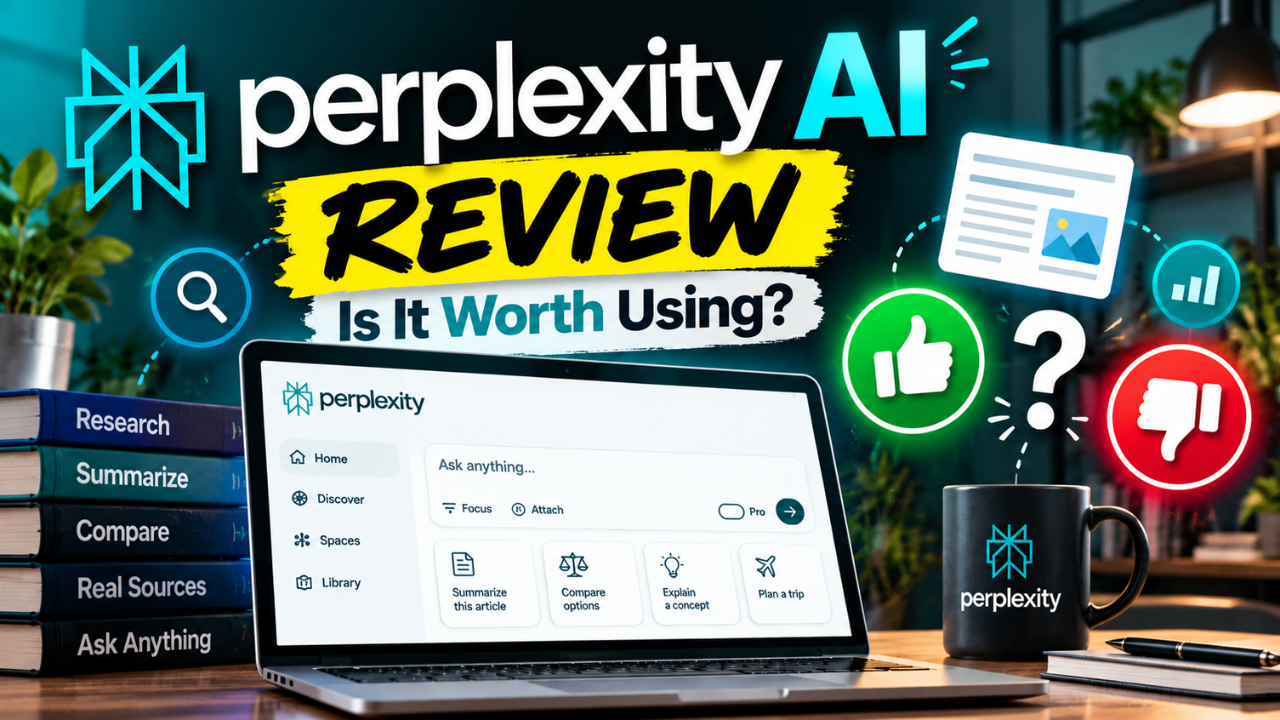
Perplexity AI Review: Is It Worth Using?
Research can become exhausting when finding a clear answer takes too much time. You open one page, check another, and end up with twelve tabs that disagree about something as simple as a software feature.
Perplexity promises a shorter journey: ask a question, get a readable answer, then follow the sources behind it. That sounds useful, especially when you need to understand a subject before making a decision.
The real question is how much work it saves once you account for checking those sources. My view is that Perplexity makes a useful starting point for research, provided you stay involved in deciding what deserves your trust.
Table of Contents
- How Perplexity Works
- Where It Makes Everyday Research Easier
- Citations Are Useful, but They Still Need Checking
- Research Mode and File Uploads
- Free vs. Pro: What You’re Paying For
- The Frustrations Worth Knowing About
- Privacy Settings You Should Check
- How to Get More Useful Answers
- Is Perplexity Worth Using?
How Perplexity Works
Perplexity is an answer engine that searches the web and turns relevant information into a conversational response. Each answer comes with numbered links to its sources, and you can ask more questions without having to repeat what you’ve already discussed.
Think about comparing two project management tools. You could ask how their free plans differ, then follow up with, “Which one supports five people without requiring a paid upgrade?”
That second question matters. It moves the conversation toward your actual decision rather than leaving you with a broad description of both products.
The attraction is having information gathered into one place. You should still check if the comparison makes sense, the information is up to date, and the answer fits what you’re looking for. Perplexity gives you a route into the subject; you decide how far to follow it.
Where It Makes Everyday Research Easier
Perplexity makes most sense to me when a question requires information from several places.
Imagine you manage a small website and want to understand why two analytics platforms report different visitor numbers. A sensible research task would cover tracking methods, consent settings, bot filtering, and reporting time zones. Those details might sit across several help pages.
You can ask Perplexity to organize the possible explanations, then investigate the ones that fit your setup.
The same approach suits learning unfamiliar terminology. Before choosing a cloud backup provider, it helps to understand how long files are stored, how quickly they can be recovered, and what storage costs to expect. Getting those concepts straight can make the later research much more productive.
For bloggers, I’d use it to locate original announcements and documentation. Keep the source open when recording a fact. A summary is convenient, but the original page usually contains the qualifications you’ll need when explaining that fact to readers.
Citations Are Useful, but They Still Need Checking
Source links are probably Perplexity’s most appealing feature. They give you somewhere concrete to go when an answer makes a claim.
Here’s the thing: a citation gives you a way to check a statement. It doesn’t complete that check for you.
When reviewing an answer, open the source beside an important claim and find the supporting passage. Does it say exactly what the summary suggests? Is it discussing the same product version, country, or time period?
Consider a software comparison that says a feature is available on the free plan. The linked page might describe the feature without saying which subscription includes it. You’d still need the pricing or plan comparison page.
Also look for independent evidence. Three websites sharing the same news offer fewer different perspectives than three independent reports.
This is a general research habit, but Perplexity makes it especially relevant: a neat answer can feel settled before you’ve examined what supports it.
Research Mode and File Uploads
Research mode takes a broader approach than a quick search. Perplexity describes it as performing multiple searches, examining source material, and producing a fuller report. Free accounts have limited access, while Pro provides extended access.
It’s a sensible option for questions with several connected parts. Comparing suppliers across pricing, support, contract terms, and integration requirements is a reasonable example. A simple definition rarely needs that treatment.
File uploads bring your own material into the conversation. Perplexity supports documents such as PDFs, along with other file types. Its documentation says long files may be handled by extracting the sections most relevant to your question, rather than analyzing everything in full.
That distinction matters with a lengthy report. Ask about a specific section and request the supporting passage. If you need an exhaustive review, work through the document in smaller parts and check the original.
Free vs. Pro: What You’re Paying For
The free plan offers basic search, with restricted access to more advanced searches and file uploads. Pro adds advanced model access, higher allowances, and additional tools. Perplexity’s plan documentation lists usage limits, so don’t assume a subscription makes every feature unlimited.
At the time of checking, Perplexity lists Pro at US$20 per month or US$200 per year. Confirm the amount shown at checkout for your billing location.
I’d start with the free plan and use it for real tasks over several days. Pay attention to where you hit a limit and whether the answers help enough to justify upgrading.
For occasional questions, the free version may cover your needs. If you regularly analyze documents or handle detailed research tasks, upgrading to Pro may be worth considering.
Monthly billing also gives you room to assess the value before making an annual commitment. A feature list tells you what’s available; your workload tells you whether you’ll use it.
The Frustrations Worth Knowing About
The main frustration is the gap between a readable overview and a dependable conclusion.
Compression removes detail. In any summarized comparison, a short answer can lose the awkward exception that changes your decision: a feature restricted to one region, a discount requiring annual payment, or an integration available only on a higher plan.
Broad questions create another problem. Ask for the “best marketing tool,” and you haven’t supplied enough information to judge the answer. Your budget, audience, existing software, and team size all affect what “best” means.
There’s also a practical limit to summary-based research. Sometimes you need to browse the full material, compare wording directly, or look for something the overview didn’t mention. Keep that option available.
A useful way to judge Perplexity is to see whether it helps you identify and investigate those details. The polish of the first response tells you much less.
Privacy Settings You Should Check
Before uploading work documents, check the account’s data settings.
Perplexity says training-related data retention is enabled by default for Free, Pro, and Max users. You can turn it off through account settings under Preferences. The opt-out applies to data collected afterward; it doesn’t remove previously collected training data. Enterprise accounts have different protections, including exclusion from model training.
That’s a meaningful distinction for anyone working with client information.
For ordinary public research, you may only need to review your preferences. For internal documents, follow your organization’s rules and remove personal details that aren’t needed for the question.
I wouldn’t upload a customer list to ask about general marketing ideas. Describe the audience instead. Give the tool enough context to help without adding information that serves no purpose.
How to Get More Useful Answers
Specific questions give you a better basis for evaluating the response. Perplexity’s own guidance recommends stating your intent clearly and adding relevant context.
Suppose you’re choosing an email platform. Instead of asking for the best one, try: “Compare three email marketing platforms for a small online shop with 2,000 subscribers. Show current monthly pricing, automation limits, and links to official plan pages.”
You’ve supplied a task, a scale, and evidence requirements. Now you can see whether the answer meets them.
Follow up on weak points. Ask which details remain unconfirmed, where sources disagree, or whether a quoted price requires annual billing.
For changing topics, specify a date range. For uploaded documents, ask it to distinguish information in the file from information found online.
Finish by checking the facts that drive the decision. You don’t need to investigate every background sentence equally closely, but a price, eligibility condition, or feature limitation deserves attention.
Is Perplexity Worth Using?
Perplexity is worth trying if your work involves gathering information, understanding unfamiliar subjects, or comparing options across several sources.
Its appeal is the combination of a readable overview, follow-up questions, and links you can investigate. That can help you get oriented and decide what to read next. Whether it saves you time will depend on your questions and how much verification they require.
I’d begin with the free version, use it on a few genuine research tasks, and upgrade only when its limits interrupt work you value.
The best result is leaving with a clearer understanding of the subject and knowing which evidence supports it. Keep that as your measure of success. A confident paragraph is easy to accept; a conclusion you can explain and verify is far more useful.