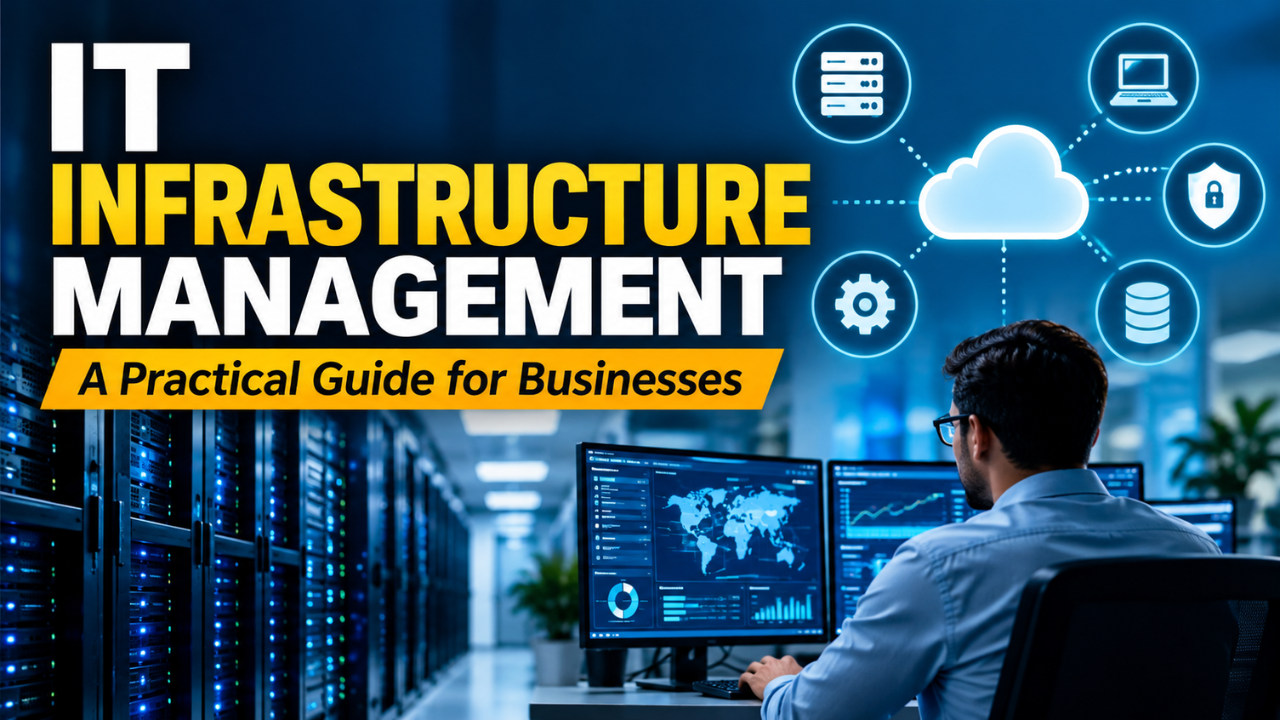
IT Infrastructure Management: A Practical Guide for Businesses
A customer is waiting for a quote, but the shared drive won’t open. Someone’s trying to process payroll while the office connection keeps dropping. Meanwhile, the IT team is investigating an alert that turns out to be harmless.
These are ordinary problems with real consequences. People lose time, customers get frustrated, and small interruptions start shaping the whole working day.
IT infrastructure management brings some order to that situation. It keeps the technology behind everyday work available, secure, and properly maintained. Doing it well starts with understanding what the business needs and building routines people can actually follow.
Table of Contents
- What IT Infrastructure Management Covers
- Start With the Work Your Systems Support
- Know What You Own and Who Owns It
- Monitor Problems People Actually Notice
- Make Maintenance Part of the Routine
- Treat Recovery as Something You Can Prove
- Keep Access Under Control
- Watch Costs and Plan for Growth
- Build a Routine Your Team Can Maintain
What IT Infrastructure Management Covers
IT infrastructure management is the ongoing work of maintaining the hardware, software, networks, and supporting services a business relies on.
That includes laptops, servers, storage, internet connections, operating systems, cloud resources, and identity services that control access. For equipment located on-site, reliable power and proper cooling are also important. A server can’t do much when the room overheats or electricity cuts out.
Management covers the whole life of these resources: choosing them, setting them up, monitoring their condition, fixing problems, and eventually replacing or retiring them.
An IT help desk might handle an employee’s connection problem. Infrastructure management also examines why that problem keeps happening and whether other employees face the same issue.
The practical goal is dependable service. Staff should be able to access the tools they need, and the people maintaining those tools should understand how everything fits together.
Start With the Work Your Systems Support
Before checking the equipment, speak with the people who use it every day. Ask what happens when a particular service becomes unavailable.
A design agency might struggle immediately without access to large project files. A small retailer could tolerate a delayed internal report but face serious trouble if staff can’t process orders.
Those differences should shape your priorities.
For each important service, record who uses it, when it’s needed, and what an interruption would affect. Include busy periods. A system that performs comfortably on an ordinary Tuesday may struggle during a promotion or month-end reporting.
Look at dependencies as well. An application might need a database, a working network connection, and a separate login service. Restoring the application alone won’t help if employees still can’t sign in.
CISA’s ransomware guidance advises organizations to identify their most important assets and understand which business services rely on them. That same knowledge helps teams decide what needs protection and what should be restored first.
Know What You Own and Who Owns It
An inventory sounds dull until you need to find the person responsible for a failing system.
Keep a record of your devices, software, cloud accounts, and major services. Useful details include the owner, purpose, location, support status, renewal date, and business importance.
For a small team, a well-kept spreadsheet can be a sensible starting point. Larger environments may need automated discovery and a more structured database. Either way, someone must check the information and resolve gaps.
Ownership deserves particular attention. A former employee may have registered a domain, opened a cloud account, or become the only administrator for a service that everyone now depends on.
Assign a responsible person and a backup contact for critical resources.
Update the inventory when equipment arrives, systems change, or services close. A record that only gets reviewed during an annual audit will quickly fall behind everyday work.
Monitor Problems People Actually Notice
A dashboard can show healthy servers while employees wait ages for a page to load.
That’s why monitoring should cover both technical conditions and the experience of using a service. Track resource usage, storage capacity, network performance, application errors, and backup failures. Where practical, test an actual task, such as signing in or opening a key page.
Make alerts useful. Each one should explain what needs attention, who should respond, and how urgently.
Constant notifications about harmless fluctuations can teach people to ignore the whole system. Review noisy alerts and adjust thresholds using normal activity as a reference.
Imagine an accounting application slowing down every afternoon. Comparing that pattern with scheduled jobs might reveal that a large report runs during the busiest working hours. Moving the job could solve the problem without buying more capacity.
Monitoring earns its place when it helps someone make a decision.
Make Maintenance Part of the Routine
Let’s be honest: maintenance is easy to postpone when everything appears to be working.
Build a schedule for updates, equipment checks, certificate renewals, and replacement planning. Give more urgent attention to actively exploited security weaknesses and exposed systems, while considering the business impact of each change.
Changes also need preparation. Record what you’re changing, why you’re changing it, how you’ll check the result, and how you’ll recover if something goes wrong.
For an important application, test updates in a suitable test environment when possible. Schedule maintenance at a time that works for everyone affected, and let them know what to expect.
Afterward, verify the work employees actually perform. A successful installation message doesn’t prove that printing invoices or uploading files still works.
Replacing aging equipment belongs in the same routine. Track support deadlines and signs of declining reliability so replacement becomes a planned expense instead of an emergency purchase.
Treat Recovery as Something You Can Prove
A backup job marked “successful” is reassuring. Being able to restore the right information and use it again provides stronger evidence.
Set recovery expectations with the business. The recovery time objective, or RTO, sets the target limit for how long a system can remain unavailable. The recovery point objective, or RPO, determines how far back in time your recovered data may go. These are central concepts in NIST’s contingency planning guidance.
For example, a business might need its order system restored within two hours while accepting no more than fifteen minutes of lost transactions. Those targets influence backup frequency, recovery methods, and cost.
Test realistic restores. Open the recovered files, check the application, confirm permissions, and record how long the process takes. Someone other than the usual administrator should be able to follow the instructions.
Protect backups from the same failures or compromised accounts that could affect the live environment. Depending on your setup, that may involve separate credentials, protected storage, or offline copies.
Keep recovery instructions accessible during an outage. Instructions stored only inside the failed service won’t be much help.
Keep Access Under Control
Access management becomes messy when employees change roles, contractors finish projects, and old accounts remain active.
Give people the access their work requires and review it when responsibilities change. Use separate administrator accounts where practical, and avoid shared logins that make individual actions difficult to trace.
Require multifactor authentication for important services, particularly email, remote access, and administrator accounts. CISA recommends prioritizing these areas and using phishing-resistant methods where available.
Have a clear process for joining and leaving the company. When someone departs, disable their access and transfer responsibility for any services they managed.
Review service accounts too. These accounts support applications and automated jobs, so they can easily escape the attention given to employee logins. Each needs an owner, a clear purpose, and appropriate permissions.
Watch Costs and Plan for Growth
Infrastructure spending includes more than the price of equipment. Support contracts, software licenses, cloud usage, storage, and staff time all contribute.
Review costs alongside actual use. You might find unused subscriptions, forgotten test environments, or resources sized for demand that never arrived. Confirm their purpose before reducing or removing them.
Cloud services still need management. Your provider’s responsibilities depend on the service, while your team remains responsible for the customer-side settings, access, and workloads under its control.
Capacity planning starts with patterns. Watch how storage, traffic, and resource demand change over time, then connect those trends to business plans.
If a company expects to hire thirty people, check its network, device budget, licenses, and support capacity early. Growth is easier to handle when the supporting technology is ready before the new staff arrive.
Build a Routine Your Team Can Maintain
Even a small IT team can manage infrastructure more consistently by making responsibilities visible.
Assign owners for major services and establish a regular review of incidents, maintenance, capacity, costs, and recovery tests. The timing should reflect how quickly your environment changes and how much disruption the business can tolerate.
When something fails, restore service, communicate with affected users, and then investigate the cause. Capture what would prevent a repeat, whether that’s a configuration change, a clearer procedure, or a different alert.
Documentation should help the next person take action. Include relevant contacts, dependencies, recovery steps, and the location of securely managed credentials. Keep it current as systems change.
Good IT infrastructure management shows up in everyday work: fewer recurring interruptions, clearer ownership, and more confidence when problems occur. Start with the services your business depends on most, learn where they’re vulnerable, and maintain them consistently. That steady attention gives both employees and the IT team a more manageable working day.