Task Management Software: A Practical Guide to Getting More Done
Work rarely becomes stressful because people don’t care. More often, it happens because tasks are scattered across emails, messages, notebooks, and someone’s memory.
A deadline gets mentioned during a meeting. A revision arrives through chat. Another request sits unread in an inbox. By Friday, everyone has been busy, yet nobody is completely sure what has actually been finished.
Task management software brings that scattered work into one clear place. It shows what needs attention, who owns each task, and when it should be completed. Used properly, it doesn’t just organize a to-do list. It creates a calmer, more reliable way to work.
Table of Contents
- What Task Management Software Actually Does
- Why Ordinary To-Do Lists Stop Working
- The Features That Make a Real Difference
- How Task Management Software Improves Teamwork
- Choosing the Right Tool for Your Needs
- Setting Up a System People Will Actually Use
- Common Mistakes That Create More Work
- Measuring Whether the Software Is Helping
- A Better Way to Stay on Top of Work
What Task Management Software Actually Does
Task management software helps individuals and teams create, assign, organize, track, and complete work. Each task can include useful details such as a deadline, priority level, description, owner, checklist, attachment, or comment thread.
Think of it as a shared control panel for daily work.
Instead of asking, “Who was handling that?” you can open the project and see the task owner. Rather than searching through old messages for a document, you can attach it directly to the relevant task. If a deadline changes, the update becomes visible to everyone involved.
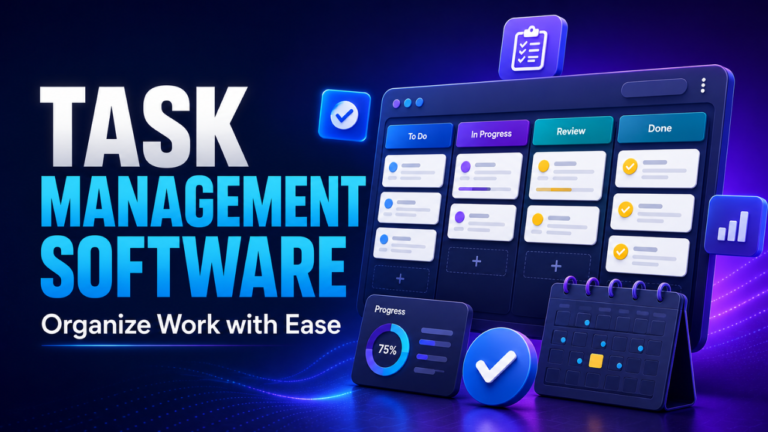
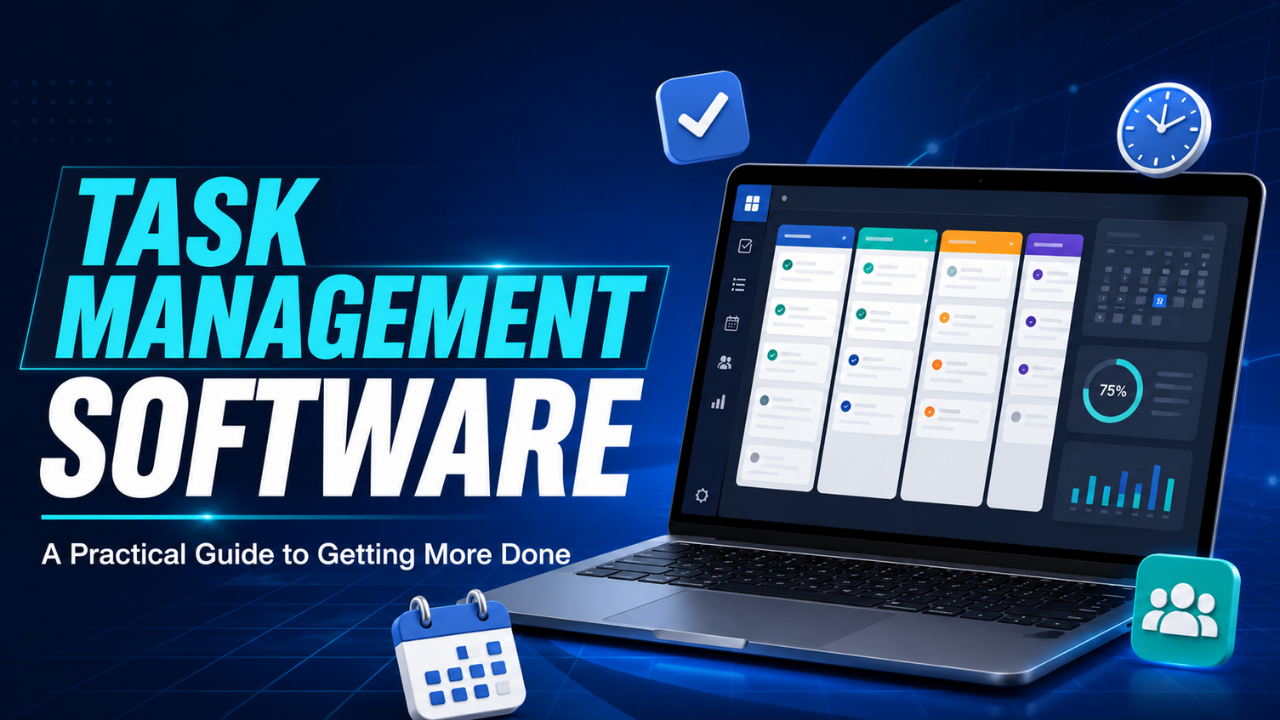
Most tools display work in several formats. A simple list works well for personal tasks. Kanban boards divide work into stages such as “To Do,” “In Progress,” and “Complete.” Calendar views help people understand upcoming deadlines, while timeline views show how larger tasks connect.
The software doesn’t complete the work for you. It removes the confusion surrounding the work so people can focus on doing it.
Why Ordinary To-Do Lists Stop Working
There’s nothing wrong with a handwritten list. For a quiet day with five simple jobs, a notebook may be all you need.
Problems begin when work becomes shared, detailed, or dependent on other people.
Imagine a small content team preparing four blog posts. One person writes the drafts, another checks facts, and a third uploads the finished content. A paper list might show “Publish four posts,” but it won’t clearly reveal which draft is waiting for review, which image is missing, or which article has already been scheduled.
That lack of visibility creates repeated questions and unnecessary delays.
Personal to-do lists also struggle with changing priorities. A task marked as important on Monday might become less urgent after a client sends a new request on Tuesday. Without a flexible system, people keep rewriting lists or mentally reorganizing them.
Task management software makes those changes easier to handle. Tasks can be moved, reassigned, postponed, or divided into smaller steps without losing the original information.
Here’s the thing: the real benefit isn’t having a digital list. It’s having a list that stays connected to deadlines, conversations, files, and people.
The Features That Make a Real Difference
Modern platforms offer dozens of features, but more isn’t always better. A few practical functions usually deliver most of the value.
Task assignment creates clear ownership. Every important job should have one person responsible for moving it forward, even when several people contribute. When ownership is unclear, people often assume someone else will handle the work.
Deadlines are equally important. A task without a due date can remain unfinished for weeks because it never feels urgent. Useful software highlights approaching deadlines and sends reminders before work becomes overdue.
Priorities help separate urgent work from tasks that can wait. However, it’s best to keep priority levels simple. If everything is labelled urgent, the label becomes meaningless.
Subtasks and checklists make large assignments less intimidating. “Launch the new website” is too broad to guide daily action. Breaking it into design approval, content upload, mobile testing, and domain setup gives the team a clearer path.
Comments, attachments, and activity records keep discussions connected to the work. This is especially helpful when someone joins a task halfway through. They can review previous decisions instead of asking the team to explain everything again.
Automation can also save time when used carefully. For example, a completed writing task might automatically move to the editing column and notify the editor. Small actions like that reduce routine administration without making the workflow difficult to understand.
How Task Management Software Improves Teamwork
Good teamwork depends heavily on visibility. People perform better when they understand the goal, their responsibilities, and what other team members need from them.
A shared task system creates that visibility without requiring constant meetings.
Suppose a designer is waiting for final copy before creating a social media graphic. If the copywriting task is visible, the designer can check its status instead of sending several follow-up messages. The writer also knows that another person’s work depends on finishing the copy.
This makes dependencies easier to spot. It also encourages accountability in a healthy way because progress is visible without a manager repeatedly asking for updates.
Remote teams benefit even more. When colleagues work in different locations or time zones, immediate replies aren’t always possible. A well-maintained project board gives people the context they need to continue working independently.
Still, software can’t fix poor communication by itself. Team members must write clear task descriptions, update their progress, and mention blockers early. The platform provides the structure, but people must keep that structure useful.
Choosing the Right Tool for Your Needs
The best task management software isn’t necessarily the one with the longest feature list. It’s the one that fits how you already work while improving the areas that cause the most friction.
Start by looking at your actual problems.
Are deadlines being missed? Do team members struggle to find files? Is management spending too much time asking for updates? Are projects delayed because task ownership isn’t clear?
Your answers should guide the decision.
A freelancer may only need simple lists, deadlines, and reminders. A marketing agency could benefit from reusable project templates, approval stages, client access, and time tracking. A product team handling complex releases may need dependencies, workload planning, reporting, and integrations with other work systems.
Ease of use matters more than many buyers expect. A powerful platform has little value if employees find it confusing and return to private spreadsheets after a week. Test the software with a real project before moving all your work into it.
Mobile access may matter for teams that travel or work away from desks. Integrations are useful when tasks regularly begin in email, customer support systems, or shared document platforms. Security, permission controls, and backup policies deserve attention when projects contain private business or client information.
Price matters, of course, but calculate the wider cost. A cheaper tool that creates extra manual work may cost more in lost time than a slightly more expensive option that fits properly.
Setting Up a System People Will Actually Use
Many task management systems fail during setup. Someone creates too many boards, adds complicated labels, and builds a workflow that needs a training manual. The team becomes frustrated before the software has a chance to help.
Start small.
Choose one active project and create only the stages it genuinely needs. A straightforward workflow might include “Planned,” “In Progress,” “Waiting for Review,” and “Complete.” Add an owner and deadline to every meaningful task.
Task titles should describe a clear action. “Homepage” is vague. “Review homepage copy” tells the owner exactly what needs to happen.
Descriptions should contain enough context to begin the work. Include the expected result, relevant links, and any important instructions. However, avoid turning every small task into a wall of text.
It also helps to agree on a few team rules. For example, everyone might update task statuses before finishing work each day. Blocked tasks could receive a specific label, while urgent changes may require a comment tagging the task owner.
Once the basic workflow feels natural, you can add templates, reports, and automatic actions. Let the system grow with the team instead of building everything on day one.
Common Mistakes That Create More Work
One common mistake is using several tools for the same purpose. If some tasks live in one platform, others stay in chat, and the rest appear in a spreadsheet, nobody knows which source is reliable.
Choose one main location for trackable work.
Another problem is creating tasks that are too large. “Improve website SEO” may take months and involve dozens of separate activities. Smaller tasks such as updating page titles, fixing broken links, and reviewing internal links are easier to assign and measure.
Outdated boards cause trouble too. When completed tasks remain open or deadlines are never changed, people stop trusting the information. Once that trust disappears, the platform becomes digital clutter.
Notifications need balance. Too few alerts can lead to missed updates, while too many encourage users to ignore everything. Each person should receive alerts connected to work that genuinely needs their attention.
Let’s be honest, some teams also use task tracking as surveillance. Recording every minor action can make employees feel watched and waste time on unnecessary updates. The goal should be clarity and support, not pressure.
Measuring Whether the Software Is Helping
A neat project board may look impressive, but appearance isn’t the real test. The software should improve how work moves.
Look for practical changes. Are fewer deadlines being missed? Do meetings spend less time on basic status updates? Can team members find information faster? Are blocked tasks noticed earlier?
Completion rates and overdue task numbers can provide useful evidence, but numbers need context. A falling completion rate may indicate poor performance, or it may simply mean the team has started recording work more accurately.
Ask employees what they’re experiencing as well. They’ll often spot friction that reports can’t show. Perhaps task descriptions are unclear, approval stages take too long, or the mobile app is difficult to use.
Review the system every few months. Remove unused labels, simplify slow processes, and update templates that no longer match the work. Task management should make operations lighter, not become another project that constantly needs attention.
A Better Way to Stay on Top of Work
Task management software works best when it gives people a clear answer to three questions: What needs to happen, who is responsible, and when is it due?
That sounds simple, but it can transform a busy workplace. Fewer tasks disappear in crowded inboxes. Team members spend less time chasing updates. Managers gain visibility without interrupting everyone, and individuals can end the day knowing what deserves attention tomorrow.
The right platform won’t remove every delay or difficult deadline. What it can do is create order around the work, making progress easier to see and problems easier to solve. Start with a simple system, keep it updated, and shape it around real working habits. That’s when task management software becomes genuinely useful rather than just another tool.